Hi Team
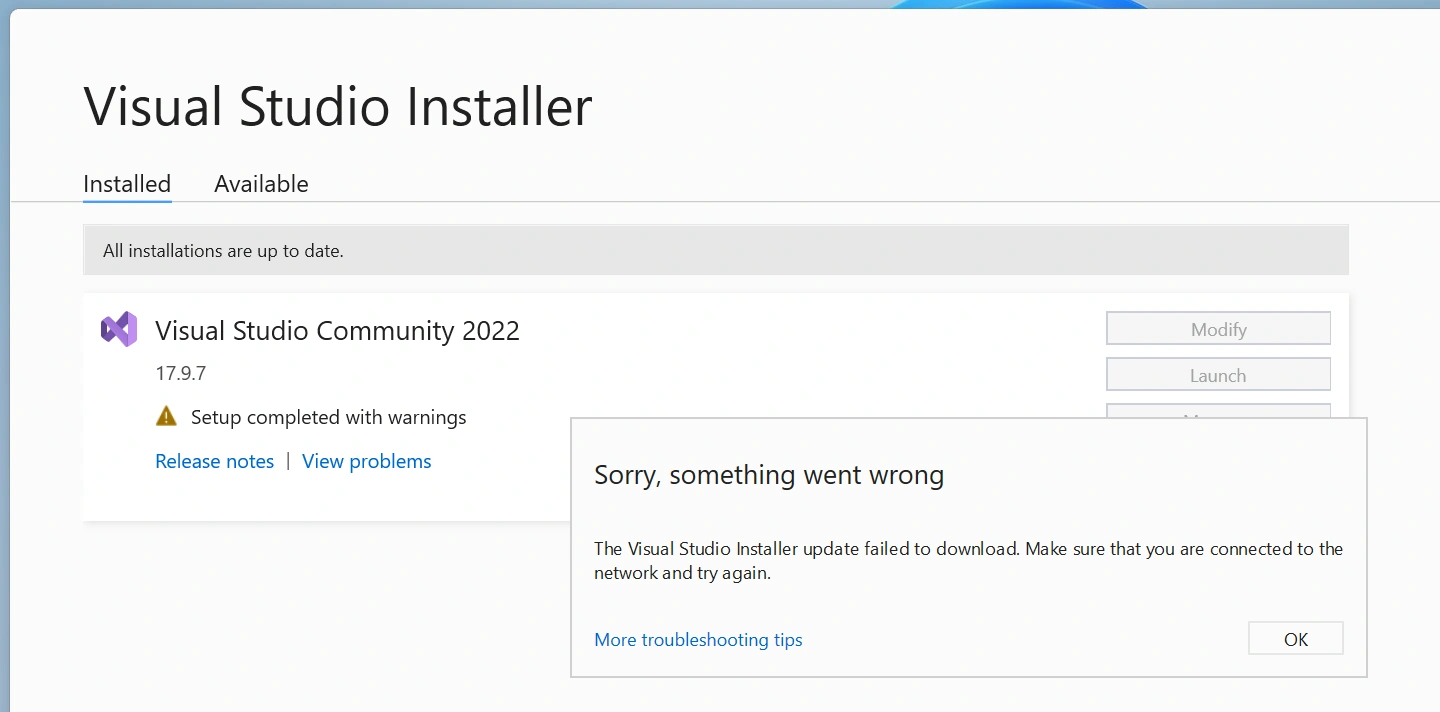
I have installed Visual Studio 2022 fine, now i am trying to get Visual Studio 2017/2019 installed using installer, the problem its not downloading and did restart the machine, delete the folder from the Program Files(x86). Nothing at all, what else could have caused the below issue? the IDE is not installed at all. The network is extremely fast and working fine
Riddhi ValechaPosted May 27, 2024, 11:41 AM
Also, Please check the configuration of your machine -
1. Operating System (OS) Version.
2. RAM / Hard Drive space.
3. Or open the log file (It opens in notepad) and check where it is going wrong.
Rajeesh MenothPosted May 24, 2024, 6:22 AM
If you have already installed VS 2022, it's better to avoid installing the old version to avoid potential issues. It's recommended to keep one version only. If you're experiencing issues, try restarting your machine as it may resolve the problem.