
Hi All ,
we require Nested Gridview without expand (+) ( -) Button . Which means we need it automatically to load the data .
Header Grid ( Header row data which) and details Grid
Barcode Qty InventoryName -> Header Grid
A01 4 Abcd
Brachid Qty -> Details Grid
B001 2
B002 2
If anyone know , suggest with sample code .
Thanks in advance ,
Karthik.K
Pankajkumar PatelPosted Mar 19, 2025, 12:28 PM
Hi Karthik K,
.aspx
C#
Output
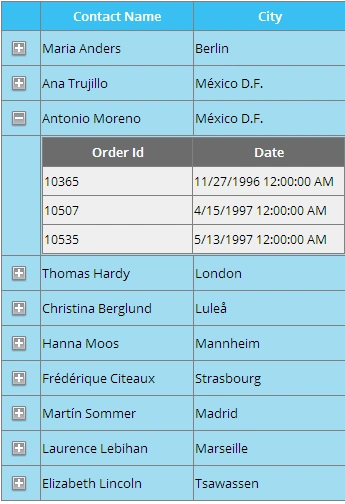
Fore more details:
Hope this will help you!
Prasad RaveendranPosted Mar 16, 2025, 6:01 AM
Steps:
gvHeader) to display the header data.gvDetails) inside aRowDataBoundto bind the detail grid based on the parent row's data.Code Implementation
ASPX Page
Code-Behind (C#)
Explanation
gvHeaderGridView displays the parent data (Barcode, Qty, InventoryName).gvHeader, there's a nestedgvDetailsGridView inside aTemplateField.gvHeader_RowDataBoundevent fetches the details data (GetDetailData) and binds it automatically for each row.This will result in a nested GridView that loads automatically with details displayed for each row.
Eliana BlakePosted Mar 13, 2025, 7:05 AM
Nested Grid view in ASP.NET refers to a scenario where one Grid view control is nested within another, allowing for a hierarchical representation of data. In your case, you are looking to implement a Nested Grid view without the traditional expand/collapse buttons, with data automatically loaded.
To achieve this in ASP.NET, you can use nested Grid views within a parent-child relationship. Here is a brief example to guide you:
1. Define your parent Grid view with the header details (Barcode, Qty, InventoryName):
2. Define your child Grid view for displaying details (Brachid, Qty):
3. In your code-behind (C#), you can populate these Grid views with data. Here is a simplified example:
4. You can similarly populate the child Grid view (`gvChild`) with relevant details when a row in the parent Grid view is selected by handling events like `SelectedIndexChanged`.
This is a basic outline to get you started on implementing a nested Grid view in ASP.NET without expand/collapse buttons. You can further enhance this with styling, data binding, and additional functionalities based on your requirements.
Let me know if you need further assistance or details on a specific aspect!