hi,
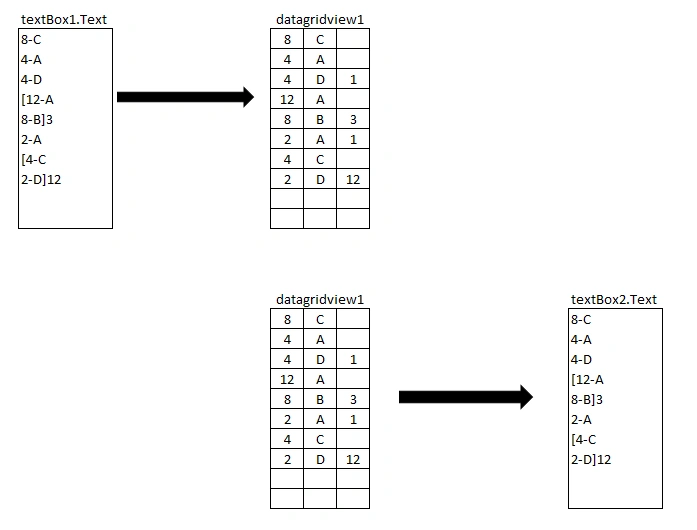
i want textbox1 input copy to datagridview1 and same aswell as same datagridview1 input copy to another textbox2 while button click event dynamically.
like below example.
kindly anybody share the code
thanks
Luv
hi,
i want textbox1 input copy to datagridview1 and same aswell as same datagridview1 input copy to another textbox2 while button click event dynamically.
like below example.
kindly anybody share the code
thanks
Luv
Know the answer? Post it — somebody with the same question will find it here.
Sign in to answer this question
It is the same account you read, post and publish with — and you will come straight back to this page.
Uday DodiyaPosted Oct 5, 2024, 5:02 AM
Hi Luv,
Here I have shared updated code that match your output requirment
Following is revised code.
Output 1 : Before Button Click
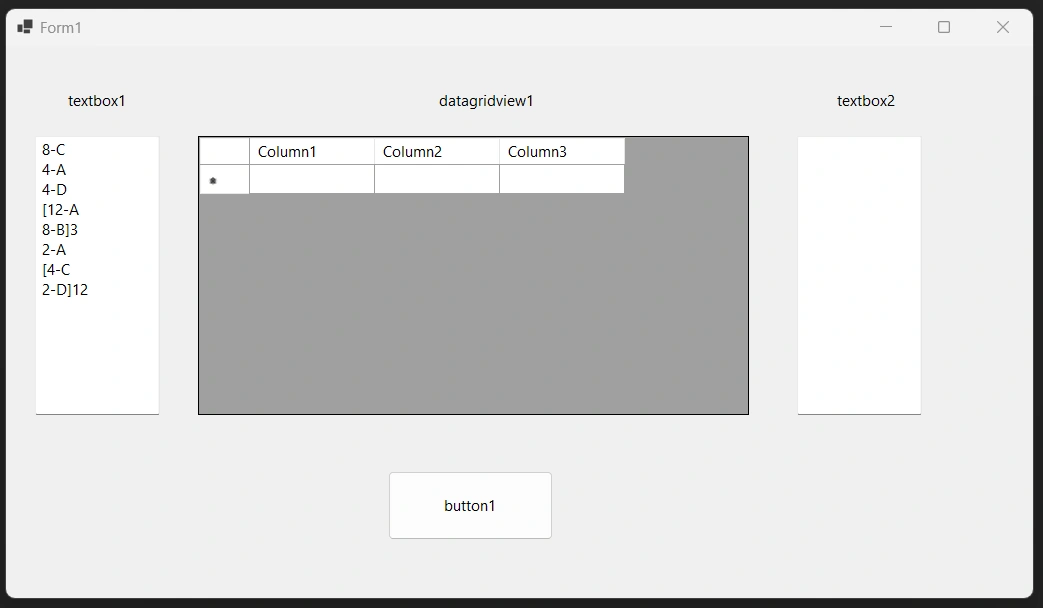
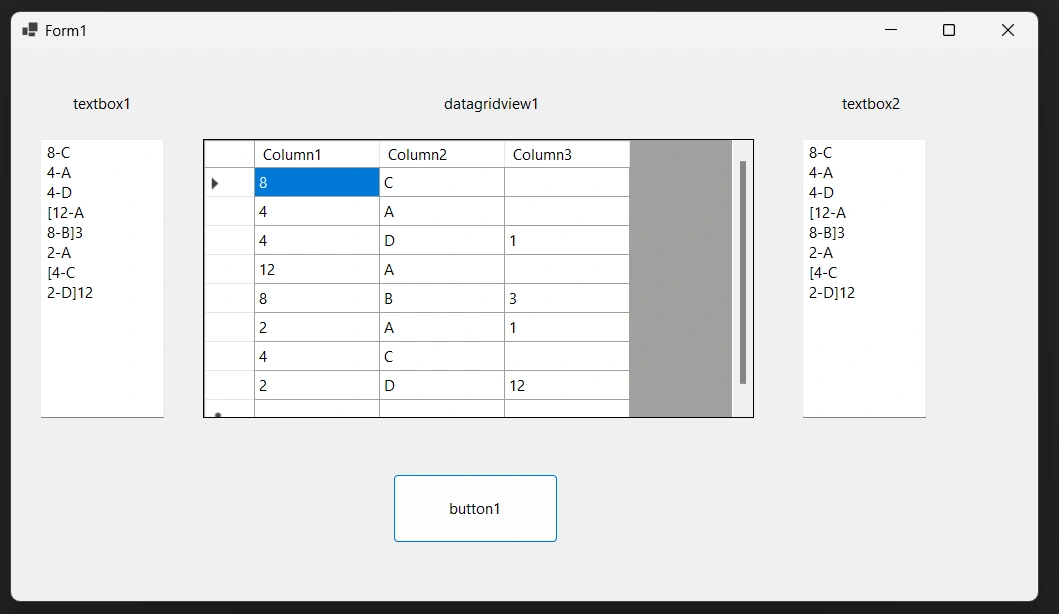
Output 2 : After Button Click
Luv LPosted Oct 13, 2024, 5:25 AM
Dear @Uday Dodiya
Thanks for your reply sir.it work well and what i need.
Here i have small impliment need i.e if textbox input ends without timing then gridview result should be by default 1.
pls refer image.
please help the recify code.
Thanks in advance.
Luv LPosted Oct 5, 2024, 3:38 AM
Dear @Uday Dodiya,
Please rectify as per the requirment and share the code.
Thanks
Luv
Luv LPosted Oct 3, 2024, 1:38 PM
Dear @Uday Dodiya
Thanks for your reply sir.
in textbox1 if we start open bracket then previous line should be by default input should be 1 in gridview every line it will checked where open bracket is started then previous line ends input shoud be by default with 1 in gridview..
also copy from gridview1 data to textbox same as textbox1 input like open and close bracket.
Hope you understand.please share the revised code.
Thanks
Luv
Luv LPosted Oct 3, 2024, 1:24 PM
Dear @Jayraj Chhaya / @Uday Dodiya
please find the result output given below attachment.
hope you understand my logic.if use open and closing bracket with timing then gridview output should be
wothout bracket and timing should be another column.and before start bracket previuous row should be timing should be 1 by default .like below
c0 c1 c2
10 A
10 B 1 (HERE BYDEFULT 1 BECAUSE BELOW START WITH OPEN BRACKET IN TEXTBOX1 INPUT.)
8 C
2 D 8
ALSO SAME GRIDVIEW DATA COPY TO TEXTBOX2 SAME OPEN AND CLOSE BRACKET WHERE TIMING IS USED SAME AS TEXTBOX1.
Hope you understand my logic.
Thankyou
Luv
Uday DodiyaPosted Oct 3, 2024, 5:47 AM
Hi,
The following code is working as I make the same application using your data.
You have to define two textboxes and make them multiline and one datagridview.
Following is code.
Output 1 : Before Button Click
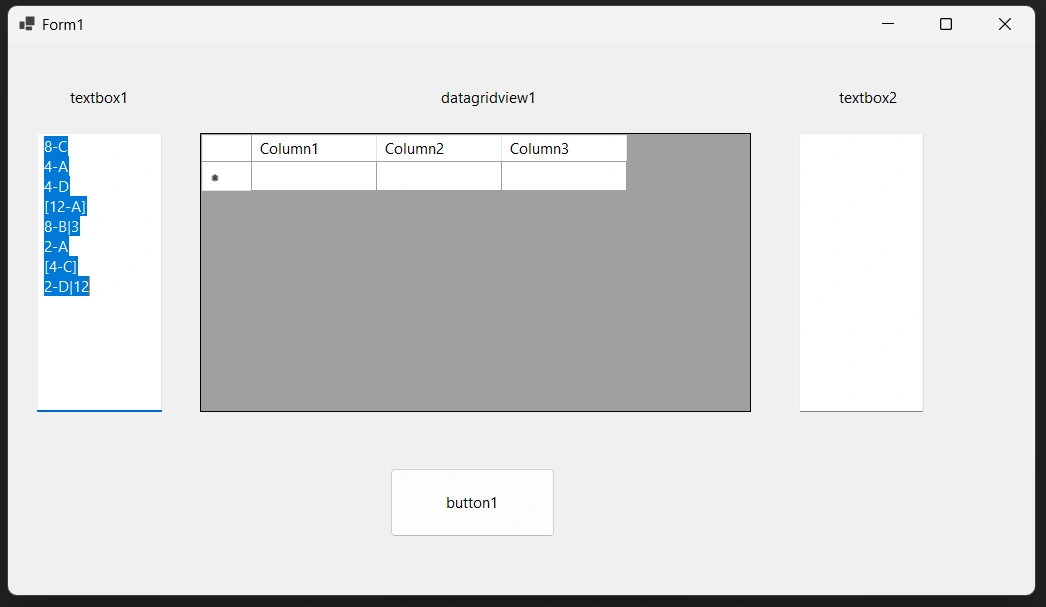
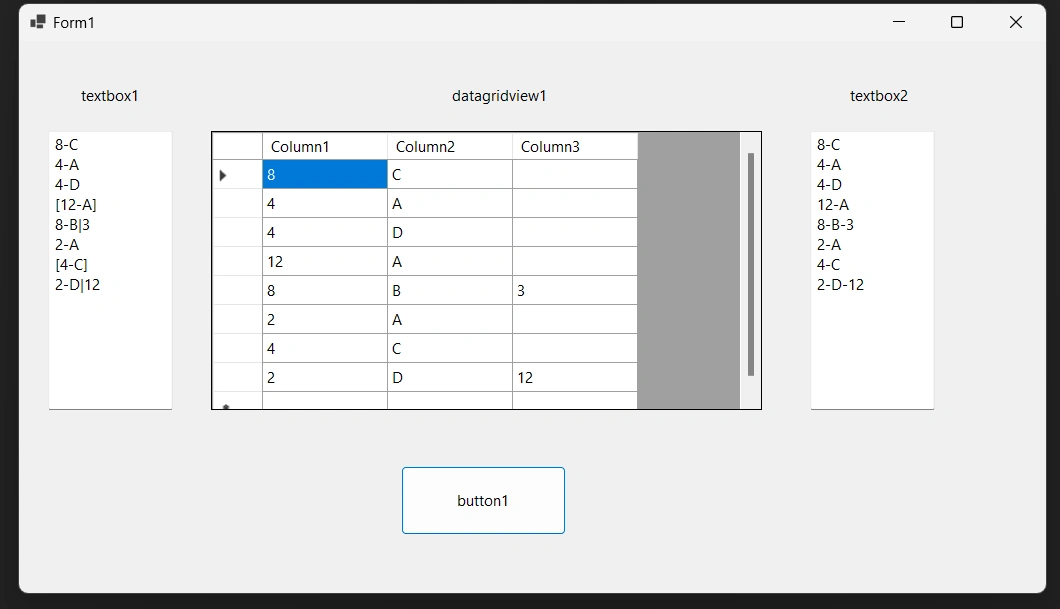
Output 2 : After Button Click
Jayraj ChhayaPosted Oct 3, 2024, 5:46 AM
Follow the steps below:
textBox1will be split into rows and columns based on the format.dataGridView1, on another button click, the contents will be transferred totextBox2in the same format as the originaltextBox1.