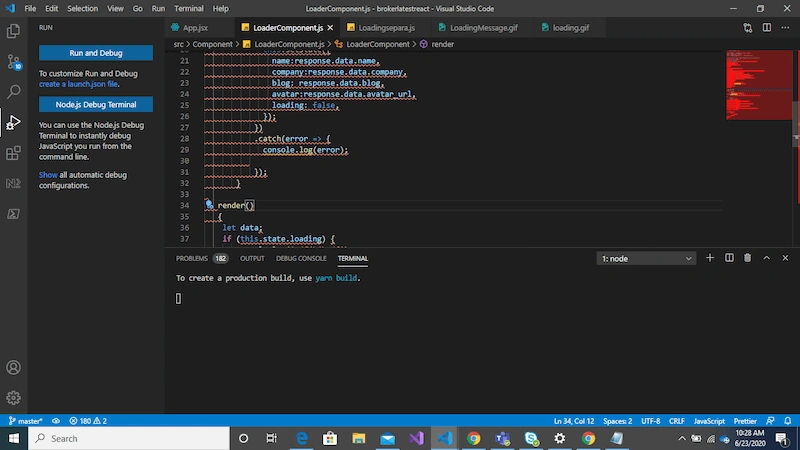
always showing in red in reactVDVarnaparan D6yAsked Jun 22, 2020, 11:58 PM1.2kReactalways showing in red in react
Ankit Kanojia5y agoPosted Jan 4, 2021, 9:27 AMHello Varnaparan D, I am facing the same issue many time but it can be resolved using below steps. Disable wavy underline in VS Code on Windows Press ctrl+shift+p (open command pallete) Then type Disable Error Squiggles And click on that Disable Error Squiggles Disable wavy underline in VS Code on Mac Press command+shift+p (open command pallete) Then type Disable Error Squiggles And click on that Disable Error Squiggles Hope it will helpful to you as well. +2
NRNisha Regil6y agoPosted Aug 4, 2020, 12:28 AMYou can hover over the line and see what the red line error indicates.It can be even because prettier and eslint may be installed as an extension in VSCode. +3
Vikas Jha6y agoPosted Jun 23, 2020, 4:45 AMI think file extension is .js where as you have written react code. It should be .jsx where you can write this or you can use Type script use methods like render(). Please let me know if it solves your issue or you need more help.+3
Ankit KanojiaPosted Jan 4, 2021, 9:27 AM
Nisha RegilPosted Aug 4, 2020, 12:28 AM
Vikas JhaPosted Jun 23, 2020, 4:45 AM