

Hello geeks!
This time am presenting something very interesting and useful to all.
Introduction
We are in the era of social media especially WhatsApp. I don’t think I need to explain about WhatsApp and its magical world. What this article include is- 'Now you can use WhatsApp through your PC / Desktop / Laptop'. Yes you can.
Now few of you will definitely say what's new in it, as we have already 'BlueStack' in our software lists, which creates a necessary atmosphere for your machine to run any android application.
But what if I tell you that you don't even need Bluesatck or any other intermediate application software to use WhatsApp. Yes you got that right now. You can easily use it through your web browser.

Let's move forward and see how it going to work for us:
How to Use 'WhatsApp' on your Machine
Follow these simple steps to get access:
- Visit WhatsApp web client on your web browser.
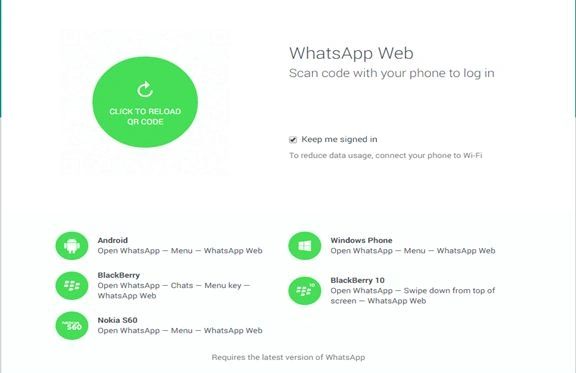
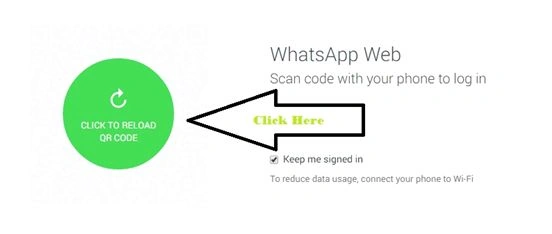
- After fraction of sacs you will get a QR code on your window (QR code for synchronization).
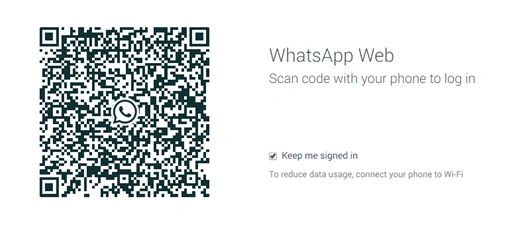
- Scan this QR code via your WhatsApp (There should be a active internet connection on both devices).
- Congratulations, that’s it.
Now you can access WhatsApp via your browser.
How to Scan QR Code
Now I think few of you must be thinking how to scan the QR code. for this first of all you need latest version of WhatsApp messenger. Afterwards follow these steps.
- Open WhatsAPP messenger.
- Go to 'MENU'.
- Look for 'WhatsApp Web'.
- Select it, now you all will be able to scan that QR code.
I hope you all will enjoy this next step.
Stay tuned, stay updated.
SubashPosted Sep 15, 2016, 7:50 AM
Nice
Gowtham RajamanickamPosted Apr 21, 2015, 2:46 AM
good one
Khargesh RajputPosted Jan 30, 2015, 11:26 PM
:)
Abhishek JaiswalPosted Jan 27, 2015, 7:37 AM
yeah... it is! :)
Ashok VatrapuPosted Jan 27, 2015, 6:56 AM
Great nd Kool
Abhishek YadavPosted Jan 23, 2015, 1:04 PM
Its great... I did that :D
Rahul BansalPosted Jan 23, 2015, 12:34 PM
A cool step of facebook owned watsapp.
Abhishek JaiswalPosted Jan 23, 2015, 11:47 AM
:) :)
Jeetendra GundPosted Jan 23, 2015, 9:52 AM
Its Working...Thanks for sharing..