

Follow the below mentioned procedure to achieve Visual Studio like Drag and Drop functionality:-
1. Create an MDIform with a vertical menu bar and a panel in it having a Horizontal menu bar.
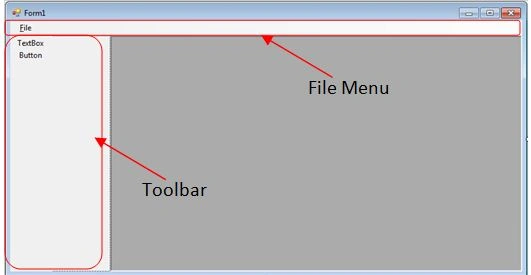
2. I think the “MouseDown” is the best event for starting the drag operation. Code on the textBoxToolStripMenuItem_MouseDown

3. Code on the buttonToolStripMenuItem_MouseDown such as:

4. Now on the File Menu, add a button to open a new form.

5. Below mentioned is the code for the new forms button to open a new form in the MDI form.

6. Create a new form to open in this environment.
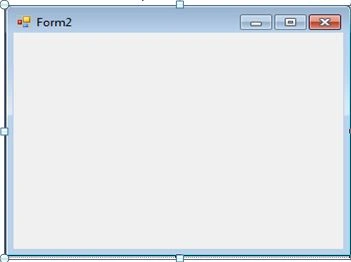
7. Create a method for the “DragEnter” Event of the new form and code it. (It will be used when you enter with a dragged element on the form).
8. Then Create a method for the “DragDrop” event, to drop the element on the form.
9. You may also create a method for the new button clicking as I register that with the click event in the above example. To do so create a new method for the button clicking.
10. Now open the new form from: File>>New File
Then Drag and Drop the desired control on the new form.
Join the conversation! Your thoughts help the community grow.