

Way -1
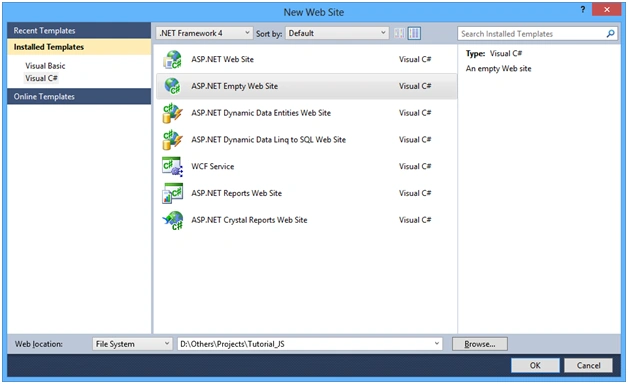
Step 1: Create an Empty website named ‘Tutorials_JS’.
Step 2: Add a page named ‘Default.aspx’ by right-clicking on the project in the Solution Explorer and click on "Add" -> "New Item".
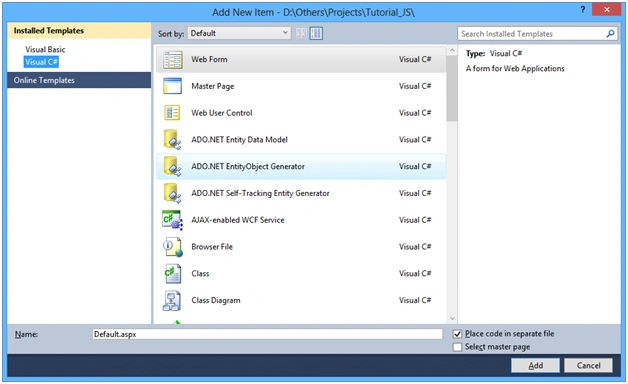
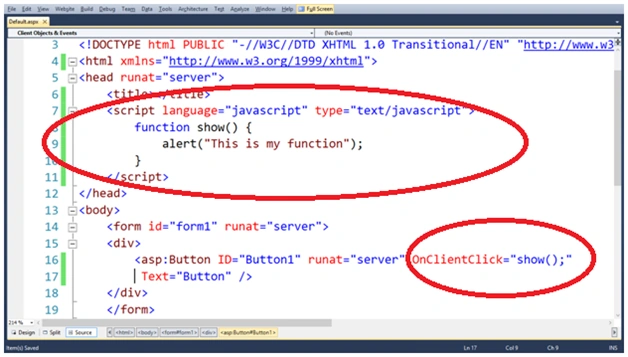
Step 3: Add a button on the page from the Toolbox and Add a function using the javascript in the head tag.
- <script language="javascript" type="text/javascript">
- function show() {
- alert("This is my function");
- }
- </script>
After that create an ‘OnClientClick’ event on the button with the calling of the ‘show' function.
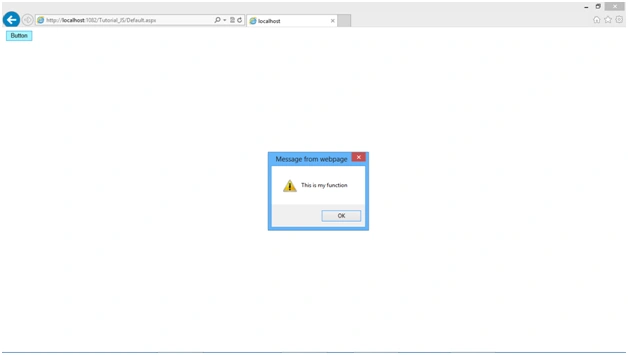
Step 4: Run the Page and click on the button to see the output.
Way -2
Step 1: Create a .js file named ‘JScript’.
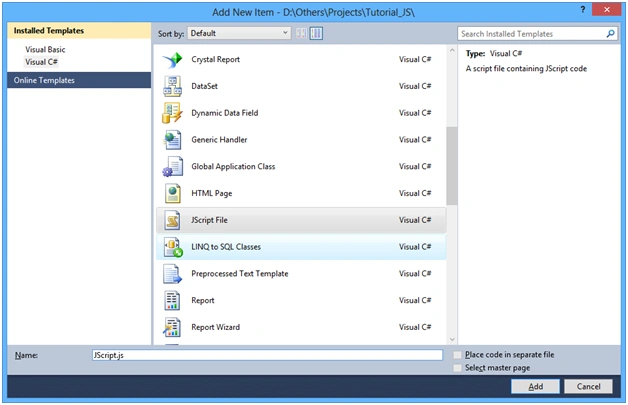
Step 2: Add a function in the .js file.
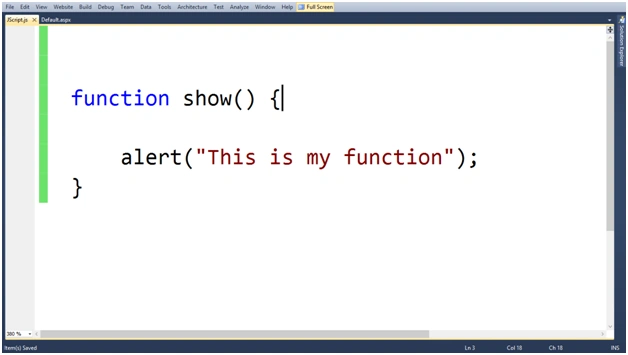
Step 3: Add the .js file on your page and add a button with the ‘OnClientClick’ event which calls the ‘show’ function.
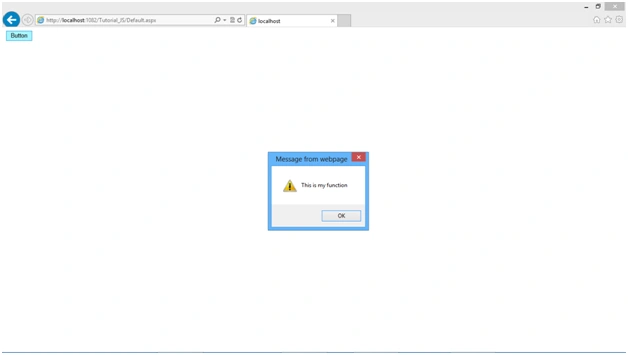
Step 4: Run the Page and click on the button to see the output.
Join the conversation! Your thoughts help the community grow.