

In this post we will study ng-init directive in angular JS. This directive initializes application data. Let us see this with the help of an example.
Write the following HTML mark up in the webpage.
- <!doctype html>
- <html ng-app>
- <head>
- <title>My Angular App</title>
- <script src="https://ajax.googleapis.com/ajax/libs/angularjs/1.3.14/angular.min.js"></script>
- </head>
- <body>
- <div ng-app="" ng-init="Name='Nitin Tyagi'">
- <p> You wrote: <span ng-bind="Name"></span> </p>
- </div>
- </body>
- </html>
Let us run the page now.
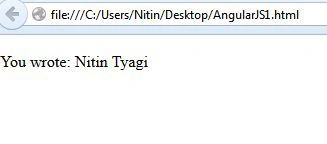
We get the value of the variable in the span. Let us try one more example on the ng-init variable.
Write the following HTML code in the page.
- <!doctype html>
- <html ng-app>
- <head>
- <title>My Angular App</title>
- <script src="https://ajax.googleapis.com/ajax/libs/angularjs/1.3.14/angular.min.js"></script>
- </head>
- <body>
- <div ng-app="" ng-init="number1=20; number2=30">
- Number 1: <input type="number" ng-model="number1">
- Number 2: <input type="number" ng-model="number2">
- Result: {{ number1 * number2 }}
- </div>
- </body>
- </html>
We take two input textbox which will take values from the ng-init directive.ng-model directive is used to bind the value to the textbox.Now using angular JS expressions {{ }} we will calculate the product of these numbers.
Let us run the form now and check the output.
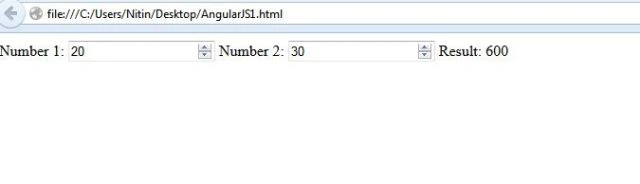
We get the product of the two numbers using ng-init directive. This is how we use ng-init directive in angular js.
Thiruppathi RPosted May 10, 2016, 9:05 AM
Nice one..