

In this article, I will explain how we create a backup and restore the database in MongoDB.
Steps required to create backup of mongodb database,
Step 1
Go to MongoDB folder >Server >bin folder and copy the folder address. In my system folder location C:\Program Files\MongoDB\Server\4.0\bin


Now enter mongod and press enter button and check the cmd screen

Now create a folder at any location in your system in which you want to create a backup. In my case I create a folder in desktop and rename it as Backup
Now back to cmd and enter mongodump --out <Backup folder location address> Now Press Enter,
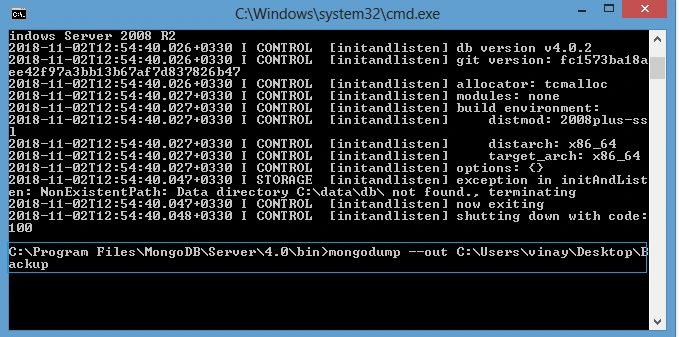
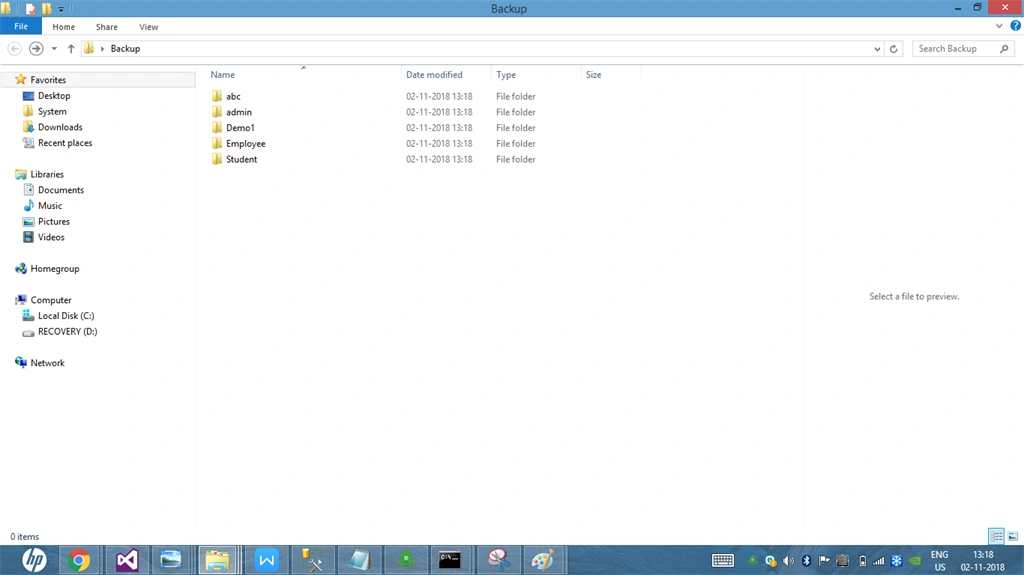
Note
To create a backup of a particular database backup use mongodump --<db database name> --out <folder location>
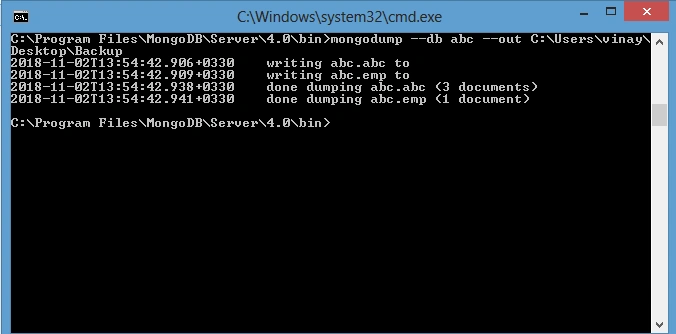
Now open Backup folder backup of abc and database is created
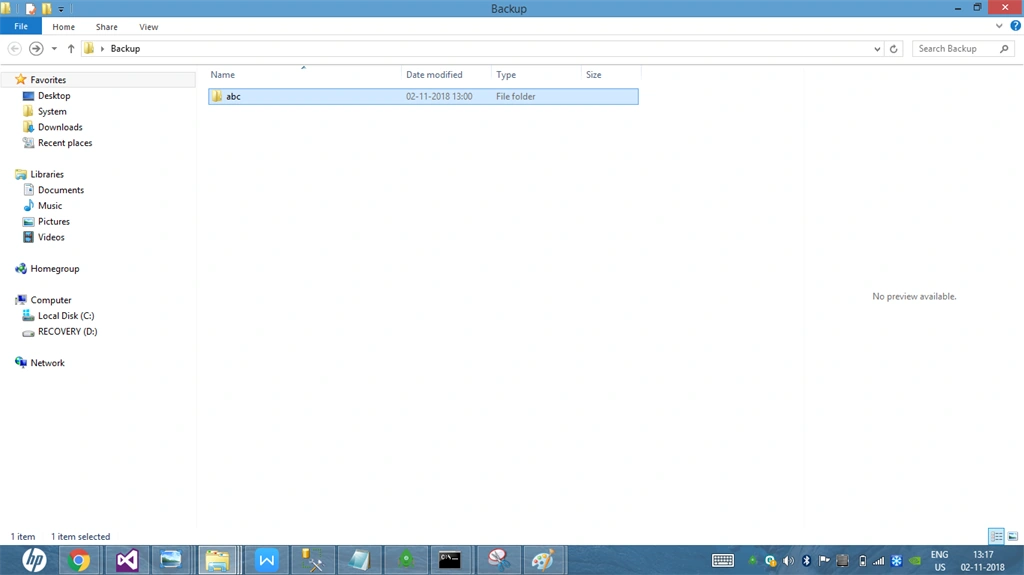
Restore database - First delete abc database
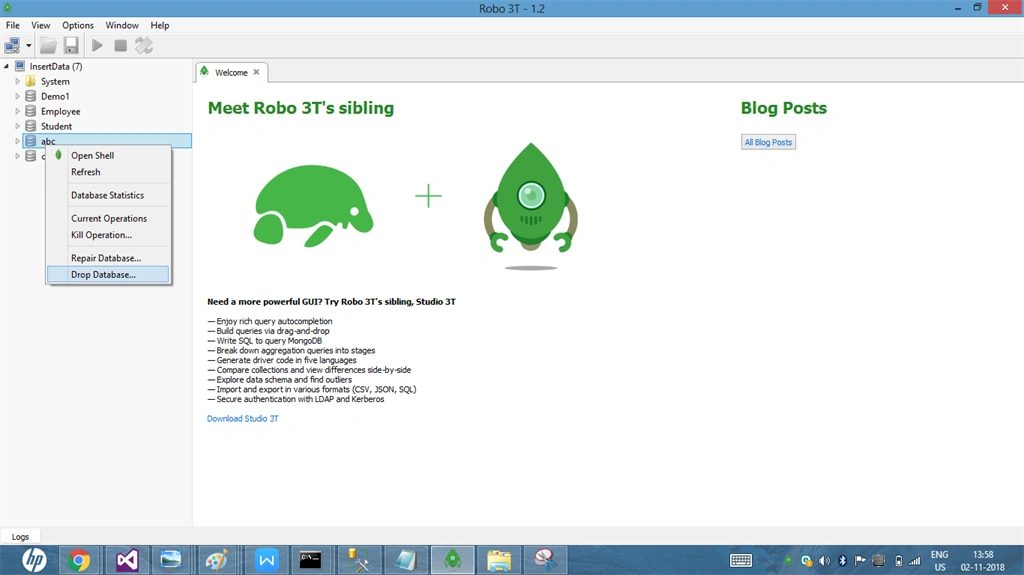
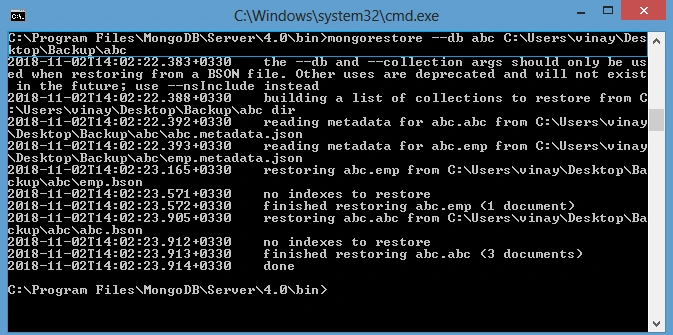
In MongoDB for restoring database use mongorestore .
Syntaxmongorestore --<database name > <folder location>
mongorestore --db abc C:\Users\vinay\Desktop\Backup\abc
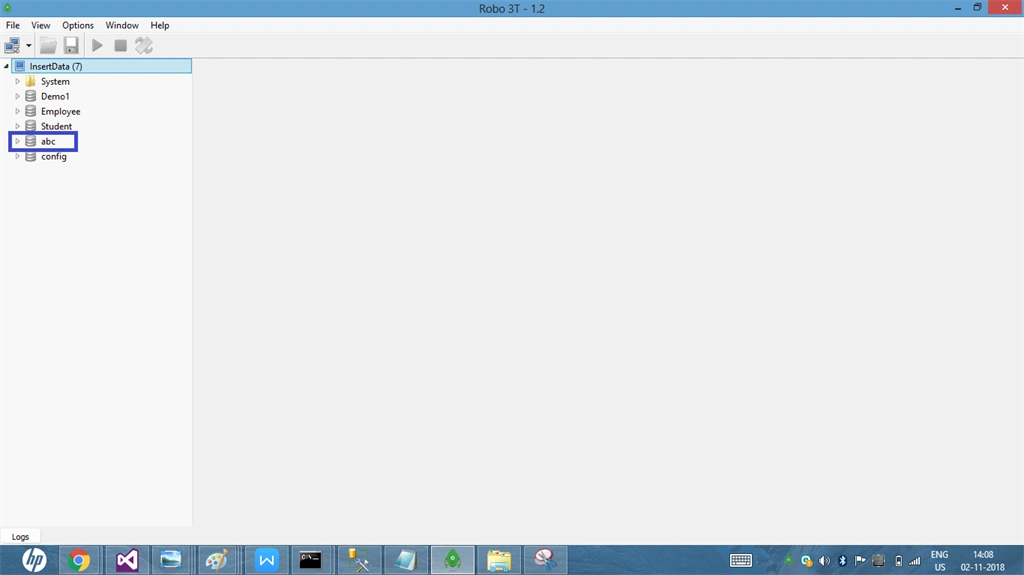
Now open Robo 3T and check if abc database is restored.
Summary
Nivrutti AnandePosted Jun 20, 2019, 11:34 PM
Thank you for these example, i want to create backup using c# or by using script can you help me with this.