

SQL Server support various types of international languages and their local like Germany, French, English, etc. To get a brief knowledge about these languages and locals we need to execute the following query.
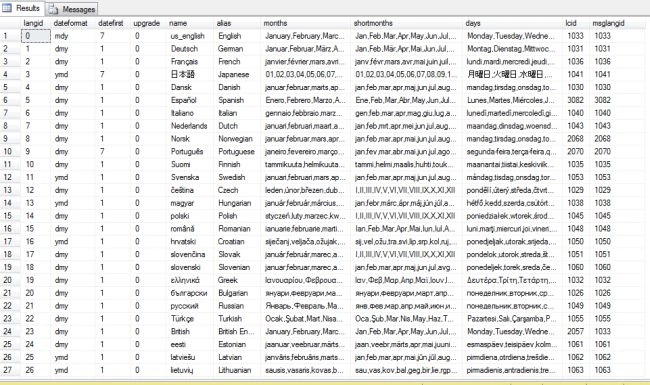
- select * from master.dbo.syslanguages
This query will gives information about the country languages, date time ,month, short months etc.
The @@langid define the language we are currently using, To test this write the following query in your SQL Server editor.
select @@LANGID
This will give up following O/p-
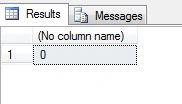
If you go through the syslanguages table then you will find that for langid 0 we have the language is English.
You can check the language you are using also by typing the following query.
Select @@Language
It will give the following output.
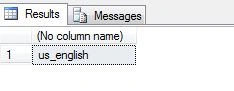
For msglangid we have 1033 as English Language.
To check this please type the following query.
- select * from master.dbo.syslanguages where msglangid=1033
It will gives the following output.

Thus in this way we can get all information about languages in SQL Server.
Teddy KurianPosted Jul 23, 2015, 9:06 AM
Good information
Ranjan SenapatiPosted Jul 20, 2015, 4:00 AM
Great....
Santhakumar MunuswamyPosted Jul 19, 2015, 7:52 AM
Nice one