

In this article, we will learn jQueryUI. This is the second part of this article series of jQueryUI. In this part, we will learn about jQuery UI toggle method. Toggle method is used to create a hide and show element with different effects.
Prerequisites
Basic knowledge of:
- HTML
- JavaScript
- CSS
Toggle method
This method is used to toggle the show and hide method. Using this method we can give an element some cool effect. We can show or hide an element based on the effects.
- Parameters used in Toggle method
- Duration
- Effect
- options
Effect: By using effect we can add animation to elements
Different types of effect
- Bounce
- Scale
- Clip
- Explode
- <script src="Scripts/jquery-1.10.2.js"></script>
- <script src="Scripts/jquery-ui.js"></script>
- <link href="Scripts/jquery-ui.css" rel="stylesheet" />
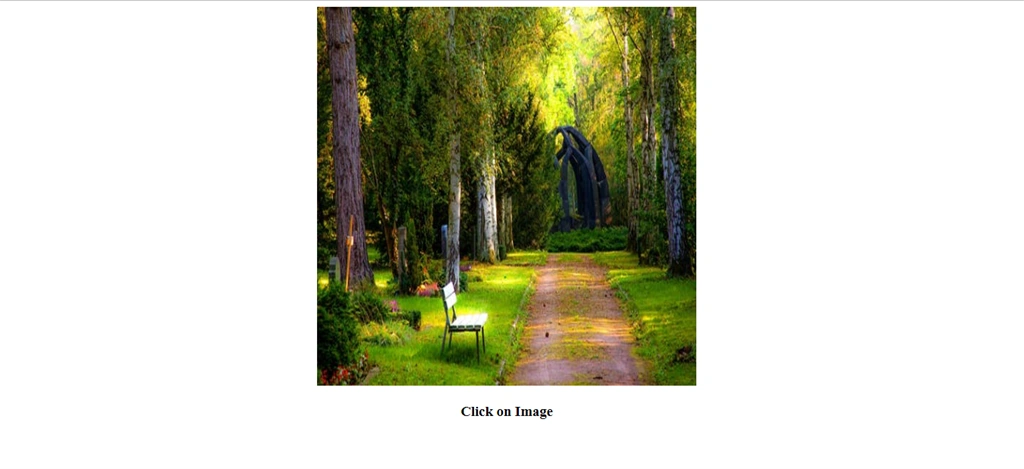
First we learn about scale effect. In Body section add the following lines.
- <div id="scal">
- <img src="Image/pexels-photo-257360.jpeg" style="height:500px; width:500px" />
- </div>
- <h3>Click on Image</h3>
Now, add a script tag in the head section and add the following lines to create scale effect.
- <script>
- $(document).click(function () {
- $("#scal").toggle({ effect: "scale", direction: "vertical" });
- });
- </script>
Complete code
- <!doctype html>
- <html lang="en">
- <head>
- <meta charset="utf-8">
- <title>scale demo</title>
- <script src="Scripts/jquery-1.10.2.js"></script>
- <script src="Scripts/jquery-ui.js"></script>
- <link href="Scripts/jquery-ui.css" rel="stylesheet" />
- <script>
- $(document).click(function () {
- $("#scal").toggle({ effect: "scale", direction: "vertical" });
- });
- </script>
- </head>
- <body style="text-align:center">
- <div id="scal">
- <img src="Image/pexels-photo-257360.jpeg" style="height:500px; width:500px" />
- </div>
- <h3>Click on Image</h3>
- </body>
- </html>
Run the Project and check the browser. Click on image and check the effect.
Explode Effect Demo
Add some style in head section.
- <style>
- .explod {
- width: 600px;
- height: 300px;
- }
- #Explodeffect {
- width: 340px;
- height: 255px;
- }
- </style>
- <div class="explod">
- <div id="Explodeffect">
- <img src="Image/pexels-photo-257360.jpeg" style="height:500px; width:500px" />
- lt;/div>
- </div>
- <script>
- $(document).ready(function () {
- $("#Explodeffect").click(function () {
- $("#Explodeffect").toggle('explode', 500);
- });
- });
- </script>
- <!doctype html>
- <html lang="en">
- <head>
- <meta charset="utf-8">
- <title>Explode demo</title>
- <script src="Scripts/jquery-1.10.2.js"></script>
- <script src="Scripts/jquery-ui.js"></script>
- <link href="Scripts/jquery-ui.css" rel="stylesheet" />
- <style>
- .explod {
- width: 600px;
- height: 300px;
- }
- #Explodeffect {
- width: 340px;
- height: 255px;
- }
- </style>
- <script>
- $(document).ready(function () {
- $("#Explodeffect").click(function () {
- $("#Explodeffect").toggle('explode', 500);
- });
- });
- </script>
- </head>
- <body style="text-align:center">
- <div class="explod">
- <div id="Explodeffect">
- <img src="Image/pexels-photo-257360.jpeg" style="height:500px; width:500px" />
- </div>
- </div>
- </body>
- </html>
Run the project and click on the image and check the effect,

Click on the image and check the result.
Summary
In this article, we have learned about jQuery UI toggle method.
Laxmidhar SahooPosted Nov 16, 2018, 4:35 AM
Thanks for the jquery implimantation in toggle