

Use of an Array in Java
To begin with, like other variables, an array needs to be declared so that the compiler will know what kind of an array and how large an array we want. In this, we are done with the statement.
An array is a container object, which holds a fixed number of values of a single type. It is also known as a sub-scripted variable. The length of an array is established when the array is created. After creation, its length is fixed.
"Array is homogenous, fixed-size sequenced collection of elements of the same data type which are allocated contiguously in memory".
Before using an array, its type and dimension must be declared. Each item in an array is called an element and each element is accessed by its numerical index.
It is a data structure, where we store similar elements. We can store only the fixed set of elements in a Java array.
Memory Representation of Array
The array in memory locations is placed in contiguous memory cells. The size of these cells is dependent on the type of data in the memory. The pointer to the array points to individual memory locations.
When the elements are entered in the array then the pointer is on the first location and then moves subsequently. Similarly when the elements are extracted the pointer moves downwards.
Types of Array in Java
- Single Dimensional array
- Multidimensional array
Single Dimensional array in Java.
Step 1
Let's open Notepad and write the code, given below.
- class demo {
- public static void main(String arg[]) {
- char arr[] = {
- 30,
- 20,
- 40,
- 50,
- 10
- };
- for (int x: arr) {
- System.out.println(x);
- }
- }
- }
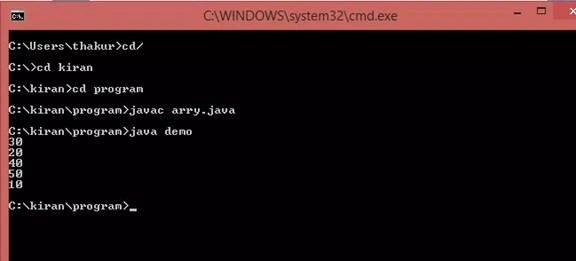
- java demo
- // demo is a class name that is written in my arry.java file.
Output
Now, code for an array.
- //Variable length argement(….a)
- class demo {
- void show(int… a) {
- for (int z: a) {
- System.out.println(z);
- }
- }
- public static void main(String arg[]) {
- demo d = new demo();
- d.show(10, 20, 30, 40, 50, 60, 70, 80, 90, 100);
- }
- }
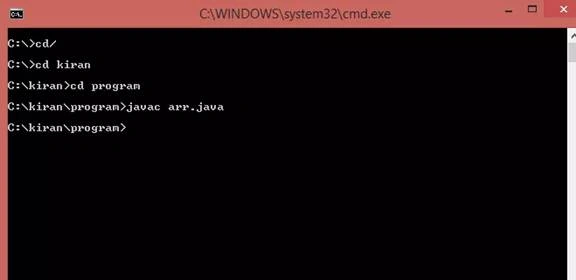
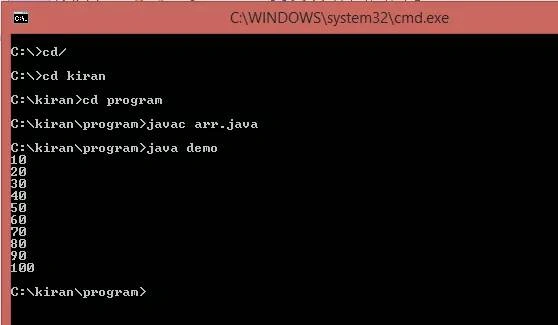
- java demo
- // demo is a class name that is written in my arr.java file.
Output
Multidimensional array in Java
Let's open Notepad and write the code, given below.
- class test {
- public static void main(String[] args) {
- int[][] values = new int[4][3];
- values[1][0] = 1;
- values[2][1] = 2;
- values[3][2] = 3;
- for (int i = 0; i < values.length; i++) {
- int[] total = values[i];
- for (int j = 0; j < total.length; j++) {
- System.out.print(total[j] + ”“);
- }
- System.out.println();
- }
- }
- }
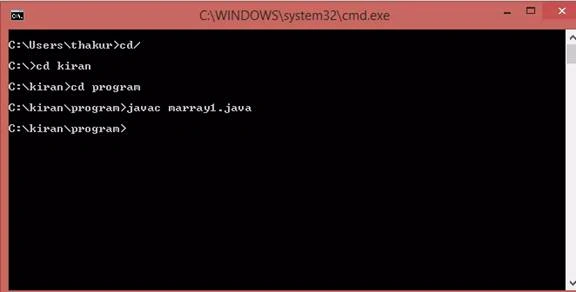
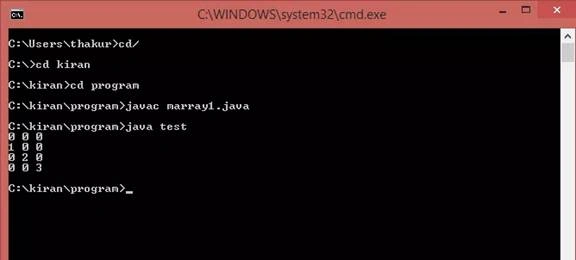
My Java program compiled successfully.
- java test
- // demo is a class name which is written in my marray1.java file.
Join the conversation! Your thoughts help the community grow.