

Introduction
I was working on creating an intranet page with a nice look and feel. The requirement was that spacing should be on the left and right sides, it should be minimal, and apply a theme. I was thinking that I have to use an application customizer to develop a custom layout and a theme, but I got to know about the Microsoft look book that was launched recently.
In this blog, I am going to show you how we can implement templates from the Microsoft look book.
Prerequisites
SharePoint Tenant admin permission is required.
Steps to implement template from Microsoft Look book
Click on this link.
I am implementing news, video and personalised content, once you are:
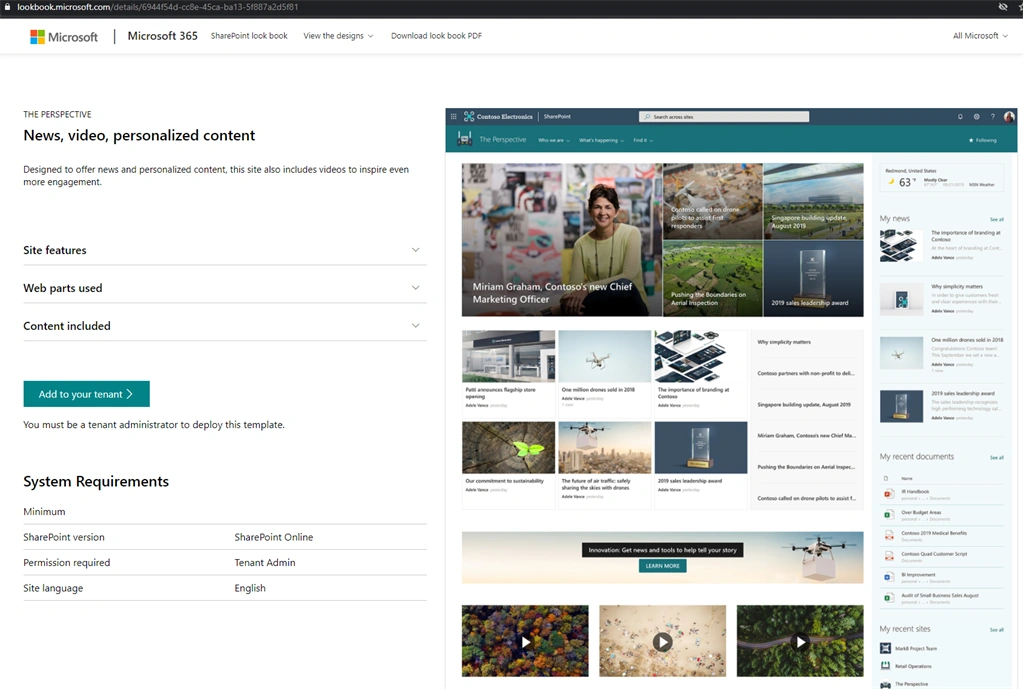
Click "Add to your tenant"
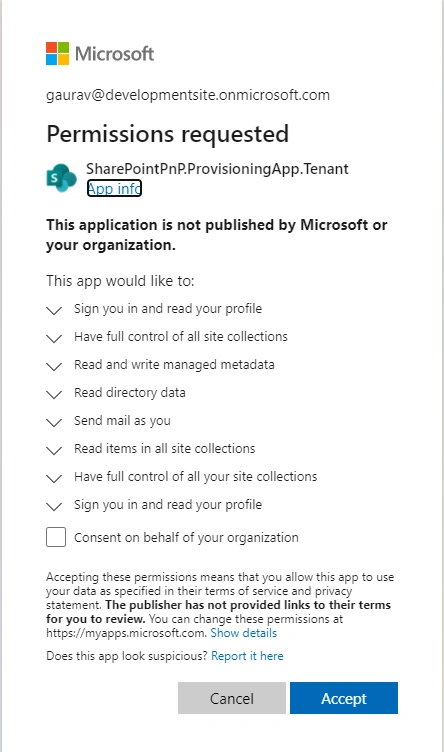
You have to give consent to give permissions to this app and click Accept.
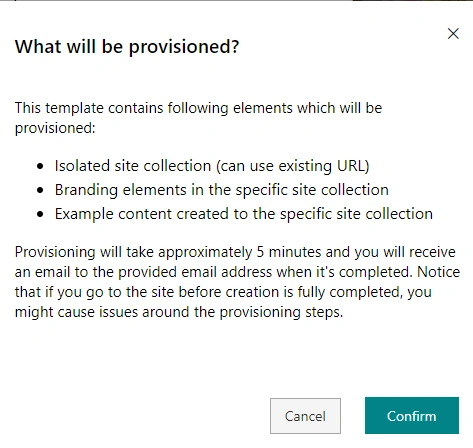
Click confirm.
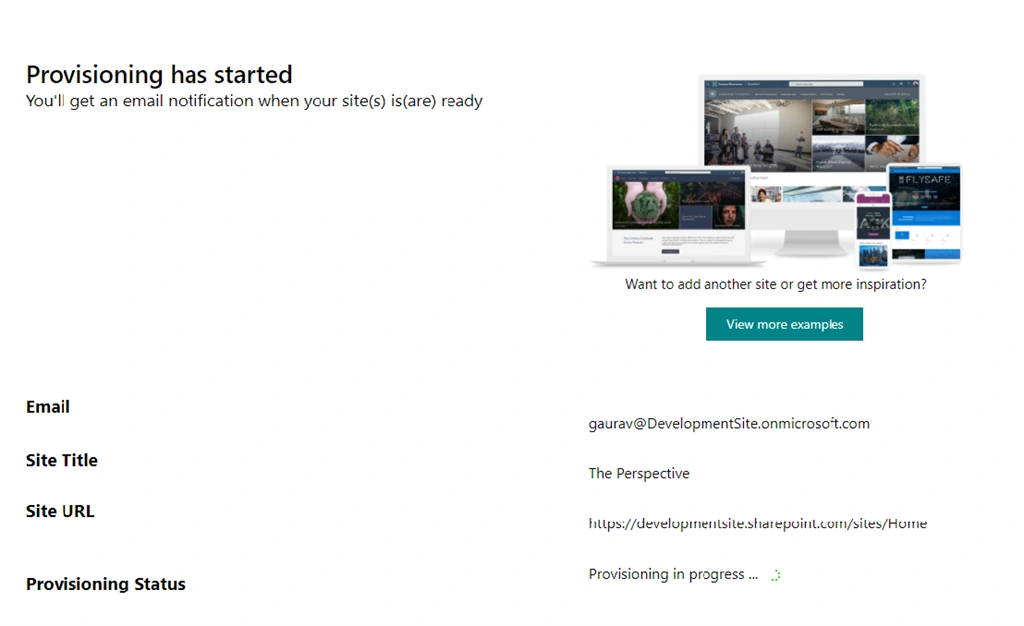
Put in the email, Site Title and complete the URL.
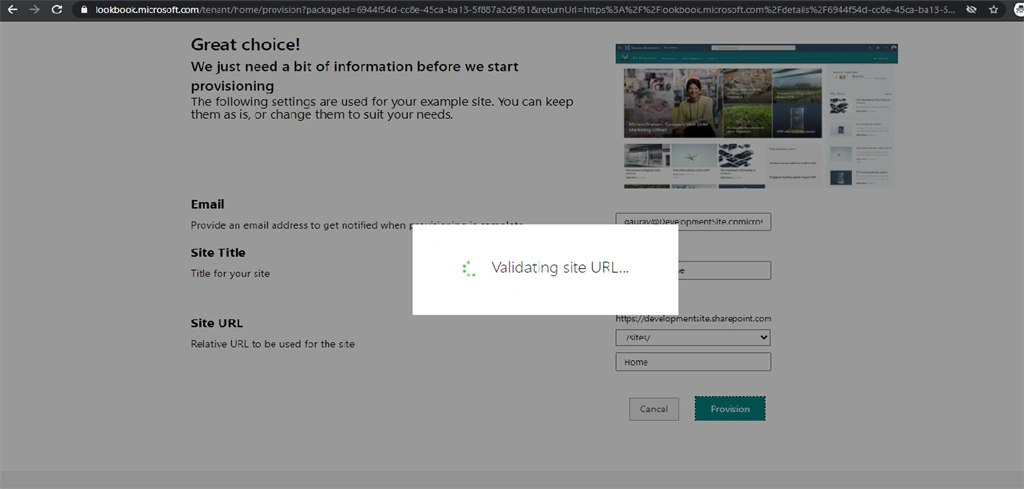
Provisioning may take five minutes or less.
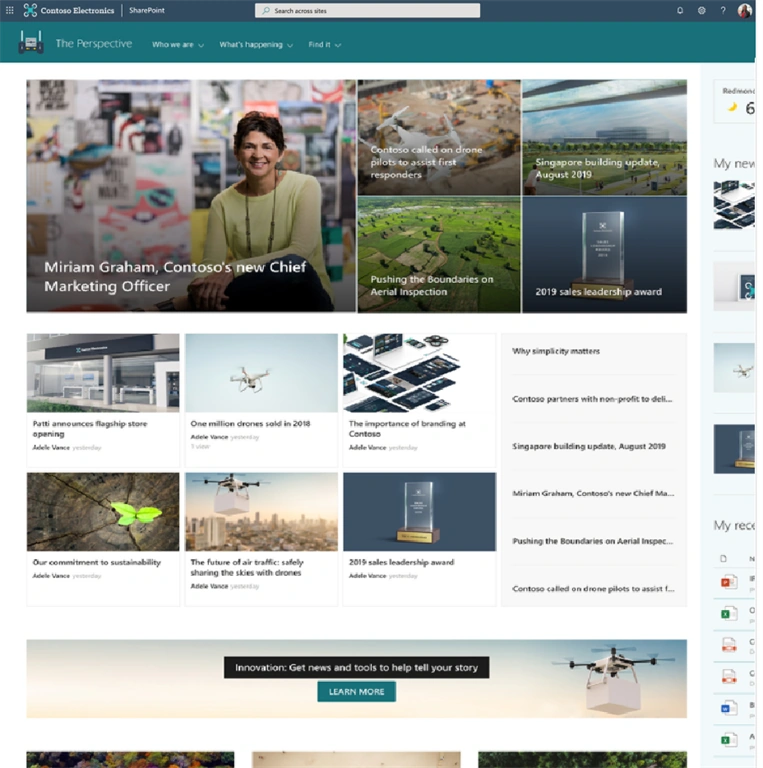
Below is the final look of the site:
Join the conversation! Your thoughts help the community grow.