


React JS
React is a javascript library to build user interface, often people confuse it to be a framework, but it is not. user is flexible to choose any framework unlike angular framework.
One can learn from the react docs to create react applications here https://reactjs.org/docs/hello-world.html
Next JS
Next JS is a framework for React. It basically gives building block to build fast websites.
There are a few things you need to consider when building modern applications. Such as:
- User Interface - how users will consume and interact with your application.
- Routing - how users navigate between different parts of your application.
- Data Fetching - where your data lives and how to get it.
- Rendering - when and where you render static or dynamic content.
- Integrations - what third-party services you use (CMS, auth, payments, etc) and how you connect to them.
- Infrastructure - where you deploy, store, and run your application code (Serverless, CDN, Edge, etc).
- Performance - how to optimize your application for end-users.
- Scalability - how your application adapts as your team, data, and traffic grow.
- Developer Experience - your team’s experience building and maintaining your application.
you can learn more about next js here - https://nextjs.org/learn/foundations/about-nextjs/what-is-nextjs
TypeScript
Typescript adds syntax to your JS to provide tight integration with IDE development and avoid runtime errors. Basically it makes JS more typesafe by declaring the parameter types when passed around.
More - https://www.typescriptlang.org/
Today let see how we can create a simple application using all the above.
Pre-requisites
- NodeJS- https://nodejs.org/en/ installed
- Npm installed/available in nodeJS
- Yarn installed - https://classic.yarnpkg.com/lang/en/
- Npx installed – use command “npm i -g npx”
With all the above easily create first nextJS typescript app with commands
npx create-next-app@latest --ts
# or
yarn create next-app --typescript
# or
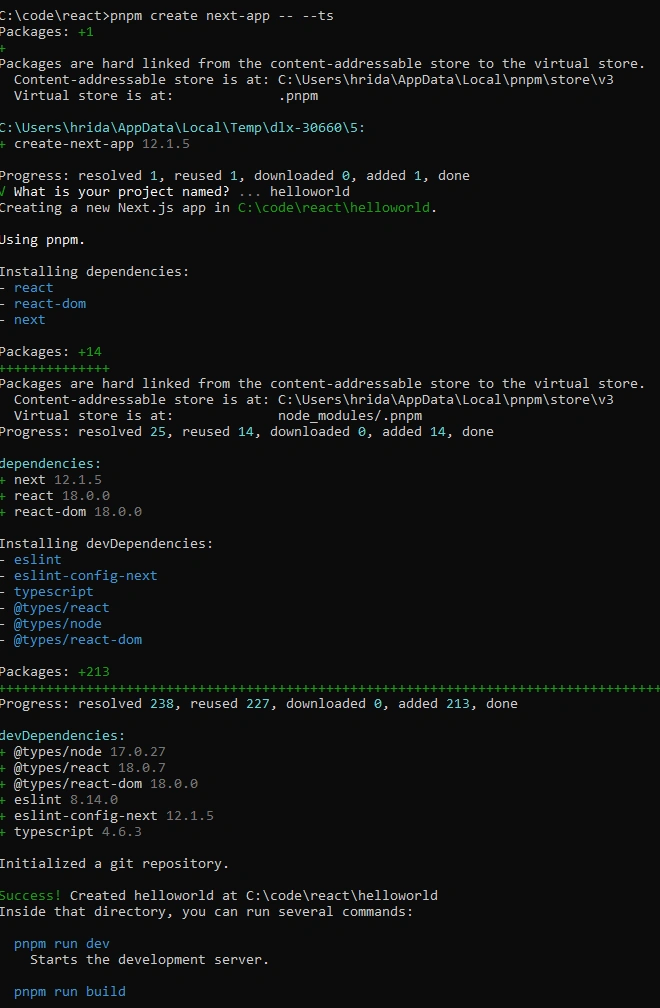
pnpm create next-app -- --ts
To get started in an existing project, create an empty tsconfig.json file in the root folder,
touch tsconfig.json.
After you have created the app, navigate into the folder and run ” yarn install”.
To start the app, run “yarn dev”
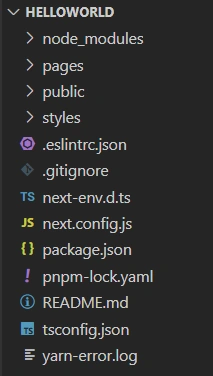
Folder Structure
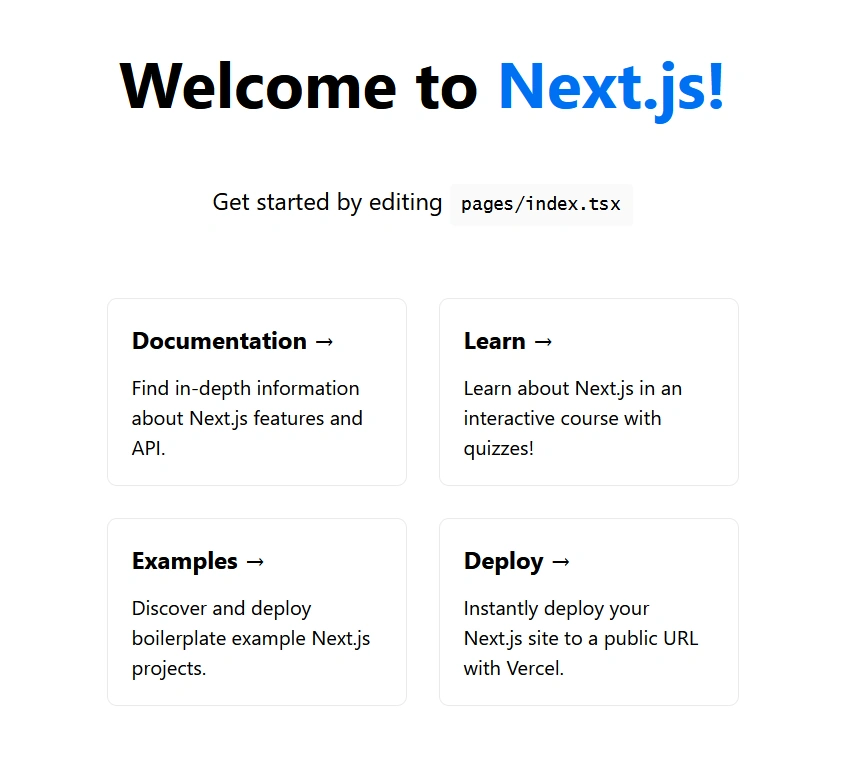
Website
Deployment
You can instantly deploy the above starter application into vercel free of cost. You need to create an account (no credit card required) in Vercel. Click on the above “Deploy” button
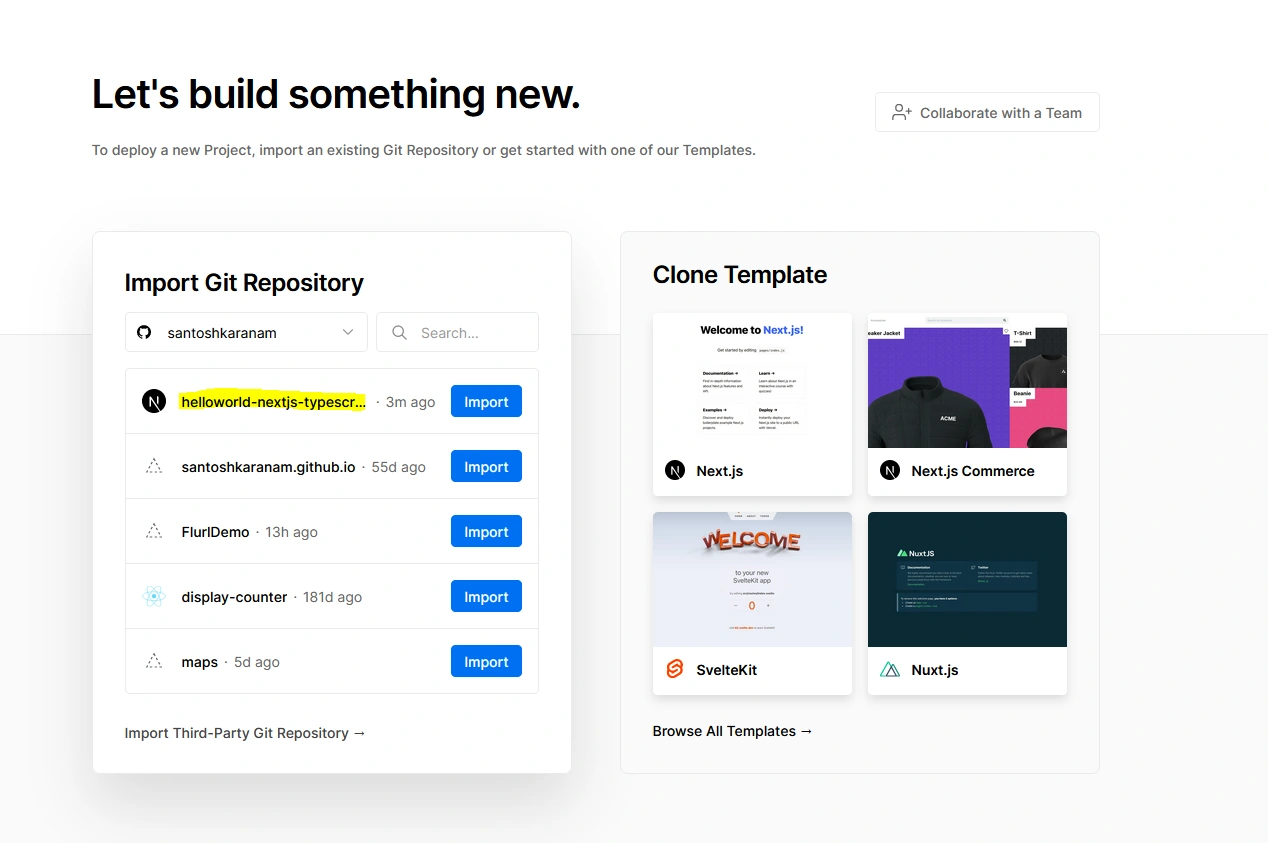
Here select git repository where the hello world app is pushed.
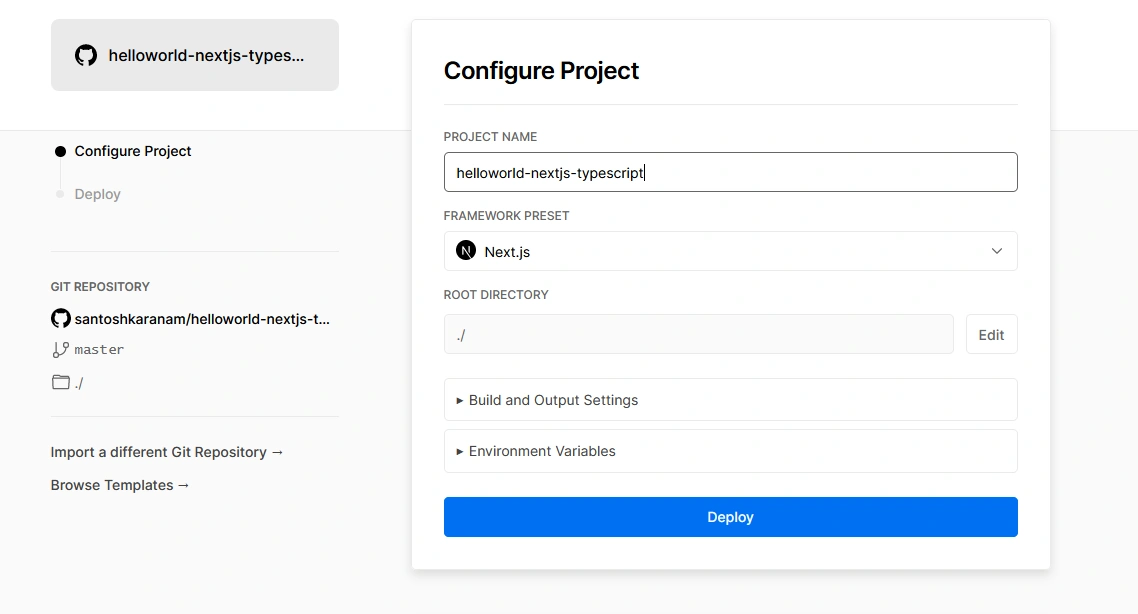
All the settings work for a simple next js app, so no need to change this.
Once you click deploy, Vercel will take few minutes to deploy the code and your website should be ready.
You can find the URL here
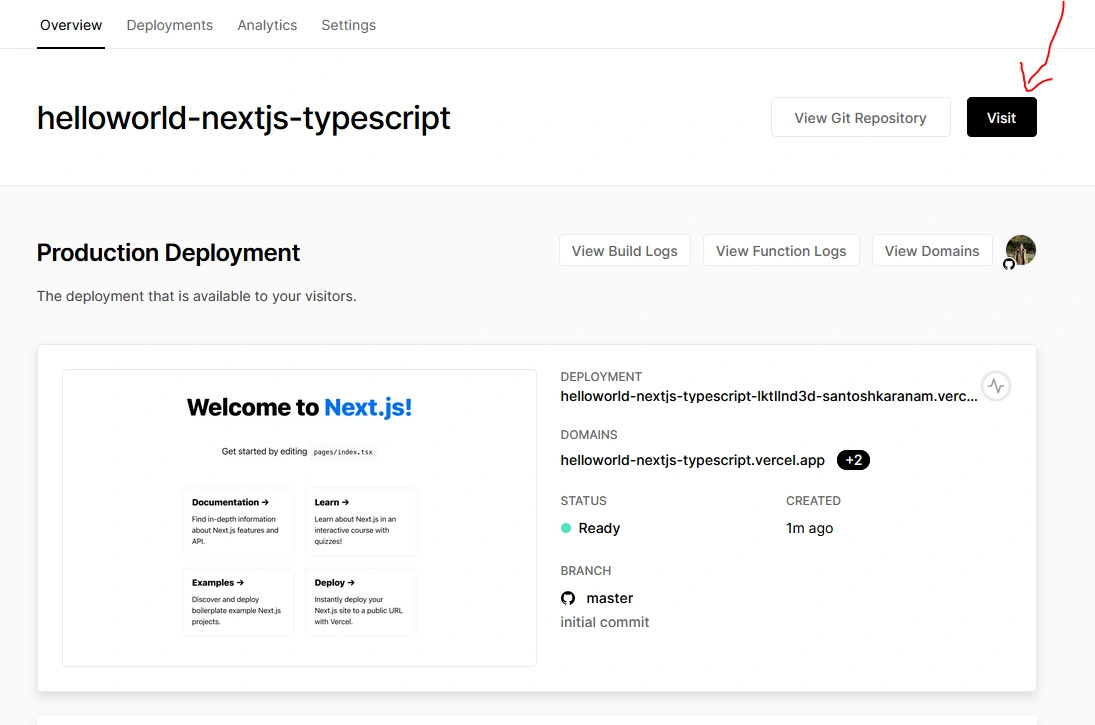
Thanks for reading this blog, do try these steps and let me know. Also don’t forget to create your websites for free in Vercel.
Join the conversation! Your thoughts help the community grow.