

This blog post explains how to implement a secure login page with a CAPTCHA feature using JavaScript and C#. We'll walk you through the code behind the CAPTCHA functionality, how it integrates with a simple login form, and the role of session storage in verifying CAPTCHA input.
Introduction
Captcha systems are widely used to ensure that a human, not a bot, is interacting with a website. In this example, we’ll demonstrate how to integrate a simple CAPTCHA in a login page using HTML, CSS, JavaScript, and C#.
We’ll be using a randomly generated CAPTCHA image rendered on an HTML canvas and then validated on the client side.
The Code Breakdown
1. HTML Structure for the Login Page
<!DOCTYPE html>
<html xmlns="http://www.w3.org/1999/xhtml">

<head runat="server">
    <title>Captcha Login - Swayamart</title>

    <!-- Bootstrap 5 CSS -->
    <link href="https://cdn.jsdelivr.net/npm/[email protected]/dist/css/bootstrap.min.css" rel="stylesheet" />

    <!-- jQuery (Required if using $) -->
    <script src="https://code.jquery.com/jquery-3.6.0.min.js"></script>

    <!-- Bootstrap 5 JS Bundle -->
    <script src="https://cdn.jsdelivr.net/npm/[email protected]/dist/js/bootstrap.bundle.min.js"></script>
</head>
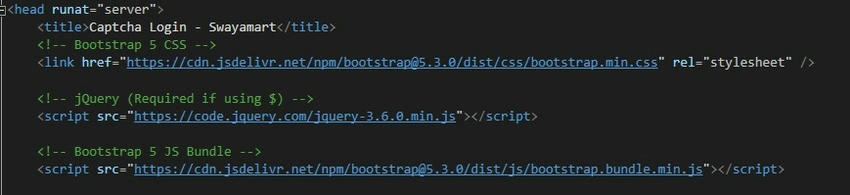
- We’re using Bootstrap 5 for styling to make the login page responsive and modern.
- jQuery is included to help with DOM manipulation and event handling.
2. Form and CAPTCHA Setup
<div class="container login-container">
    <div class="login-box">
        <form id="captcha-form" method="post">
            <h4 class="text-center mb-4">Member Login</h4>

            <!-- UserID and Password Fields -->
            <div class="mb-3">
                <label for="UserID" class="form-label">Login ID</label>
                <input type="text" class="form-control" id="UserID" name="UserID" required placeholder="PAN is your login ID" />
            </div>

            <div class="mb-3">
                <label for="pwd" class="form-label">Password</label>
                <input type="password" class="form-control" id="pwd" name="pwd" required placeholder="Email is your password" />
            </div>

            <!-- CAPTCHA Canvas and Refresh Button -->
            <div class="mb-3 d-flex align-items-center">
                <canvas id="captcha" width="180" height="50"></canvas>
                <button type="button" class="btn btn-outline-secondary p-1 ms-2 refreshbtn" id="refresh-captcha" title="Refresh Captcha">
                    <img src="../assets/refresh.png" alt="Refresh" style="width: 30px; height: 30px;" />
                </button>
            </div>

            <div class="mb-3">
                <label for="captcha-input" class="form-label">Enter Captcha</label>
                <input type="text" class="form-control" id="captcha-input" required maxlength="6" />
            </div>

            <button type="submit" class="btn btn-primary w-100">Sign In</button>
        </form>
    </div>
</div>
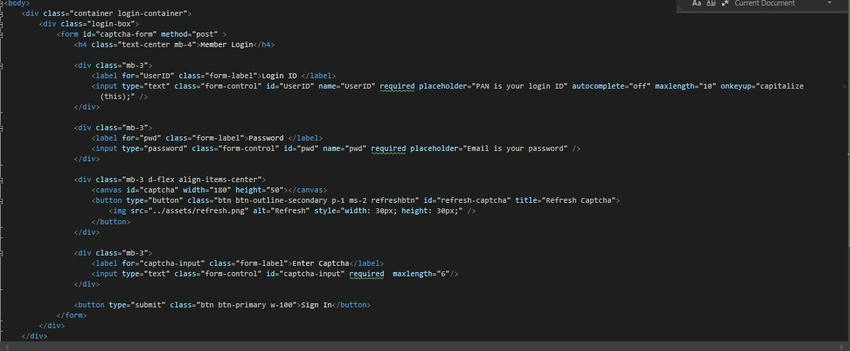
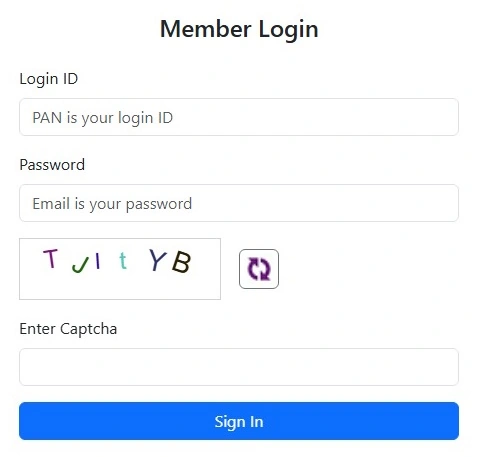
- Login Fields: The user enters their Login ID (PAN) and password.
- CAPTCHA: A canvas element is used to display the CAPTCHA. Next to it is a refresh button that allows users to regenerate the CAPTCHA if needed.
3. JavaScript for CAPTCHA Generation and Validation
function generateCaptcha() {
    const canvas = $("#captcha")[0]; // Access the canvas element
    const ctx = canvas.getContext("2d"); // Get 2D context for drawing

    ctx.clearRect(0, 0, canvas.width, canvas.height); // Clear previous CAPTCHA

    const chars = "ABCDEFGHIJKLMNOPQRSTUVWXYZabcdefghijklmnopqrstuvwxyz0123456789"; // Allowed characters
    let captcha = "";

    const minFont = 20, maxFont = 30, minRotate = -30, maxRotate = 30; // Font and rotation range

    for (let i = 0; i < 6; i++) { // Generate 6 random characters
        const char = chars.charAt(Math.floor(Math.random() * chars.length)); // Random character
        captcha += char; // Append character to captcha

        const fontSize = minFont + Math.random() * (maxFont - minFont); // Random font size
        ctx.font = fontSize + "px Arial"; // Set font size and family

        ctx.fillStyle = `rgb(${Math.floor(Math.random() * 200)}, ${Math.floor(Math.random() * 200)}, ${Math.floor(Math.random() * 200)})`; // Random color

        const angle = minRotate + Math.random() * (maxRotate - minRotate); // Random rotation

        ctx.translate(25 + i * 25, canvas.height / 2); // Move to position
        ctx.rotate(angle * Math.PI / 180); // Rotate the context
        ctx.fillText(char, 0, 0); // Draw character
        ctx.rotate(-angle * Math.PI / 180); // Reset rotation
        ctx.translate(-25 - i * 25, -canvas.height / 2); // Reset position
    }

    sessionStorage.setItem("captchaCode", captcha); // Store captcha code in sessionStorage
}
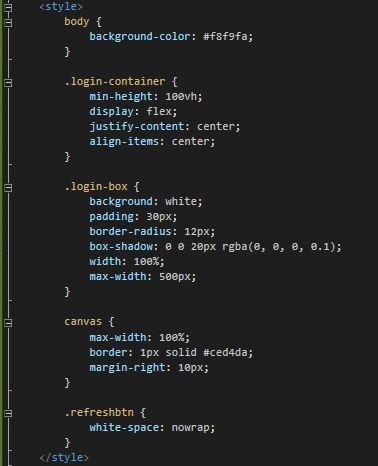
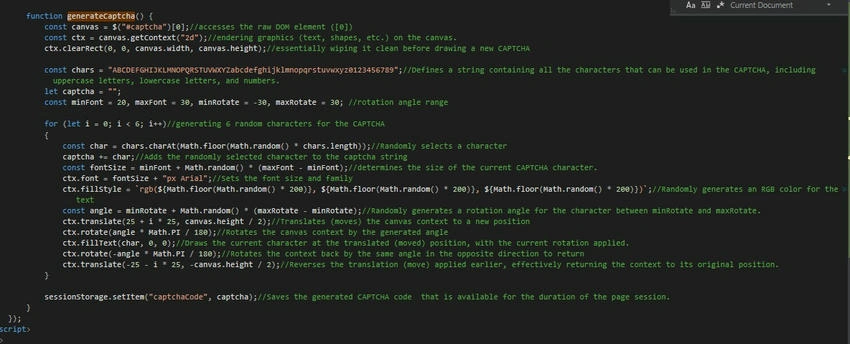
- This function generates a random CAPTCHA string (6 characters) and draws it on the canvas element.
- The characters are displayed with random fonts, colors, and rotations to make them harder for bots to decipher.
- The CAPTCHA code is stored in sessionStorage, ensuring it is available for later comparison.
4. Validation and Form Submission
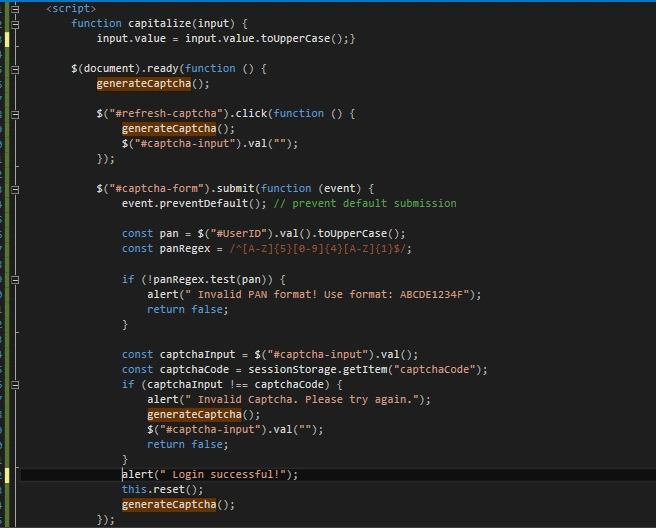
$("#captcha-form").submit(function (event) {
    event.preventDefault(); // Prevent default submission

    const pan = $("#UserID").val().toUpperCase();
    const panRegex = /^[A-Z]{5}[0-9]{4}[A-Z]{1}$/;

    if (!panRegex.test(pan)) {
        alert("Invalid PAN format! Use format: ABCDE1234F");
        return false;
    }

    const captchaInput = $("#captcha-input").val();
    const captchaCode = sessionStorage.getItem("captchaCode");

    if (captchaInput !== captchaCode) {
        alert("Invalid Captcha. Please try again.");
        generateCaptcha(); // Regenerate CAPTCHA
        $("#captcha-input").val(""); // Clear input
        return false;
    }

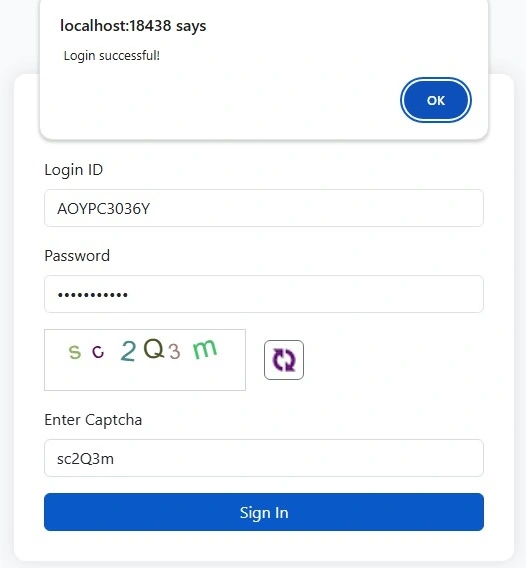
    alert("Login successful!");
    this.reset(); // Reset the form
    generateCaptcha(); // Generate a new CAPTCHA after successful login
});
- Form Validation: Before submitting the form, we first validate the PAN number format using a regular expression.
- Captcha Validation: The user input for the CAPTCHA is compared against the stored value. If they don’t match, the CAPTCHA is regenerated.
- If everything is correct, a success message is displayed, and the form is reset.
5. Refreshing CAPTCHA
$("#refresh-captcha").click(function () {
    generateCaptcha();
    $("#captcha-input").val(""); // Clear the input field
});
This function allows users to refresh the CAPTCHA by clicking the refresh button. It generates a new CAPTCHA and clears the input field.
Conclusion
This login page with CAPTCHA integration ensures that only human users can log in by using a simple and secure CAPTCHA mechanism. By combining HTML5, JavaScript, and ASP.NET, we have created an interactive and user-friendly CAPTCHA login system for Swayamart. It not only validates user input but also protects against automated bots attempting to gain unauthorized access.
Join the conversation! Your thoughts help the community grow.