

Create a New Project in Microsoft Expression Blend and name it whatever you want.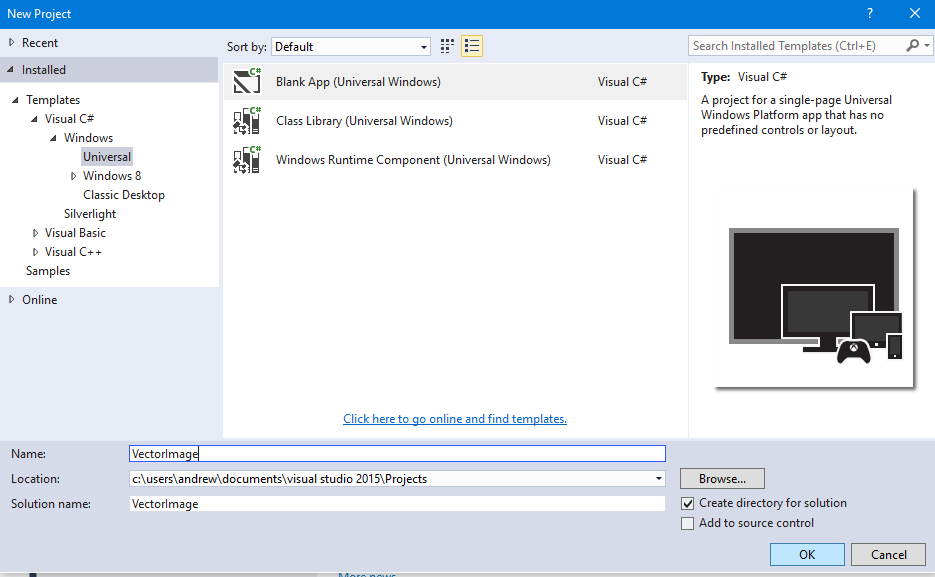
After this just drag drop a TextBlock in your application MainPage.xaml and add some text in it and increase the font size of your text.
Now what you will need to do is simply click on to your TextBlock and Convert it into Path.
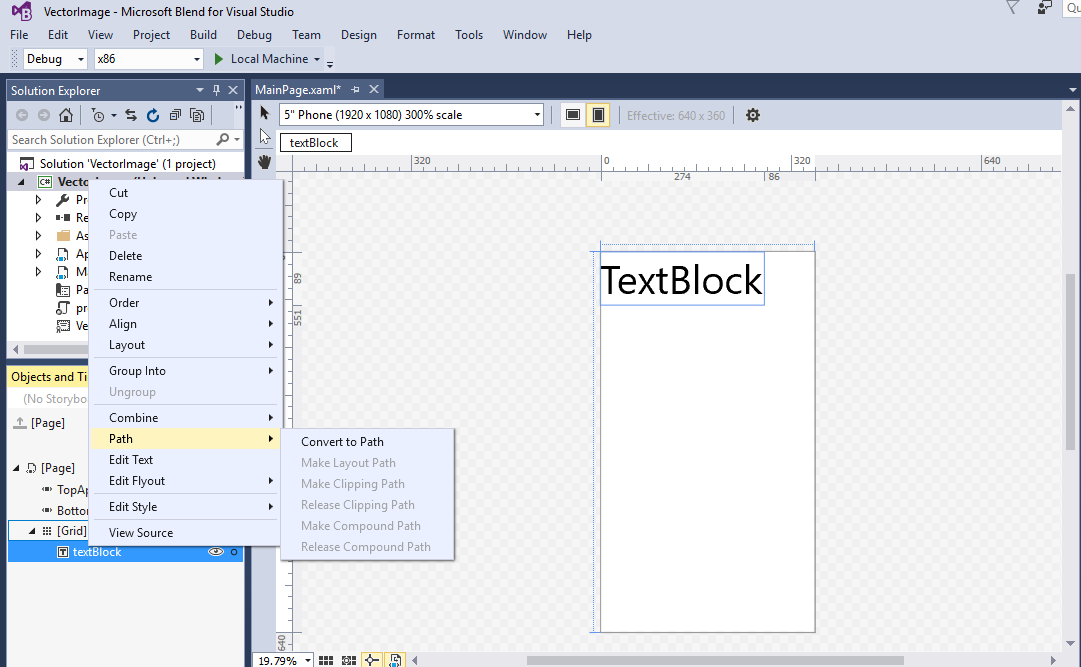
Now when you click on to the ToolTip some dots will appear on your path i.e., TextBlock.

Now click on the Direct Selection and simply change the nodes of your TextBlock.

Now when you open your application in different devices you'll notice that the pixels of your TextBlock will not break.
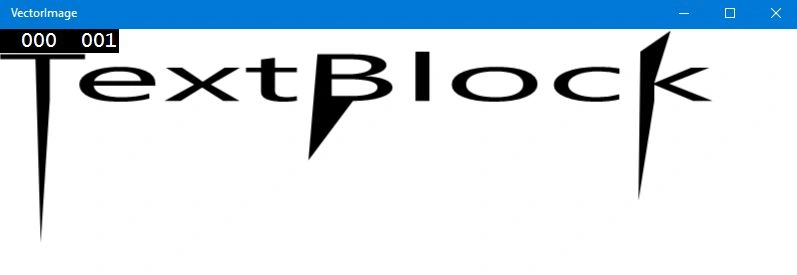
Figure: 13 inch device
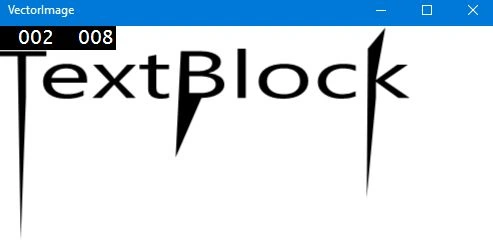
Figure: 6 inch Phone screen
Boom! That's all for Vector Images.
Sirisha KPosted Feb 24, 2016, 7:57 AM
Thank u ,it's good
Santhakumar MunuswamyPosted Feb 13, 2016, 2:46 AM
Thanks for nice share
Sirisha KPosted Feb 12, 2016, 3:19 PM
In Microsoft Expression Blend which technology is used for designing these project.
Ammar ShaukatPosted Feb 10, 2016, 11:04 AM
Good. ustaad g