
Step 1: Open the Central Admin and go to Manage Web Application (under Application Management) .
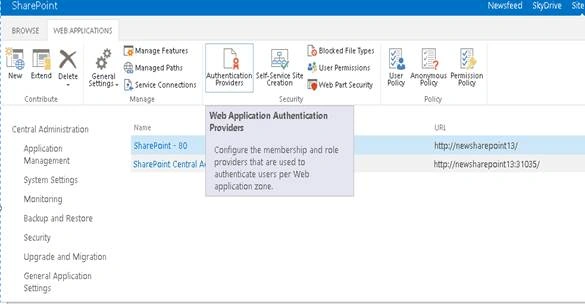
Step 2: Choose the Web Application you want anonymous access for and click on Authentication Provider .
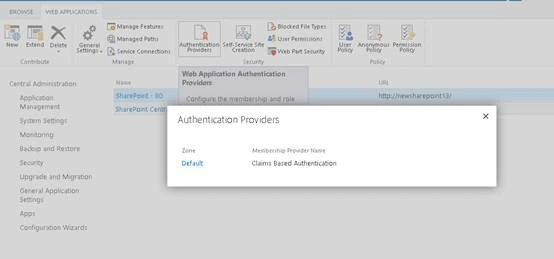
Click Default,
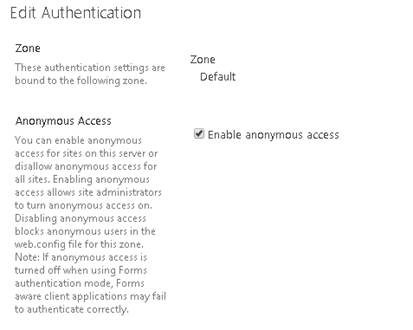
Step 3: Check Anonymous Access and Click OK.
Step 4: Open Visual Studio, create New Sharepoint Project, and add Application Page in it .
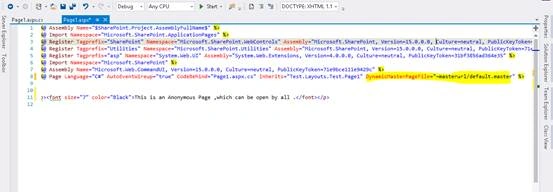
Step 5: Now remove DynamicMasterPageFile="~masterurl/default.master" from aspx page .
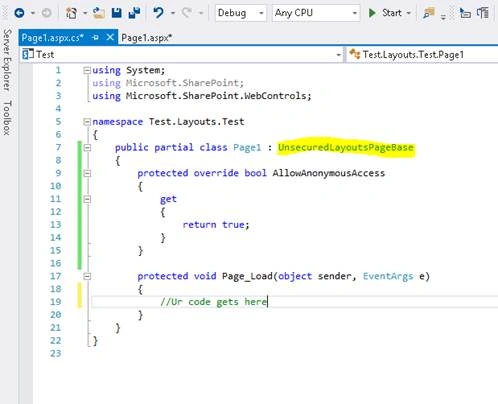
Step 6: Change the Code in aspx.cs to UnsecuredLayoutsPageBase as below,
- public partial class PageName: UnsecuredLayoutsPageBase
- {
- protected override bool AllowAnonymousAccess
- {
- get
- {
- return true;
- }
- }
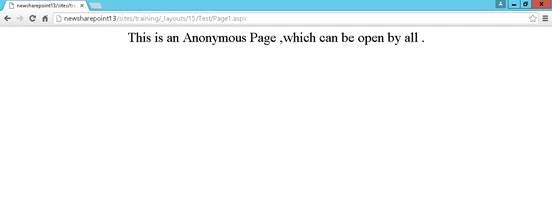
Step 7: Open the Page in Browser (No Login Pop-up will come).
Join the conversation! Your thoughts help the community grow.