
Alfresco Repository Javascript Debugging
Start the tomcat in debug mode (ie)
c:\alfresco\tomcat\bin>catalina.bat jpda start
Enable javascript debugging in alfresco
repository
Go to the below URL and click the Enable button.
http://localhost:8080/alfresco/service/api/javascript/debugger
Now you will get a new javascript debugging
window to debug the javascript.
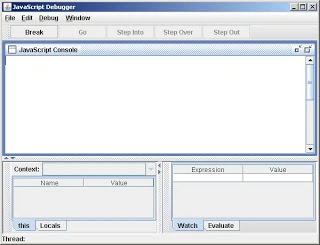
I hope this helps someone.
Join the conversation! Your thoughts help the community grow.