
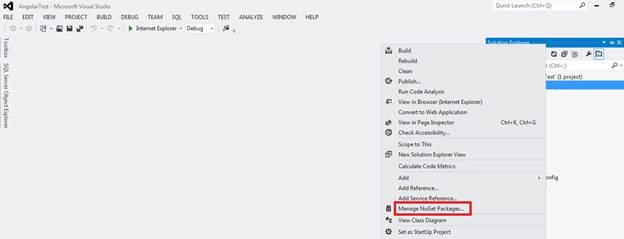
I know it’s straight forward to install the NuGet package by right click on the solution and Select Manage Nuget package as shown in the below screen shot:
Issue:
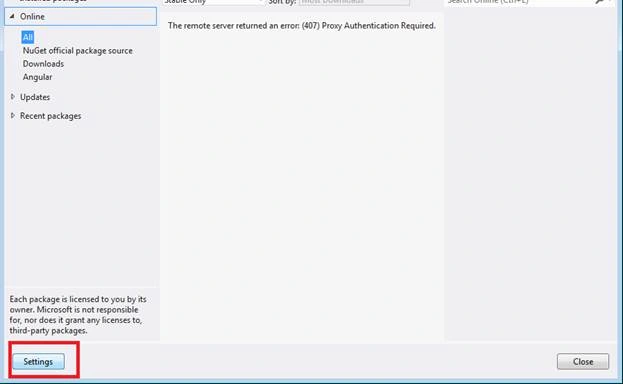
But I found some issue so thought of writing something about the same. While working on the AngularJS, when I tried to install the same from NuGet it asked for NuGet user id and password. As shown below:
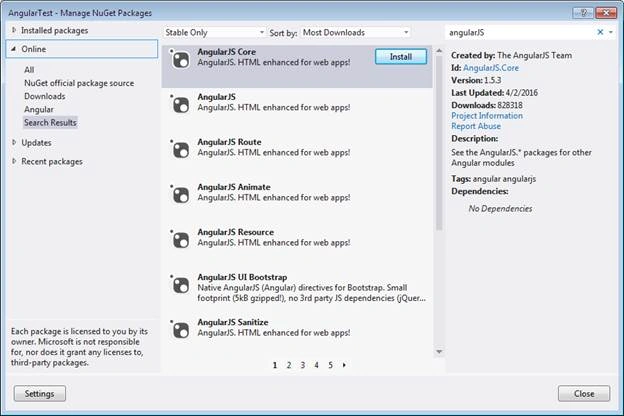
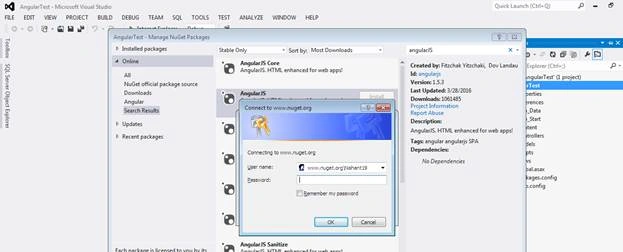
Even though I have valid user id and password I am not able to install the AngularJS. This issue I faced only for AngularJS rest all is working fine.
So I found alternate solution for the same, Please find below the same.
Solution:
I have installed the AngularJS package from the net. After that I followed following the steps to get rid of the issue:
Step 1: Download the package from the net.
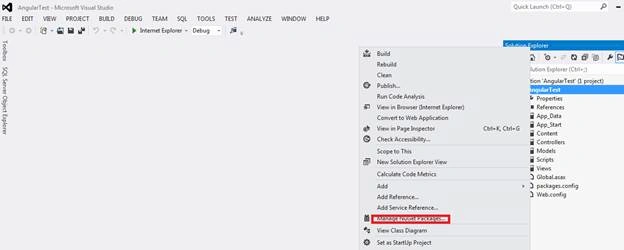
Step 2 : Right Click on the solution and Select “Manage Nuget package”,
Step 3: Select Setting as mention below:
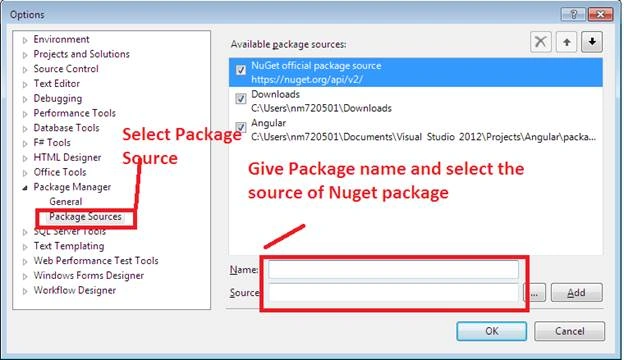
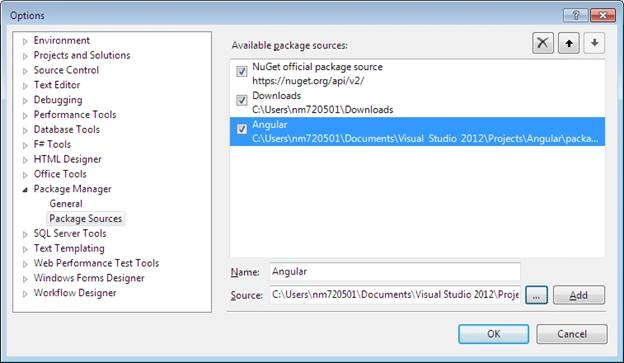
And Select OK.
After that if will show the package under Downloads as shown below:
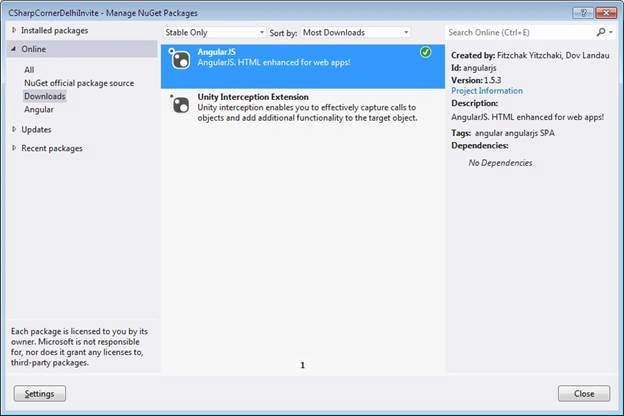
Select the package and Install the same.

Adding Angular NuGet Package
Join the conversation! Your thoughts help the community grow.
Sign in to leave a comment
It is the same account you read, post and publish with — and you will come straight back to this page.
Pradeep SahooPosted Apr 22, 2016, 1:44 PM
Nice ...Thanks for sharing & keep sharing