

Introduction
Xamarin.Forms code runs on multiple platforms - each of which has its own filesystem. This means that reading and writing files is most easily done using the native file APIs on each platform. Alternatively, embedded resources are a simpler solution to distribute data files with an app.
Dark Mode
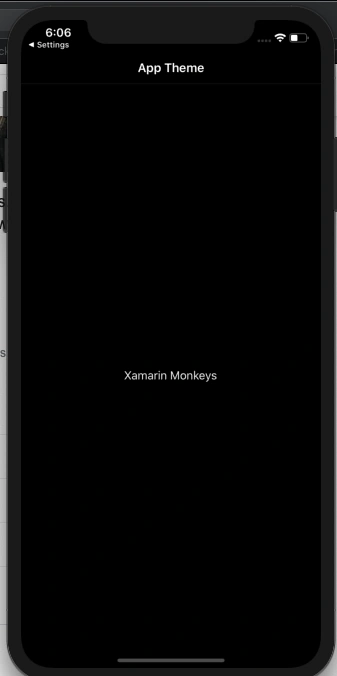
Nowadays iOS and Android apps should support both Dark and Light Theme.
Prerequisites
- Visual Studio 2017 or later (Windows or Mac)
Setting up a Xamarin.Forms Project
Start by creating a new Xamarin.Forms project. You wíll learn more by going through the steps yourself.
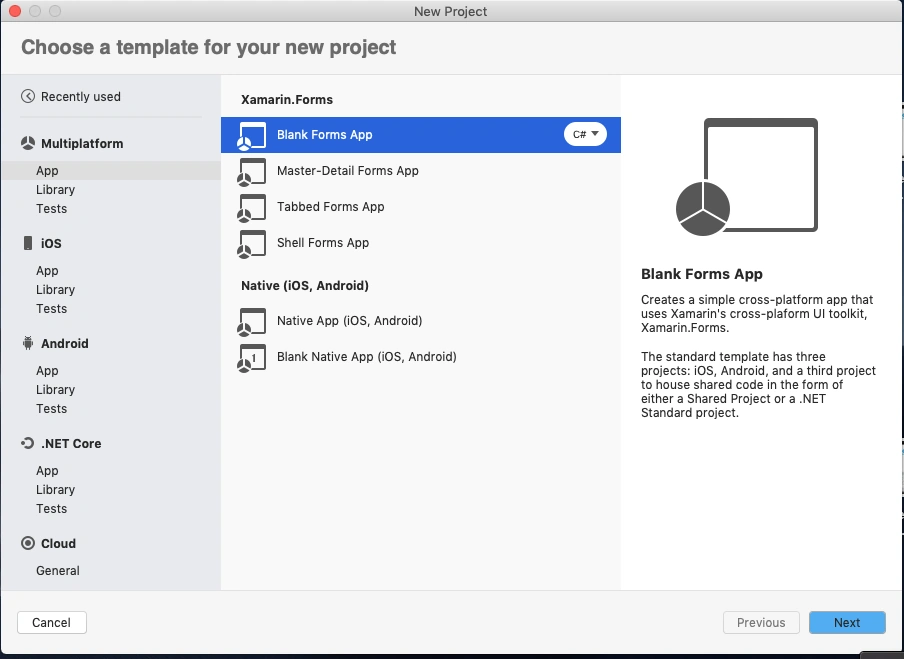
Create a new or existing Xamarin forms(.Net standard) Project. With Android and iOS Platform.
Create a Theme
Create a ResourceDictionary for both Light and Dark Theme.
DarkTheme.xaml
- <?xml version="1.0" encoding="utf-8" ?>
- <ResourceDictionary xmlns="http://xamarin.com/schemas/2014/forms"
- xmlns:x="http://schemas.microsoft.com/winfx/2009/xaml"
- x:Class="DarkModePOC.Common.Styles.DarkTheme">
- <Color x:Key="BackgroundColor">#FF000000</Color>
- <Color x:Key="FrameColor">#FF1f1f1f</Color>
- <Color x:Key="TextPrimaryColor">#B0FFFFFF</Color>
- <Color x:Key="TextSecondaryColor">#eFeFeF</Color>
- <Style x:Key="Title" TargetType="Label">
- <Setter Property="TextColor" Value="{StaticResource TextPrimaryColor}"/>
- <Setter Property="FontAttributes" Value="Bold"/>
- <Setter Property="FontSize" Value="Large"/>
- </Style>
- </ResourceDictionary>
LightTheme.xaml
- <?xml version="1.0" encoding="utf-8" ?>
- <ResourceDictionary xmlns="http://xamarin.com/schemas/2014/forms"
- xmlns:x="http://schemas.microsoft.com/winfx/2009/xaml"
- x:Class="DarkModePOC.Common.Styles.LightTheme">
- <Color x:Key="BackgroundColor">#FFe0e0e0</Color>
- <Color x:Key="FrameColor">#FFFFFFFF</Color>
- <Color x:Key="TextPrimaryColor">#B0000000</Color>
- <Color x:Key="TextSecondaryColor">#858585</Color>
- <Style x:Key="Title" TargetType="Label">
- <Setter Property="TextColor" Value="{StaticResource TextPrimaryColor}"/>
- <Setter Property="FontSize" Value="Large"/>
- </Style>
- </ResourceDictionary>
Set App Theme
In app.xaml you can set the default theme.
App.xaml
- <?xml version="1.0" encoding="utf-8" ?>
- <Application xmlns="http://xamarin.com/schemas/2014/forms"
- xmlns:x="http://schemas.microsoft.com/winfx/2009/xaml"
- xmlns:d="http://xamarin.com/schemas/2014/forms/design"
- xmlns:mc="http://schemas.openxmlformats.org/markup-compatibility/2006"
- mc:Ignorable="d"
- x:Class="DarkModePOC.App">
- <Application.Resources>
- <ResourceDictionary Source="Common/Styles/LightTheme.xaml" />
- </Application.Resources>
- </Application>
Now, Create a Enum in App.xaml.cs
- public partial class App : Application
- {
- public static Theme AppTheme { get; set; }
- public App()
- {
- InitializeComponent();
- MainPage = new NavigationPage(new MainPage());
- }
- protected override void OnStart()
- {
- }
- protected override void OnSleep()
- {
- }
- protected override void OnResume()
- {
- }
- public enum Theme
- {
- Light,
- Dark
- }
- }
Create a Interface
Create a interface for set Theme at runtime.
- public interface IAppTheme
- {
- void SetAppTheme(Theme theme);
- }
iOS Implementation
Below code to change the Theme at runtime.
ThemeHelper.cs
- [assembly:Dependency(typeof(DarkModePOC.iOS.ThemeHelper))]
- namespace DarkModePOC.iOS
- {
- public class ThemeHelper : IAppTheme
- {
- public void SetAppTheme(App.Theme theme)
- {
- SetTheme(theme);
- }
- void SetTheme(Theme mode)
- {
- if (mode == Theme.Dark)
- {
- if (App.AppTheme == Theme.Dark)
- return;
- App.Current.Resources = new DarkTheme();
- }
- else
- {
- if (App.AppTheme != Theme.Dark)
- return;
- App.Current.Resources = new LightTheme();
- }
- App.AppTheme = mode;
- }
- }
- }
Android Implementation
Below code to change the Theme at runtime.
ThemeHelper.cs
- [assembly: Dependency(typeof(DarkModePOC.Droid.ThemeHelper))]
- namespace DarkModePOC.Droid
- {
- public class ThemeHelper : IAppTheme
- {
- public void SetAppTheme(App.Theme theme)
- {
- SetTheme(theme);
- }
- void SetTheme(Theme mode)
- {
- if (mode == Theme.Dark)
- {
- if (App.AppTheme == Theme.Dark)
- return;
- App.Current.Resources = new DarkTheme();
- }
- else
- {
- if (App.AppTheme != Theme.Dark)
- return;
- App.Current.Resources = new LightTheme();
- }
- App.AppTheme = mode;
- }
- }
- }
Consuming the Styles
Now, you can use the resource "DynamicResource BackgroundColor" like this.
- <?xml version="1.0" encoding="utf-8" ?>
- <ContentPage xmlns="http://xamarin.com/schemas/2014/forms"
- xmlns:x="http://schemas.microsoft.com/winfx/2009/xaml"
- xmlns:d="http://xamarin.com/schemas/2014/forms/design"
- xmlns:mc="http://schemas.openxmlformats.org/markup-compatibility/2006"
- mc:Ignorable="d"
- BackgroundColor="{DynamicResource BackgroundColor}"
- x:Class="DarkModePOC.MainPage">
- <StackLayout HorizontalOptions="Center" VerticalOptions="Center">
- <!-- Place new controls here -->
- <Switch x:Name="themeToggle" IsToggled="False" Toggled="Switch_Toggled"/>
- <Label TextColor="{DynamicResource TextSecondaryColor}" Text=" sample"/>
- <Button HorizontalOptions="Center" VerticalOptions="Center" TextColor="Red" Text="Next Page" Clicked="Button_Clicked" />
- </StackLayout>
- </ContentPage>
MainPage.Xaml.cs
- private void Switch_Toggled(object sender, ToggledEventArgs e)
- {
- var toggleStatus = themeToggle.IsToggled;
- SetTheme(toggleStatus);
- }
- void SetTheme(bool status)
- {
- Theme themeRequested;
- if (status)
- {
- themeRequested = Theme.Dark;
- }
- else
- {
- themeRequested = Theme.Light;
- }
- DependencyService.Get<IAppTheme>().SetAppTheme(themeRequested);
- }
Run - DarkMode
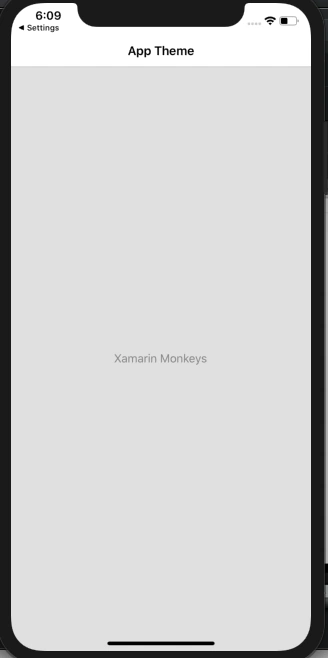
LightMode
I hope you have understood how to support Dark Mode in Xamarin.Forms..
Thanks for reading. Please share your comments and feedback.
Happy Coding :)
Kevin DienerPosted Jul 20, 2021, 9:47 AM
With the ios version 14.5 it doesnt work. Also not with the android version API 28
Delpin Susai RajPosted Nov 10, 2020, 7:16 AM
Kathan Shah Please check following repos https://github.com/susairajs/XamarinForms-DarkMode
Kathan ShahPosted Oct 30, 2020, 8:00 AM
There is no implementation of -------Clicked="Button_Clicked" " in xaml.cs!!?