

Introduction
This article describes how a Window Listener can be used in Java. The NetBeans IDE is used for the development of the example.
What a Window Listener is
A Window Listener is used to listen for window events. It has the following seven methods:
- windowOpened(WindowEvent e)
This method is called when the window is first made visible.
- windowClosing(WindowEvent e)
This method is called when the user attempts to close the window.
- windowClosed(WindowEvent e)
This method is called when the window gets closed.
- windowIconified(WindowEvent e)
This method is called when the user minimizes the window.
- windowDeiconified(WindowEvent e)
This method is just the opposite of the method windowIconified, this method is called when the window is changed from the minimized state to normal state.
- windowActivated(WindowEvent e)
This method is called when the window is set to be active the window, only a dialog or a frame can be set to be an active window.
- windowDeactivated(WindowEvent e)
This method is called when the window will no longer be the active window.
Packages imported
java.awt.*;
AWT stands for Abstract Window Toolkit, AWT is basically imported to use AWT components like label, frame and so on.
java.awt.event.*;
This package is basically imported to handle the action events.
Example
In this example; we implement a Window Listener in Java using the Netbeans IDE. There are certain steps in the Netbeans IDE that we need to follow as explained below.
Step 1
Open the Netbeans IDE and click on "File" -> "New project" then choose Java project then provide the name (for example "CloseFrame") then click on "Ok" then right-click on our project and choose "New" -> "Java class" and then provide your class name (CloseFrame.java) and click "Ok" then supply the following code for it.
Step 2
In the class use the following code (in this example only one method is shown, in other words windowClosing):
import java.awt.*;
import java.awt.event.*;
class CloseFrame extends Frame implements WindowListener
{
Label label;
CloseFrame(String title)
{
setTitle(title);
label=new Label("Close the frame");
addWindowListener(this);
}
void launchFrame()
{
setSize(300,300);
setVisible(true);
}
public void windowActivated(WindowEvent e)
{
}
public void windowClosed(WindowEvent e)
{
}
public void windowClosing(WindowEvent e)
{
System.exit(0);
}
public void windowDeactivated(WindowEvent e)
{
}
public void windowDeiconified(WindowEvent e)
{
}
public void windowIconified(WindowEvent e)
{
}
public void windowOpened(WindowEvent e)
{
}
public static void main(String[] args)
{
CloseFrame cd=new CloseFrame("Close Window");
cd.launchFrame();
}
}
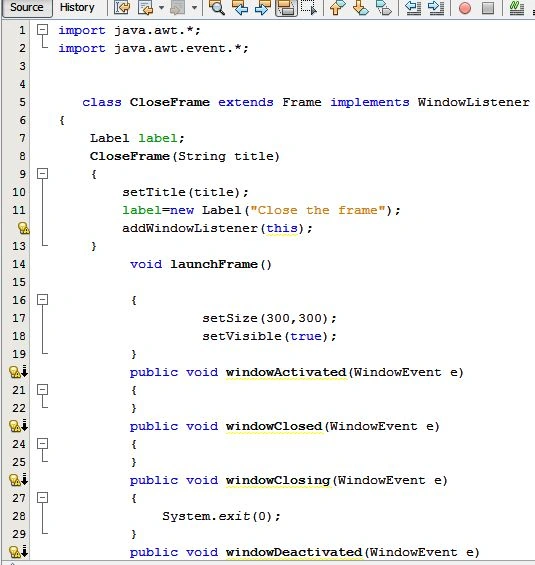
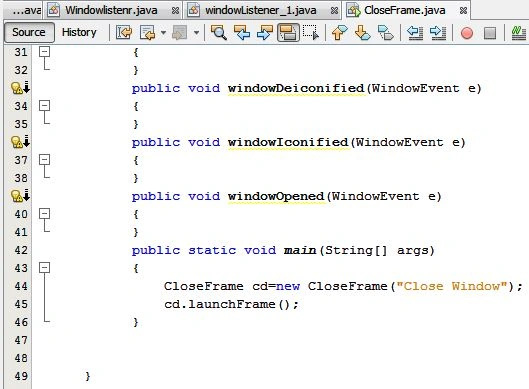
Step 3
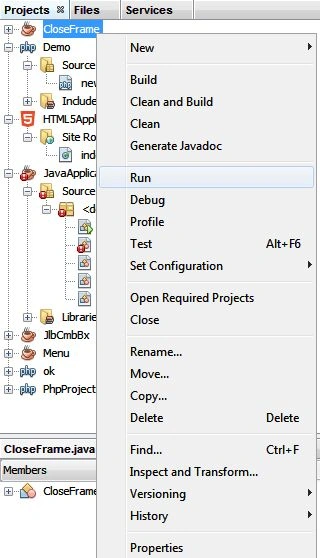
Now go to "CloseFrame" and right-click on that, click on "Run" from the menu bar as in the following:
Output
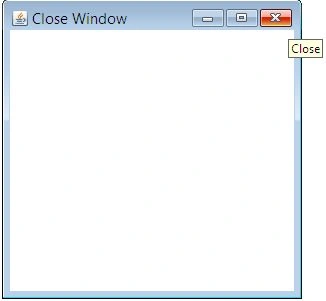
The output shows the window:
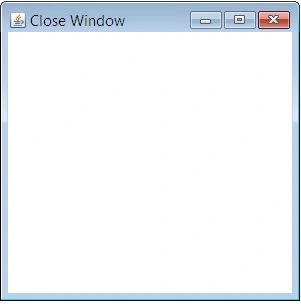
Now you can close the window by clicking on the close icon on the menu bar.
Join the conversation! Your thoughts help the community grow.