

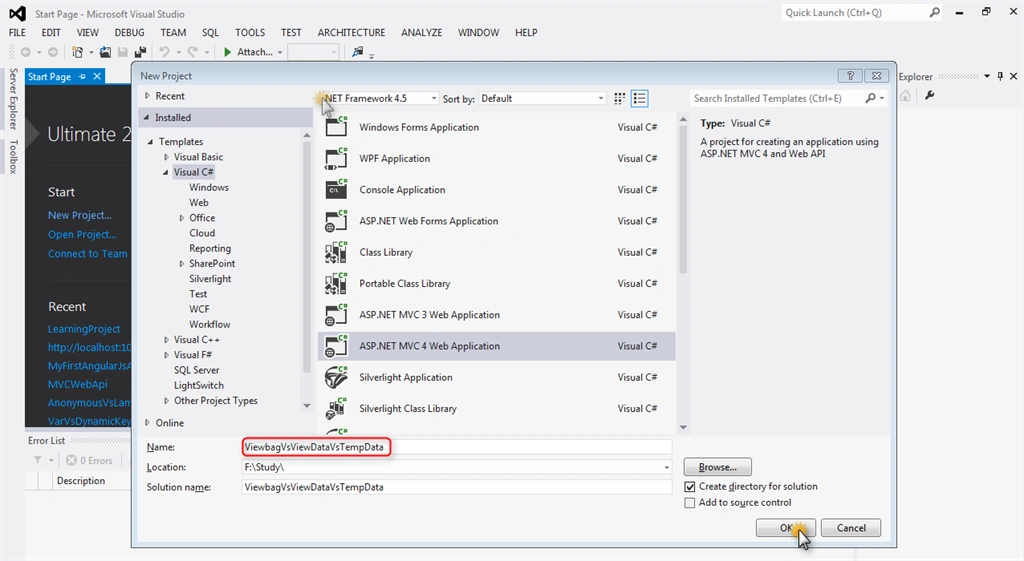
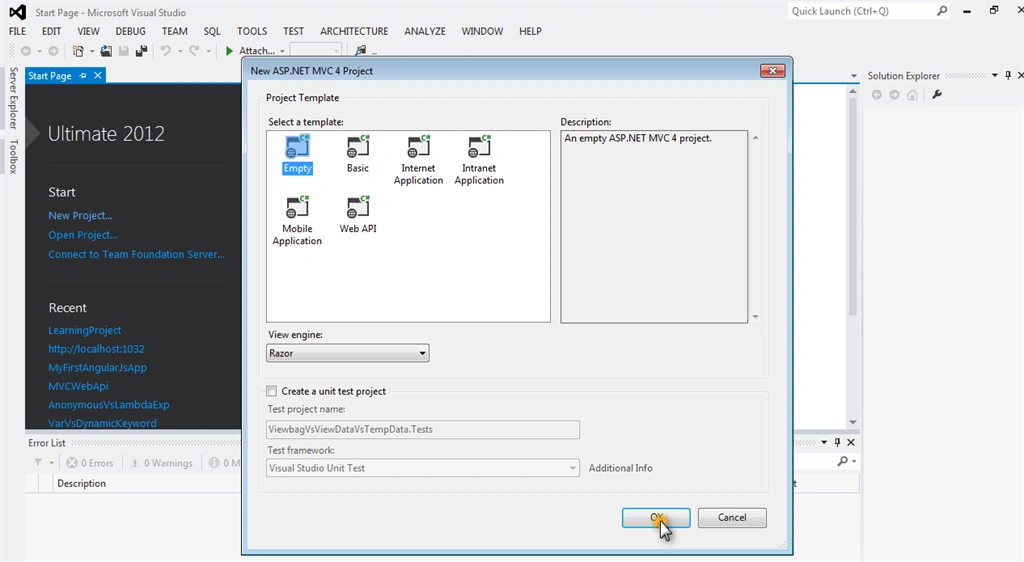
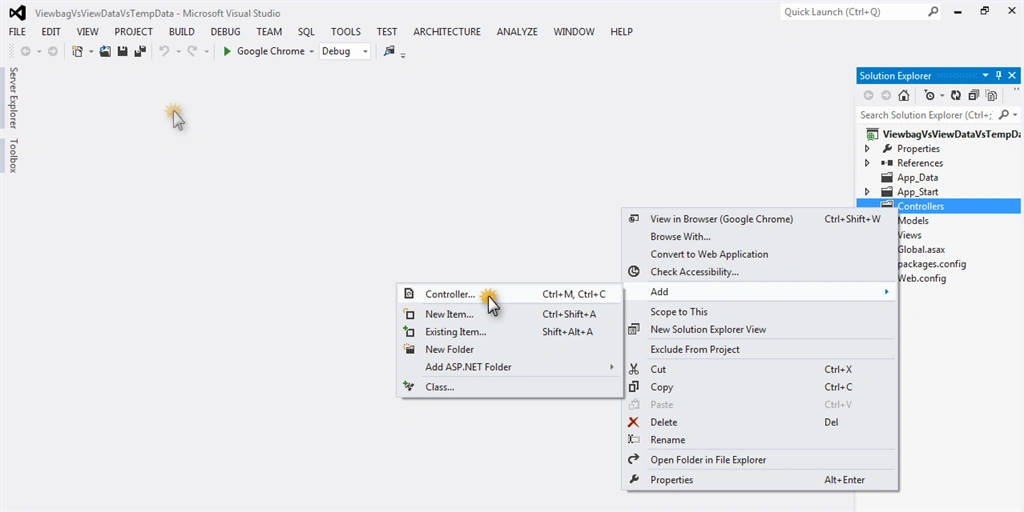
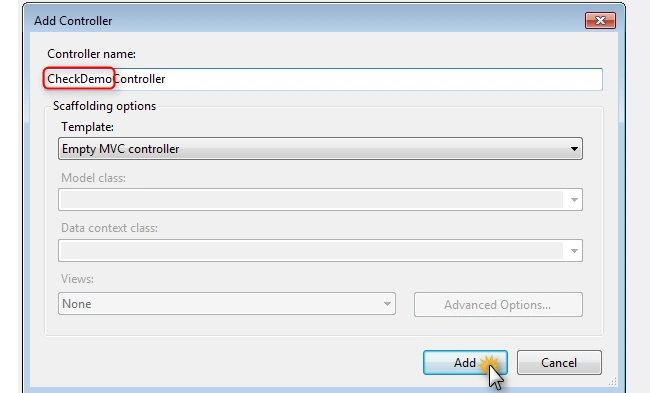
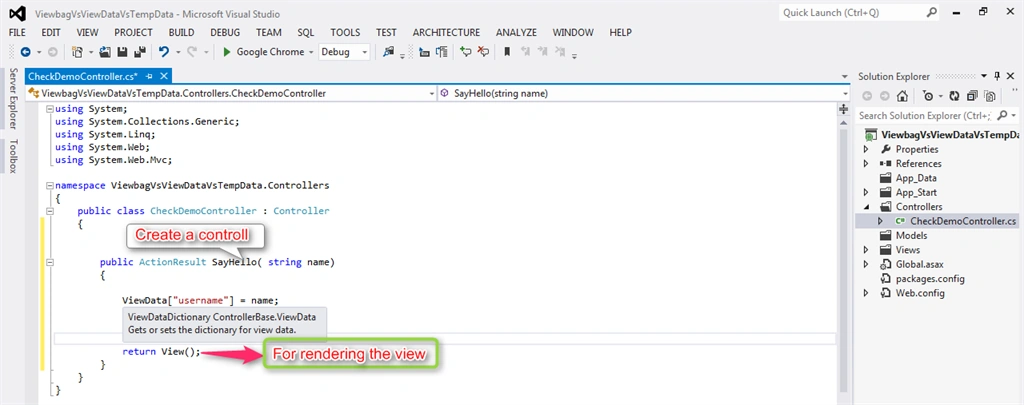
Create a controller name, “SayHello,” which contains the information which will pass in view available in controller.
For passing the information from controller to view here we will use View data.
View Data: It is an object of ViewDataDictionary type. It contains the value like array notation.
Here view data contains values like:
ViewData["username"] = name;
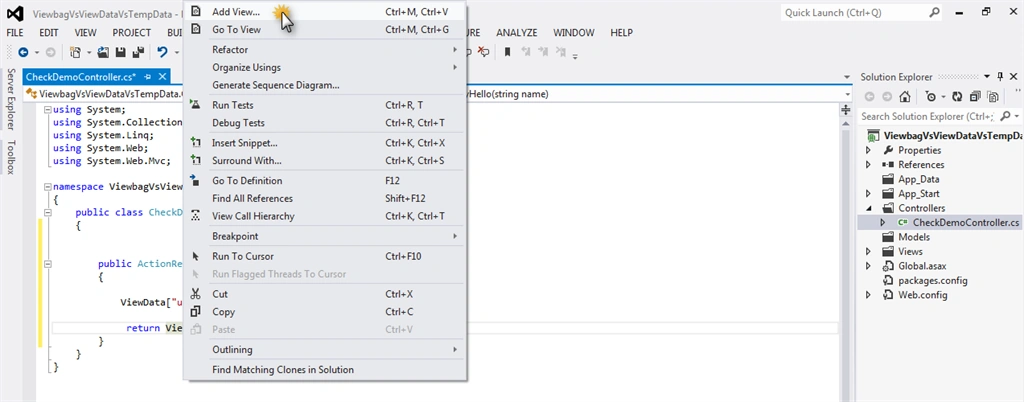
To show the value using ViewData we need to add View.
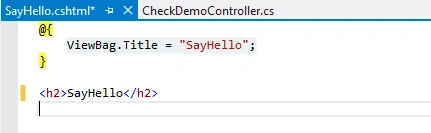
- @{
- ViewBag.Title = "SayHello";
- }
- <h2>Hi, @ViewData["username"].ToString() Welcome to first MVC Application.</h2>
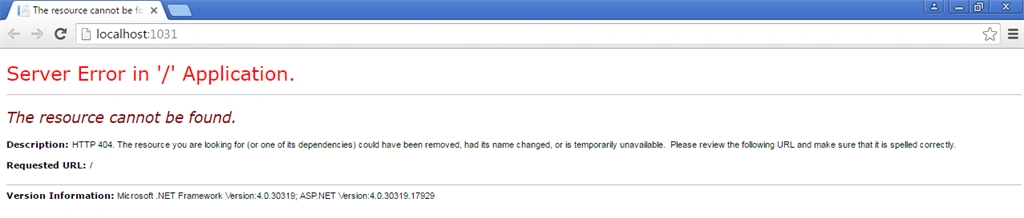
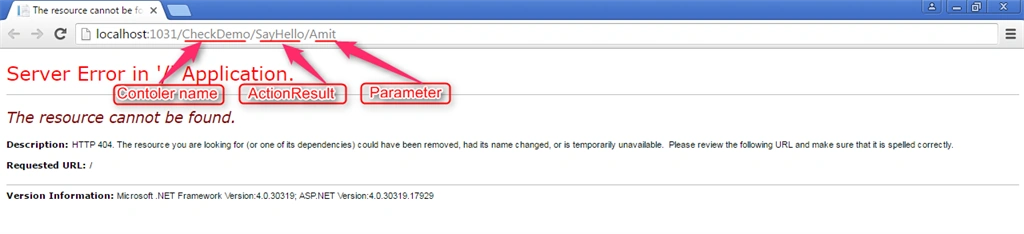
will be show After that output like.

ViewBag:
It is a wrapper for viewdata. It performs same functionality but it is a dynamic property that takes advantage of the new dynamic features in C# 4.0. It is dot(.) notation . It does not need to type cast.
- namespace ViewbagVsViewDataVsTempData.Controllers
- {
- public class CheckDemoController : Controller
- {
- public ActionResult SayHello(string id)
- {
- //ViewData["username"] = id;
- ViewBag.usertname = id;
- return View();
- }
- }
- }
- @{
- ViewBag.Title = "SayHello";
- }
- @*<h2>Hi, @ViewData["username"].ToString() Welcome to first MVC Application.</h2>*@
- <h2>.usertname Welcome Hi, @ViewBag to first MVC Application.</h2>
Output:
 TempData:
 It is used for passing data from one controller to another controller or one request to other request. TempData contains the data until target is completely loaded. TempData is a dictionary object that is derived from TempDataDictionary class and stored in short live sessions.
For TempData I create some actionresult like and view. Here we store the data in TempData for passing one controller to another controller.
- public ActionResult CreateForm()
- {
- return View();
- }
- [HttpPost]
- public ActionResult CreateForm(string id)
- {
- TempData["username"] = id;
- return RedirectToAction("ShowMessage");
- }
- @{
- ViewBag.Title = "CreateForm";
- }
- <h2>Create User</h2>
- @using (Html.BeginForm()) {
- <div>
- <input id="name" type="text"/>
- <p><input id="btncreate" type="submit" value="Create"> </p>
- </div>
- }
This view shows like this:

Those values enter this textbox that value stores in TempData and shows tempdata value in other ActionResult(ShowMessage) view.
 And Add Another Action result here for showing the TempData stored value.
- public ActionResult ShowMessage()
- {
- return View();
- }
View :
- @{
- ViewBag.Title = "ShowMessage";
- }
- <h2>Hi, @TempData["username"].ToString() Welcome to first MVC Application using TempData.</h2>
 The first time completely load view with TempData, after that tempdata is lost. For checking it when we refresh a page then we get an error like: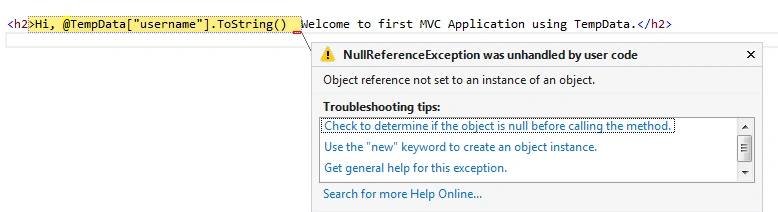
This error proves completely loaded TempData; after that data is lost.
Amit KumarPosted Apr 29, 2016, 12:21 AM
Thank you..
Vivek KumarPosted Apr 28, 2016, 2:50 PM
Nice