

1. DownloadFile()
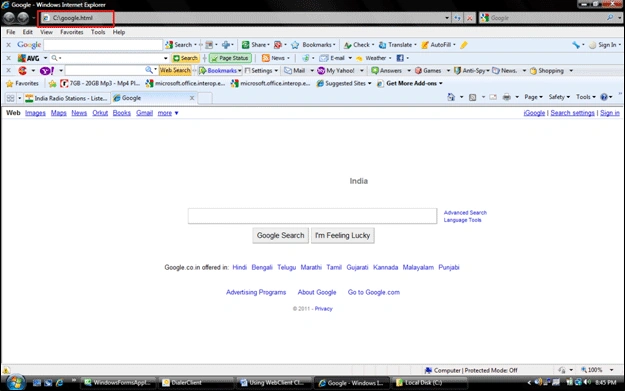
This method can directly download the response contents from a URL and save it to hard disk. The syntax is as below.
<<WebClient Object>>.DownloadFile(<<URL to download>>, <<File path to store download data>>);
In attached solution file I am downloading the Google site response and storing it in a file and later displaying it in a browser
2. DownloadData()
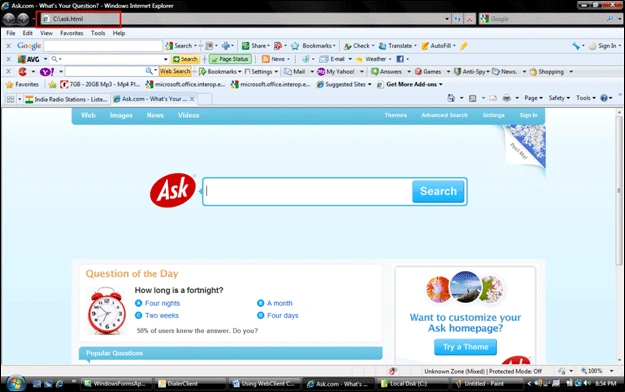
This method can directly download the response contents from a URL in byte[] format and this data can be written to a stream and can also be saved to a file.
<<WebClient Object>>.DownloadData(<<URL to download>>);
In the attached solution file I am downloading the Ask.com site response in byte[] format and later storing it in a file and displaying it in a browser.
3. DownloadString()
This method can directly download the response contents from a URL in string format and this data can be written to a stream and can also be saved to a file. One possible usage is that you can search for specific contents inside this string.
<<WebClient Object>>.DownloadString(<<URL to download>>);
In attached solution file I am downloading the Yahoo site response in string format and later storing it in a file and displaying it in a browser.
4. OpenRead()
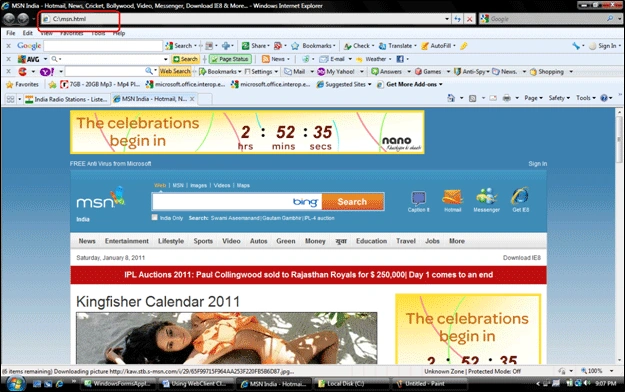
This method can directly open a stream towards response contents from a URL. You can read this URL and can also save it to a file.
<<WebClient Object>>.OpenRead(<<URL to download>>);
In attached solution file I am downloading the MSN site response using a stream and later showing it in a browser
Even though I used plain websites as examples, the real time purpose of WebClient is during handling of WebServices response. So your assignment is to handle your WebService response in a better way using WebClient and see how much you can utilize this class.
Join the conversation! Your thoughts help the community grow.