

Note: This article was published on 10/05/2024.
This is a seres of articles about Angular Installation, Upgrading.
- Angular Installation and Environment Setup
- Update Angular For Environment And Project
- Update nx-angular:
- Update nx-Angular from 12 to 17 (1) --- Initial Point --- this article
- Update nx-Angular from 12 to 17 (2) --- in a nx environment
- Update nx-Angular from 12 to 17 (3) --- to Latest or Version by Version?
- Update nx-Angular from 12 to 17 (4) --- Debugging (1)
- Update nx-Angular from 12 to 17 (5) --- Debugging (2)
- Update nx-Angular from 12 to 17 (6) --- .Net updating and Angular updating
A - Introduction
This article is to discuss a upgrading process for an Angular app at initial point.
The content of this article:
- A - Introduction
- B - Setup Initial Environment
- C - Clone App from Git Repository
- C.1 - Get Code from Repository
- C.2 - Install Labraries
- C.3 - Run the App
B - Setup Initial Environment
For an angular development environment, we usually need the following:
- Node.js --- JavaScript Runtime
- npm --- Node Pachage Management
- TypeScript --- JavaScript with Optional Typing --- a typed superset of JavaScript that compiles to plain JavaScript.
- Angular --- a development platform, built on TypeScript
The logic amound these four
- Angular is a development platform, built on TypeScript.
- Both TypeScript and Angular are installed by npm
- npm (originally short for Node Package Manager) is a package manager for the JavaScript programming language.
- npm is installed associated with Node.js
So, we need to install node.js first, then using npm inside to install TypeScript and Angular.
- Installation of Node.js®
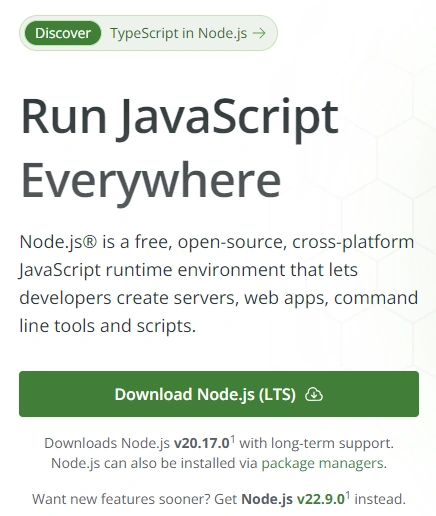
Download:
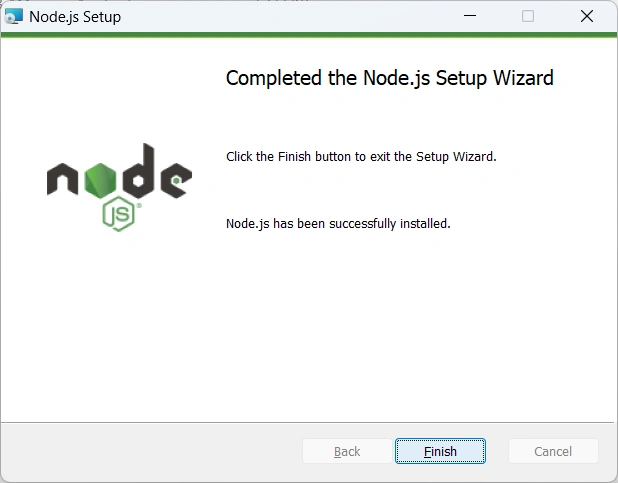
Run:
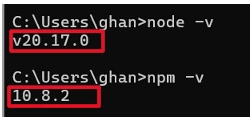
Check versions: both Node.js and npm
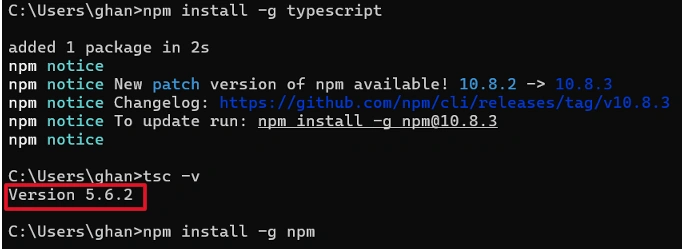
- Install TypeScript
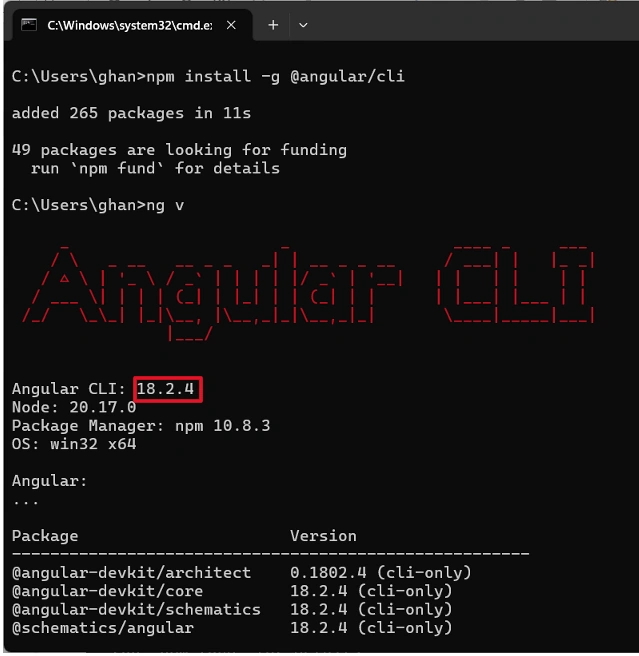
- Install Angular, latest version
- Install VS Code as editor
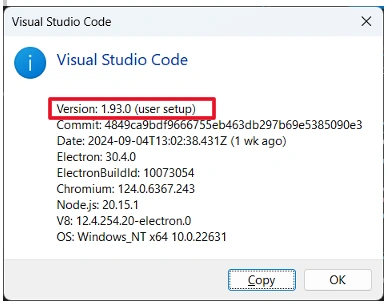
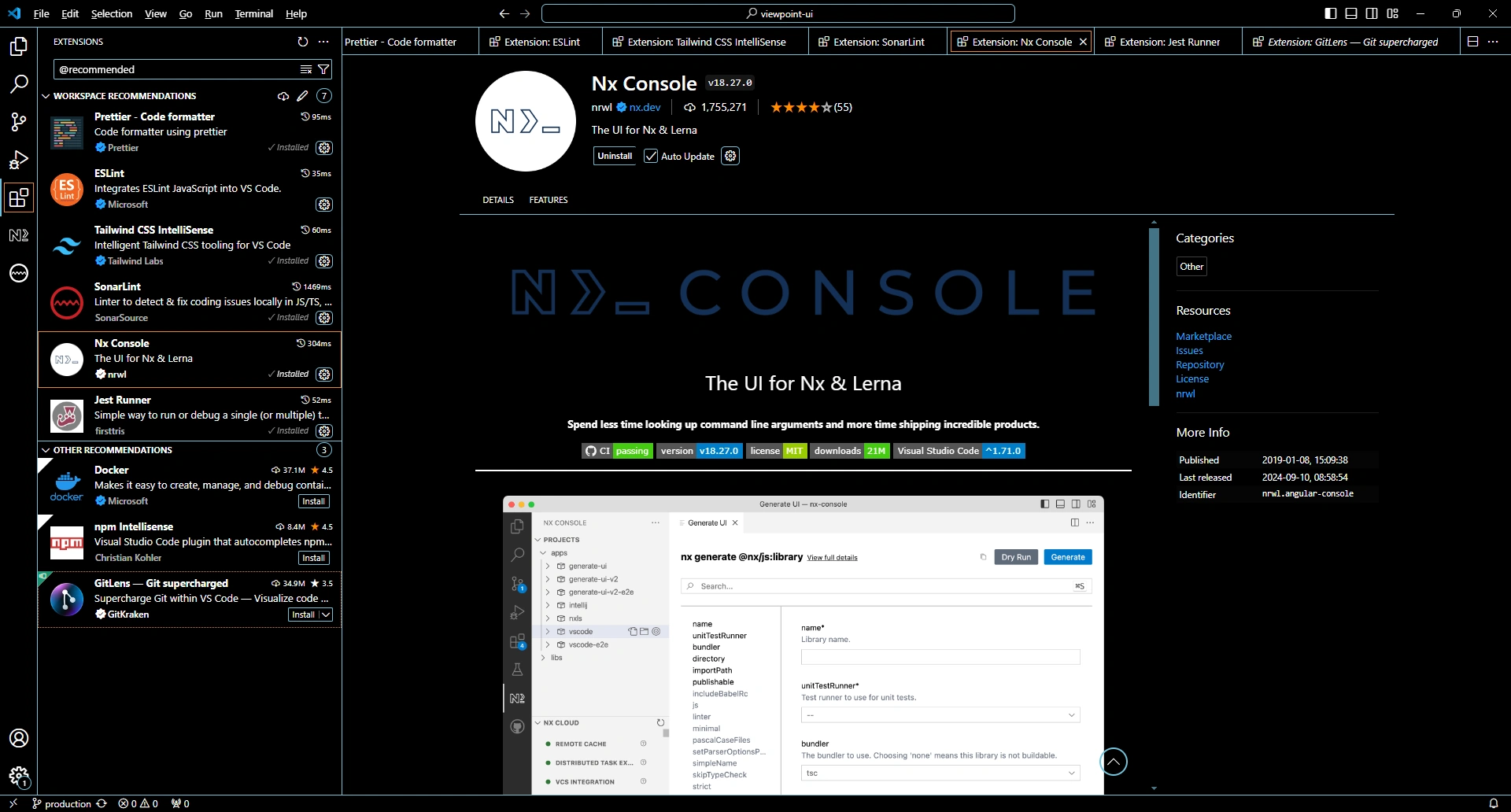
with extension: Nx Cosole --- this tool is very useful for SPA development and will be discussed in details later
C - Make App Running after Cloned from Git Repository
At this point, we have environment set up as in B. Then, we
C.1 - Get Code from Repository
C.2 - Install Labraries
By running npm command:
npm install
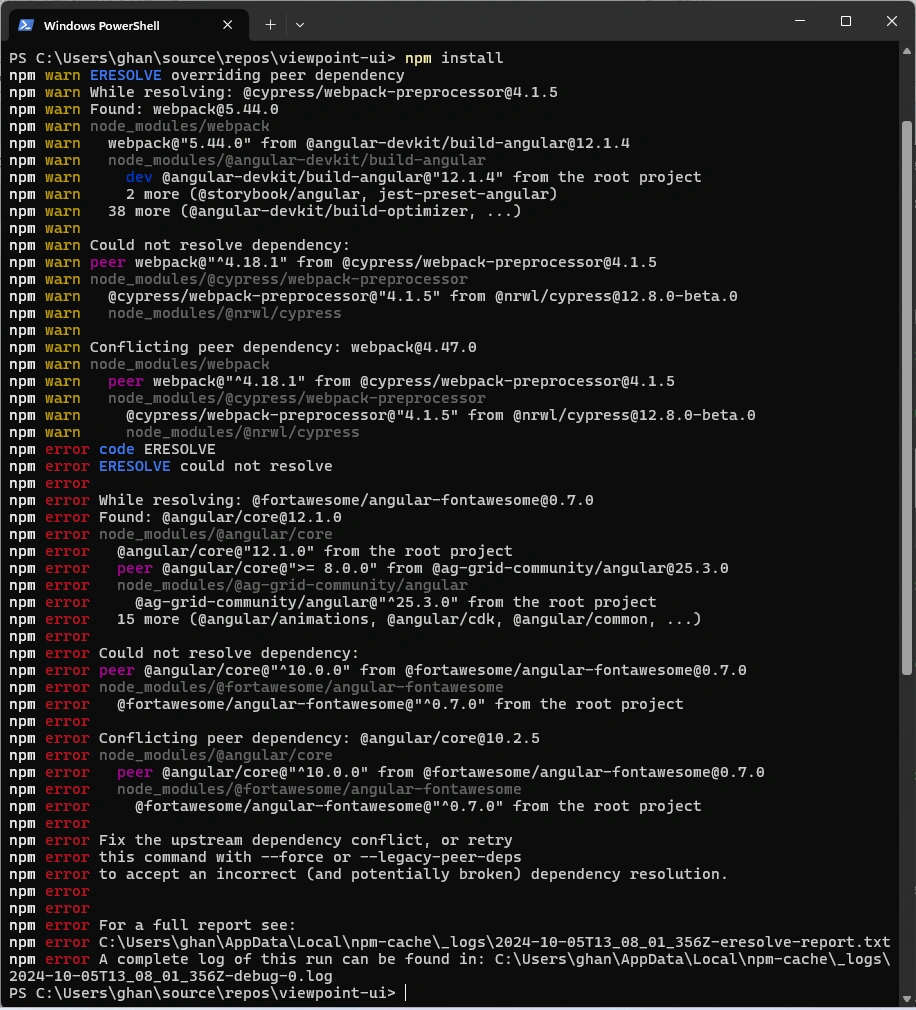
We run this
npm install --legacy-peer-deps
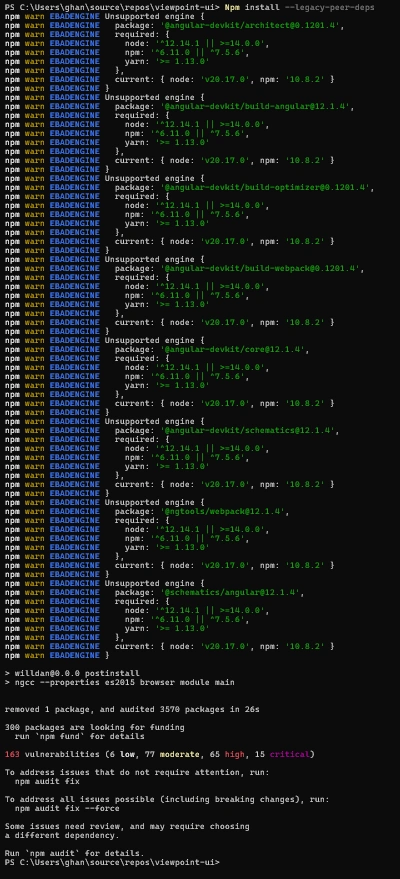
Note:
See the difference between --legacy-peer-deps and --force, where
--legacy-peer-depscomes when a package you’re trying to install has a peer dependency that conflicts with your current project setup. Running an npm install with this flag tells npm: “Hold on there! Let’s stick to the old ways and not auto-install these peers. Just flag me a warning if something’s a miss.”--force, npm will overwrite existing files and install packages regardless of version compatibility or any potential conflicts. This flag is often used when you want to forcefully reinstall packages or resolve issues that may arise due to conflicts or errors during the installation process.
C.3 - Run the App
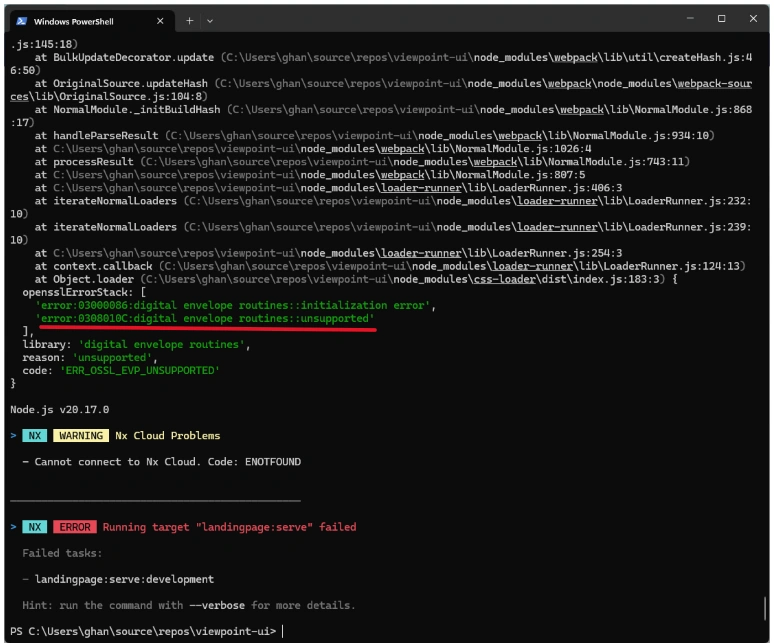
Run the App, we got so many errors like the followings:

......
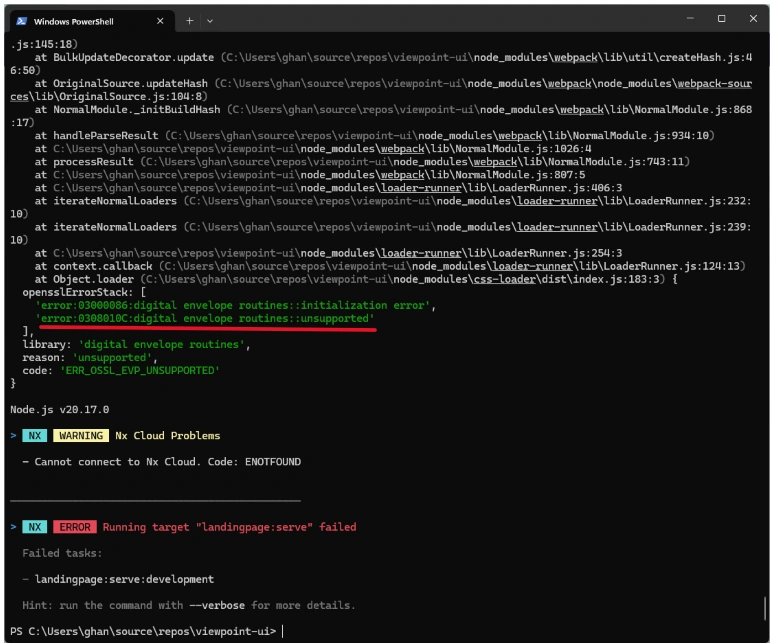
Google the bug: "Error: error:0308010C:digital envelope routines::unsupported", we found
- This error typically occurs when there are issues with the OpenSSL and cryptographic algorithms being used by the Node.js. It is often related to the compatibility between the Node.js version and the OpenSSL version installed on the system.
The solution could be Downgrade to Node.js v16.
- You can downgrade Node itself so that you're using a version that uses the old, insecure, version of LibSSL. That doesn't "solve" the problem of running insecure and potentially exploitable code, of course, but your code will at least run.
Then we downgraded to node.js version 16, like this
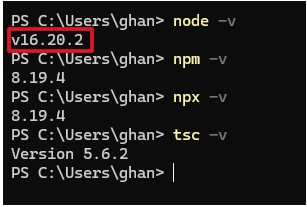
Then the running is good:
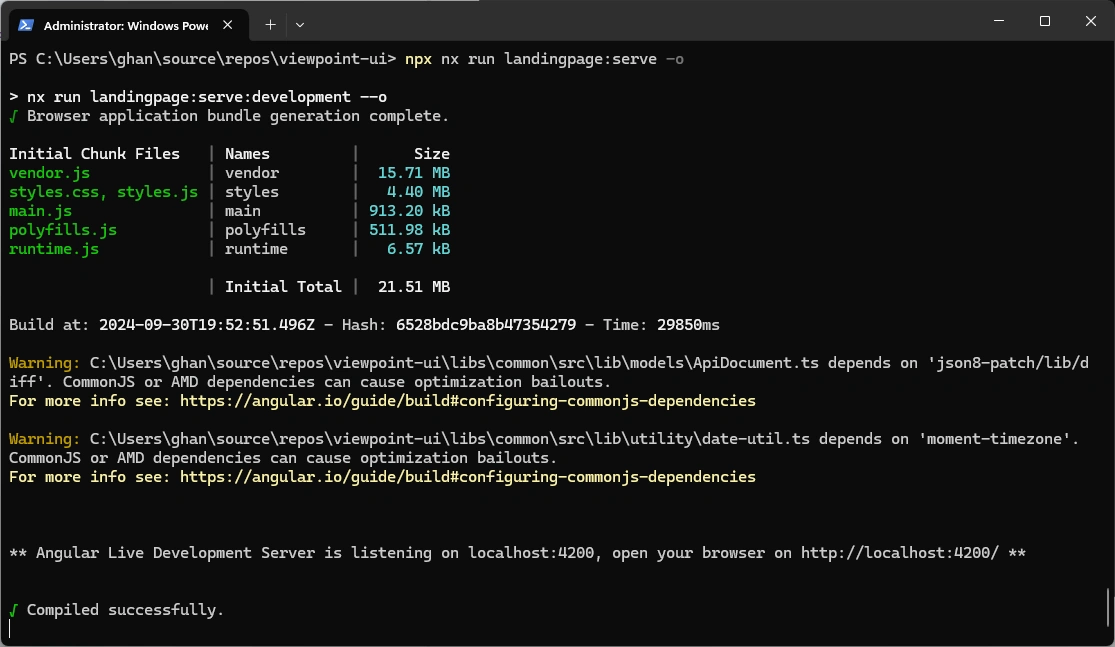
Now we are ready to start to upgrade the App.
Referemces
Join the conversation! Your thoughts help the community grow.