

I will start this (the first) tutorial by showing how to create a SQL Server database connection. Here I will explain step-by-step. Use the following procedure.
Step 1: Create a Windows Forms Form
Open Visual Studio and create a new project and select Windows Forms application and provide it the name "First_Csharp app".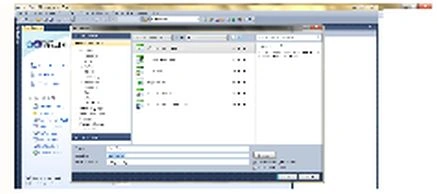
Step 2: Drag and drop a button.
Now from the toolbox drag and drop a button and click on the button.
Step 3: Database table
Create a database table in SQL Server. Here the database name is "windowapp" and "tablename" is the data.
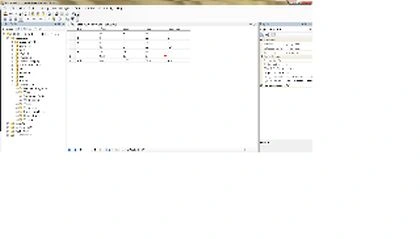
Step 4: Code for button click.
First insert a namespace "using System.Data.SqlClient".
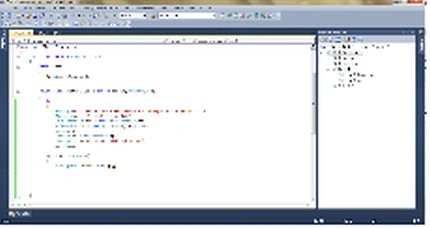
using System;
using System.Collections.Generic;
using System.ComponentModel;
using System.Data;
using System.Drawing;
using System.Text;
using System.Windows.Forms;
using System.Data.SqlClient;
namespace First_Csharp_app
{
public partial class Form1 : Form
{
public Form1()
{
InitializeComponent();
}
private void button1_Click(object sender, EventArgs e)
{
try
{
String str = "server=MUNESH-PC;database=windowapp;UID=sa;password=123";
String query = "select * from data";
SqlConnection con = new SqlConnection(str);
SqlCommand cmd = new SqlCommand(query, con);
con.Open();
DataSet ds = new DataSet();
MessageBox.Show("connect with sql server");
con.Close();
}
catch (Exception es)
{
MessageBox.Show(es.Message);
}
}
}
}
Step 5: Run the application.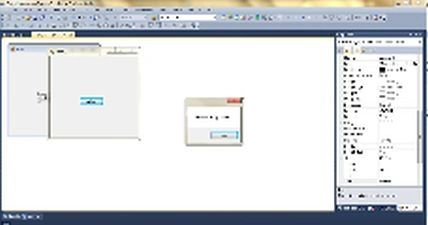
Thiruppathi RPosted May 30, 2017, 1:54 PM
Nice Article......
GokulPosted Jun 23, 2016, 2:11 AM
thanks for sharing
Sr KarthigaPosted May 3, 2016, 9:01 PM
Good one