

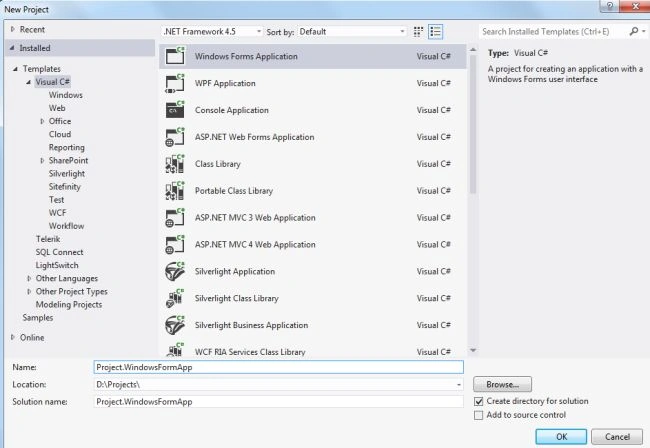
In this article, I would like to explain how to test Push Notification in Windows Forms applications. First create a new solution as in the following:

Download the file and add an existing class library project called Project.MoonAPNS
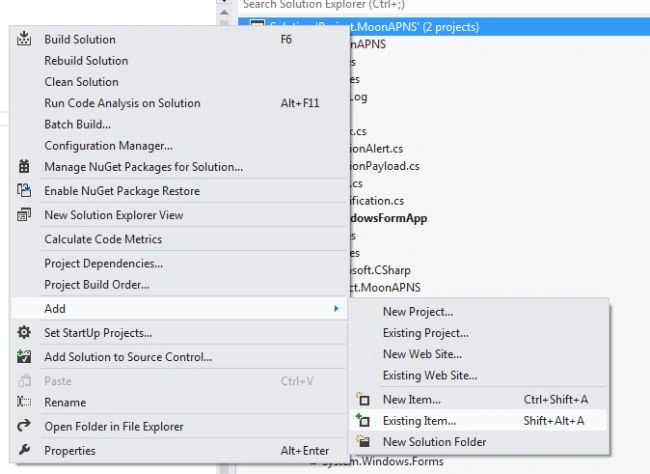
Add a new folder Debug and add .cer and .pfx, in other words aps_development.cer and ck.pfx files in this folder. These 2 files are generated using the SSL Converter.
To learn more about this: Apple Push Notification Using ASP.Net.
Add a new form as in the following:
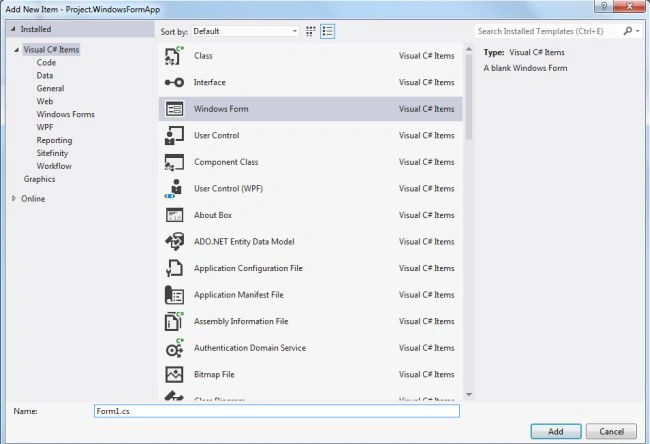
Drag and drop 2 Labels (Message, DeviceId), 2 TextBoxes and 2 Buttons controls from the ToolBox on the Form.

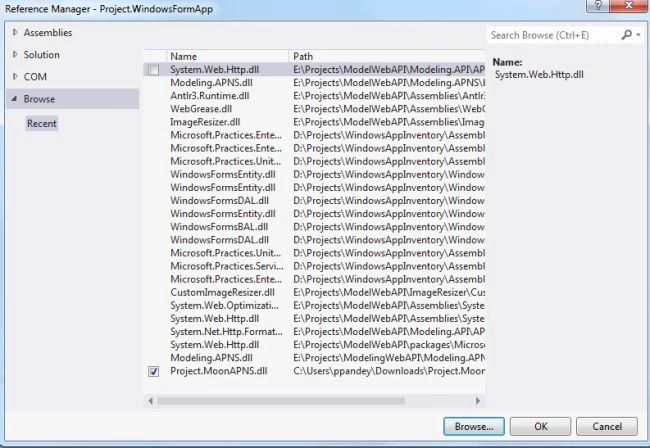
Add references of class library project Project.MoonAPNS.
Add code on the click event of the Send and Cancel buttons.
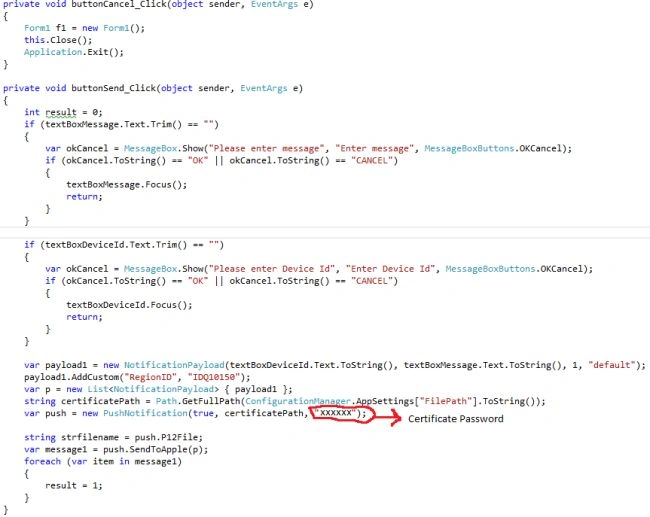
Press F6 to build the solution. Press F5 or click on Start to run the application.
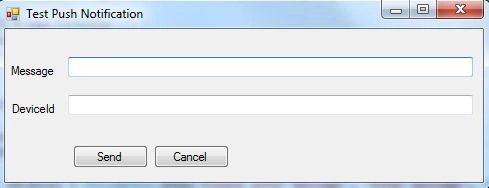
Enter message and DeviceId on which you want to test Push Notification.

And you will get notification.
hetal agrawalPosted Mar 10, 2018, 1:29 AM
This is the great post. Could you please also post how to receive push notification in a desktop application?