

Universal Windows Platform (UWP) was introduced in Windows 10, which gives a common app platform on every device having Windows 10 as their operating system. If any app consumes core APIs, it can run on any Windows 10 device, be it a desktop PC, Xbox, Mixed-reality headset, and so on.
UWP was first introduced in Windows Server 2012 and Windows 8. It allows the developers to create apps that will potentially run on multiple types of devices. But UWP apps do not run on earlier Windows versions because UWP is kind of a sandbox and not a part of .NET Framework. It is designed to run on various device types powered by Windows 10; pretty much everything that is a Microsoft device. UWP is a completely new application platform which was launched as an alternative to the classic Win32 application platform (used by earlier versions of Windows).
For WPF, there are various approaches available for complex applications, such as Prism & MVVMLight. The blank example provided by Visual Studio is amazingly easy and it’s the right start line for each application. But when we need to work on a complicated project, we need to handle advanced situations (like using the MVVM pattern or managing the state of the page). To make it easier for the developers for UWP development, a Microsoft team, lead by Jerry Nixon (a Technical Evangelist), has begun to work on a modern example known as Template 10. It’s an open source project available on GitHub at https://github.com/Windows-XAML/Template10.
Template 10 is a kit of Visual Studio project templates which sling-shots the developers' productivity by getting ~80% of the boilerplate stuff delivered in the template - things like navigation, suspension, and even a Hamburger control. Template 10 is designed for Window XAML apps written in C#.
Some of the conventions for Template 10
- Put Views (XAML files) in a Views folder (and ns)
- Only have one View-Model for one View
- Put View-Models in a /ViewModels folder (and ns)
- Use OnNavigatedTo in view-models, not pages
- Put models in a /Models folder (and ns)
- Often use the façade pattern with our models
- Navigate using a NavigationService
- Communicate with a Messenger
- Implementation of Dependency Injection
What's in Template 10?
- There are controls
- There are behaviors
- There are services
- There are converters
- There are MVVM classes (BindableBase, DelegateCommand, and ViewModelBase)
- There are utility classes
- There are project templates (Blank, Minimal, Hamburger)
- There is a NuGet package
Now, have a quick start to install and run the first example of Template 10
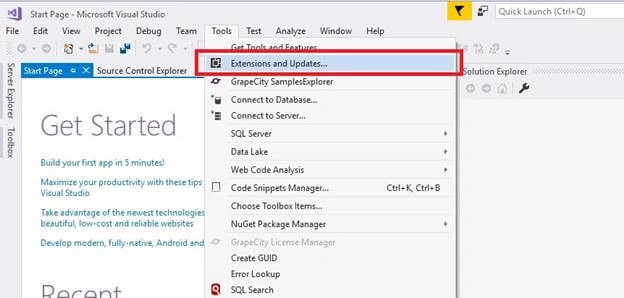
Step 3
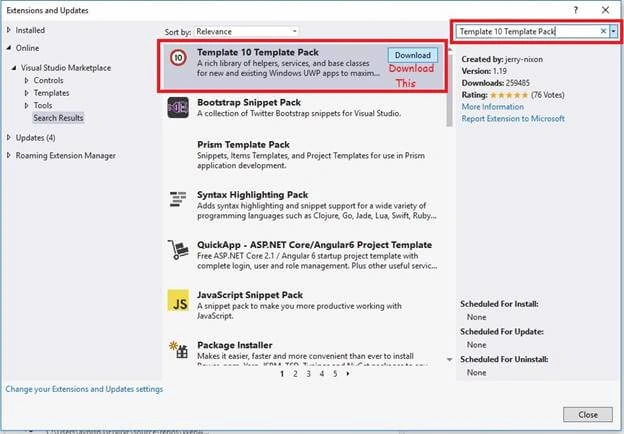
Step 4
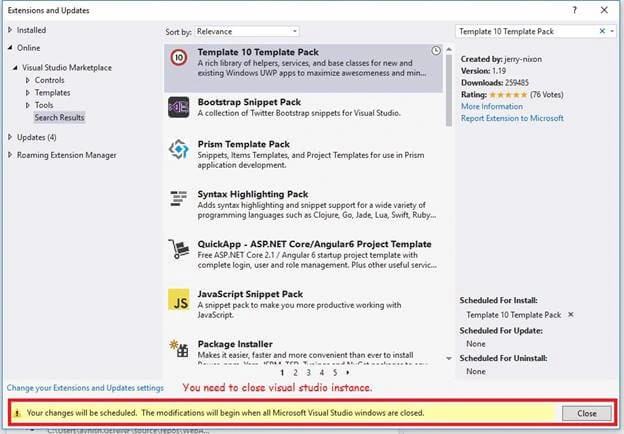
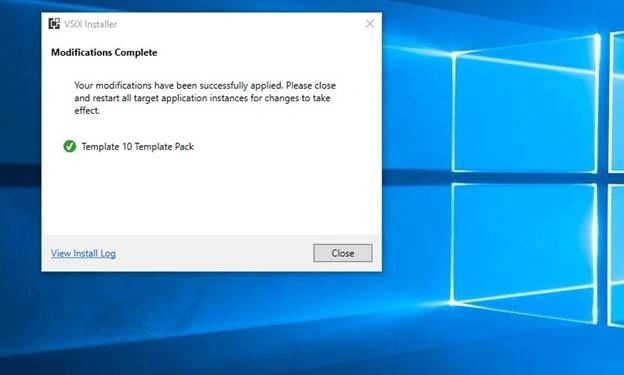
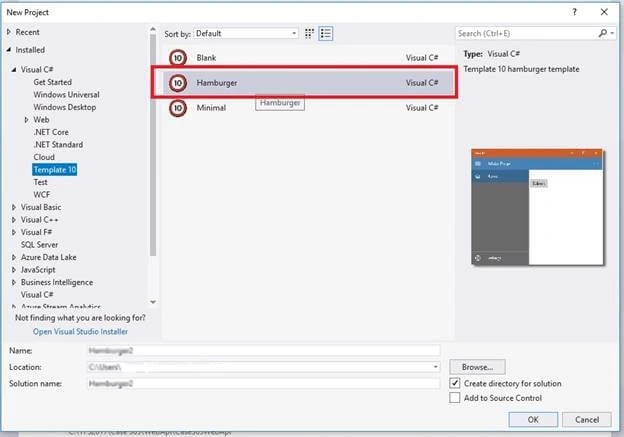
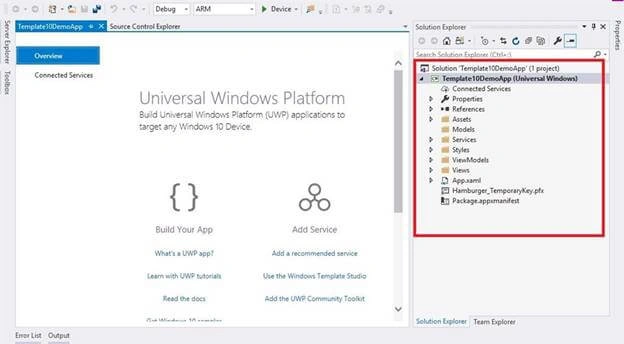
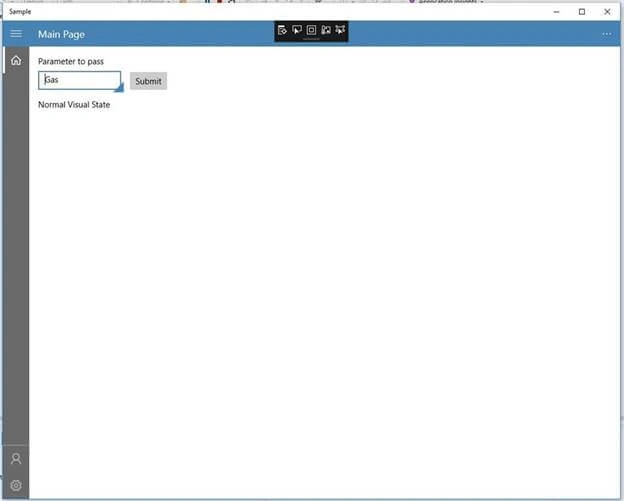
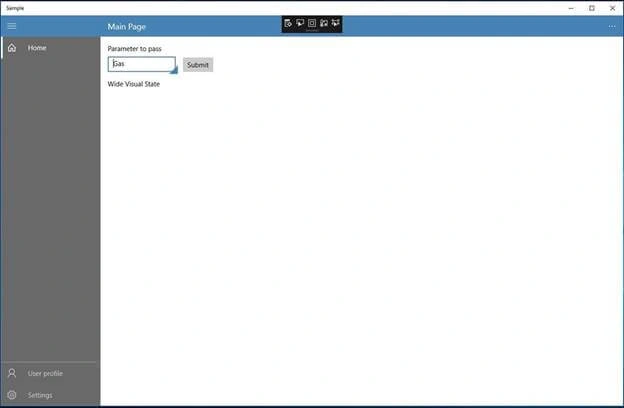
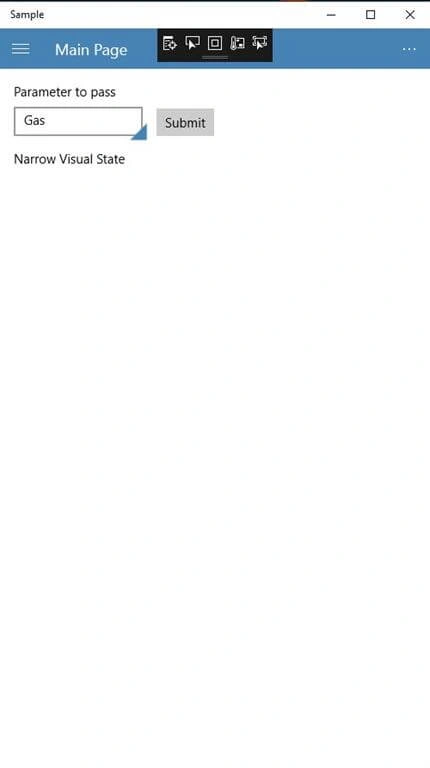
Step 9
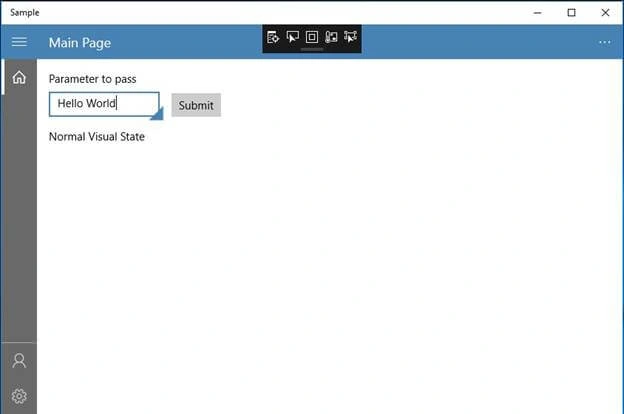
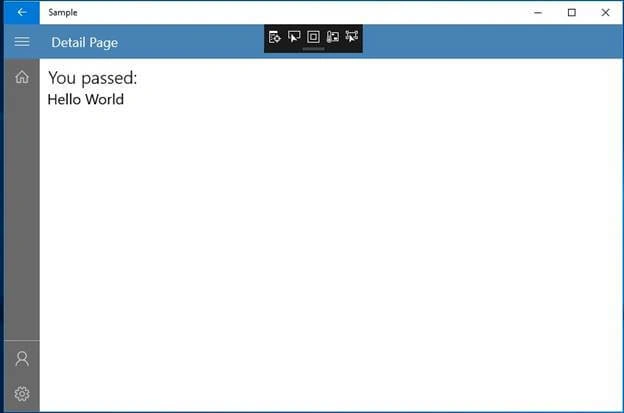
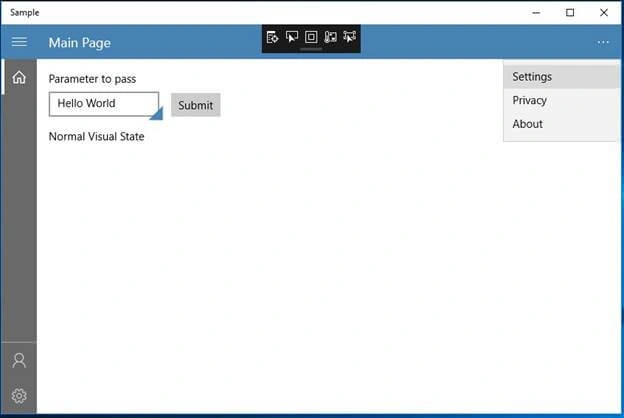
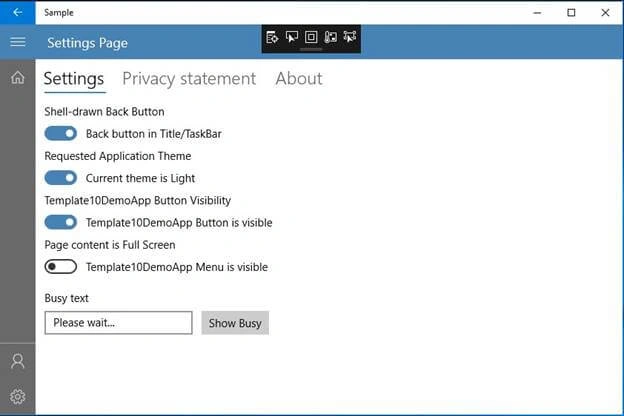
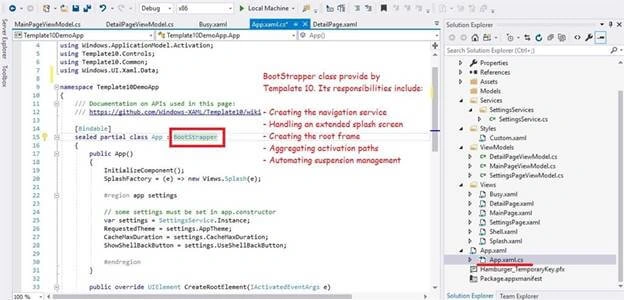
Bootstrapper is responsible for the core capabilities of Template 10. It derives from the application and is implemented in your app in the App.xaml/App.xaml.cs files.
Its responsibilities include -
- Creating the navigation service
- Handling an extended splash screen
- Creating the root frame
- Aggregating activation paths
- Automating suspension management
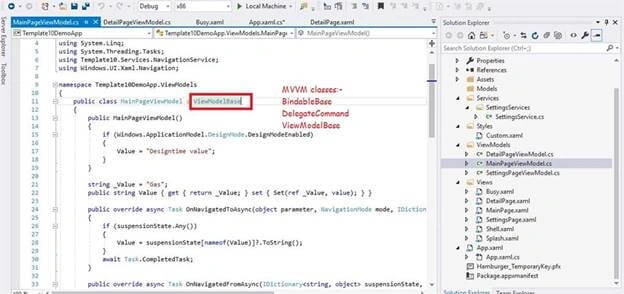
- DelegateCommand
- ViewModelBase
- MVVM Frameworks
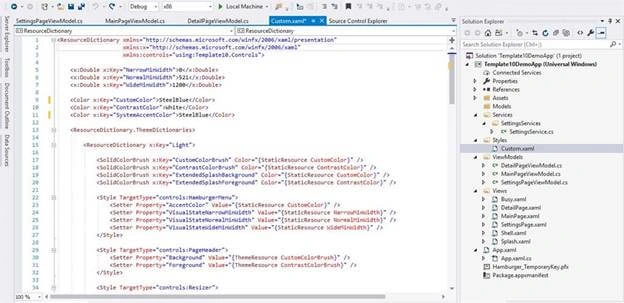
This article covered all about the installation and details of the basic features of Template 10 for UPW Platform. In my next article, I will try to give more details of the stuff delivered in Template 10.
Please leave your valuable feedback in the comment section.Thanks for reading!!!
RodPosted Jul 11, 2020, 11:06 AM
Hi Avnish, I appreciate this article a lot! Template 10 is a project template I want to make extensive use of. I do have a question. I tried to find the extension "Template 10 Template Pack" in Visual Studio 2019 but couldn't find it when I searched in Extensions. I'm wondering if there isn't an extension for VS 2019? Is the only option open to me is to use VS 2017 to create a new UWP project based upon Template 10, then use VS 2019 for development?
Avnish KumarPosted May 2, 2019, 6:28 AM
This one is really valuable feedback for me. thanks.
John TheisenPosted May 2, 2019, 5:41 AM
Thanks for your insights, I really struggled with template10 until reading this,