

Introduction
This article demonstrates how to setup VS code for angular development. It demonstrates how to add extensions and which extensions are useful in Angular development.
Adding Extensions
We can add extensions in VS code by using the extension button (Ctrl + Shift + X) on the left side of the screen.
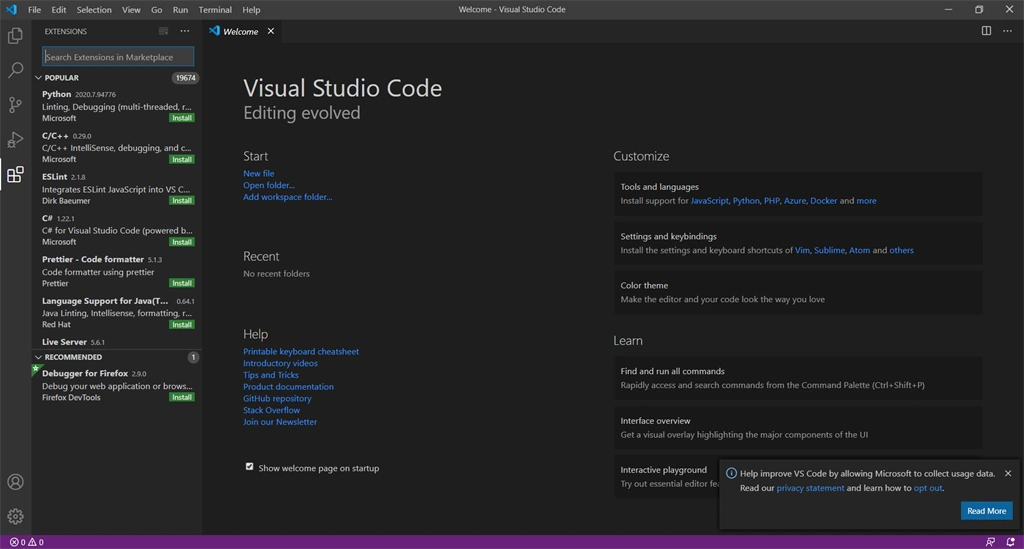
The extension that we are using is shown below.
Angular Language Service
This Extension provides a rich editing experience for angular templates, both inline and external templates including:
- Completion lists
- AOT Diagnostic messages
- Quick info
- Go to definition
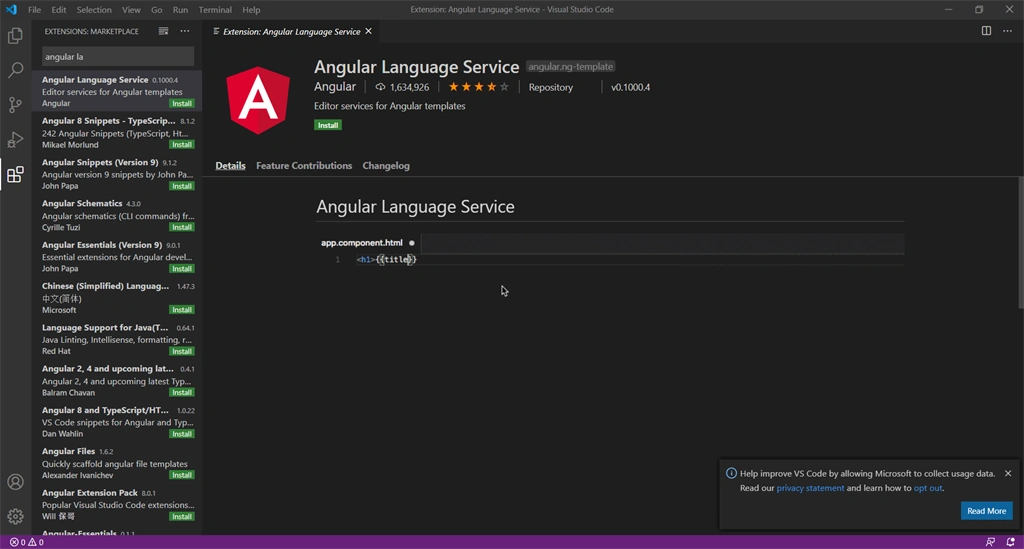
The extension can also be installed using the following command:
code
--install-extension /path/to/ngls.vsix
Angular Snippets
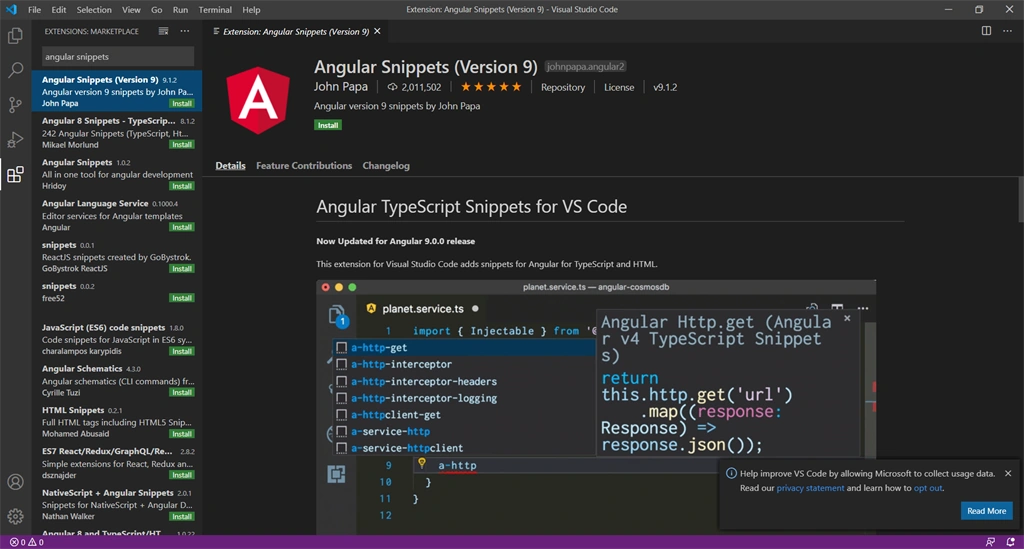
This extension for VS code adds snippets for Angular for Typescript and HTML.
Type part of a snippet, press enter, and the snippet unfolds. Alternatively, we can use Ctrl+space in windows or Linux and cmd+space in macOS
Prettier- Code Formatter
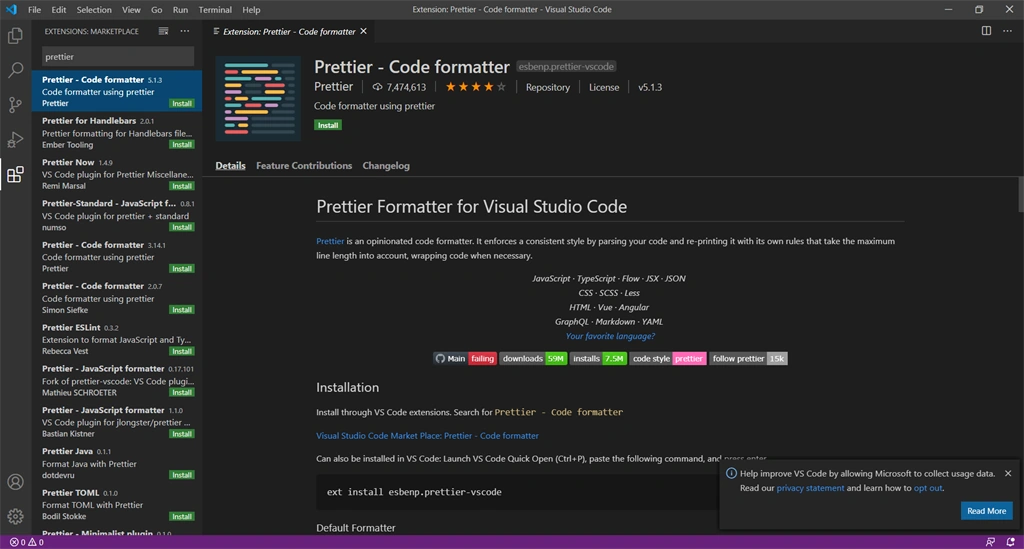
Prettier is an opinionated code formatter. It enforces a consistent style by parsing your code and re-printing it with its own rules that take the maximum length into account, wrapping code when necessary.
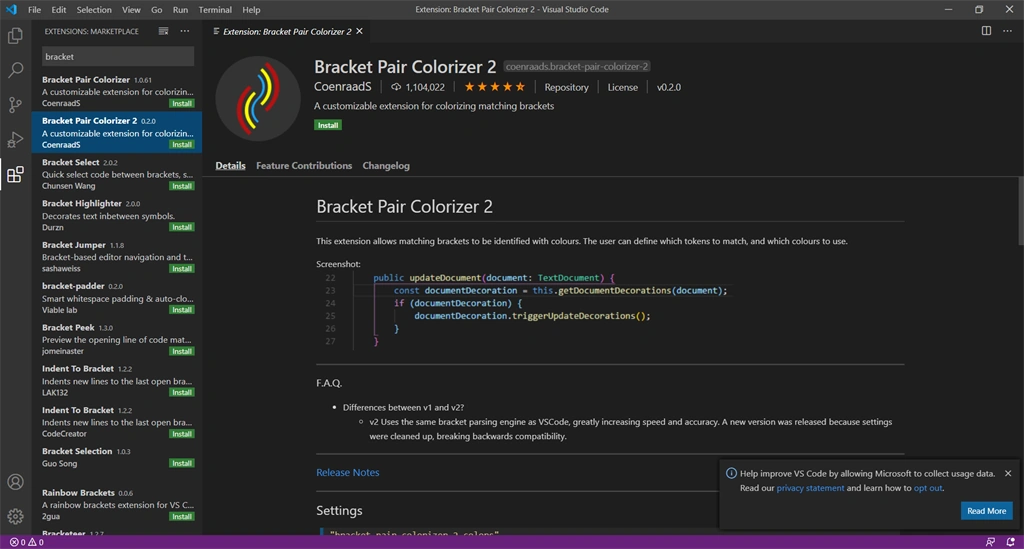
Bracket Pair Colorizer 2
This extension allows matching brackets to be identified with colors. The user can define which tokens to match and which color to use.
Tslint
TSLint is an extensible static analysis tool that checks TypeScript code for readability, maintainability, and functionality errors. It is widely supported across modern editors & build systems and can be customized with your own lint rules, configurations, and formatters.
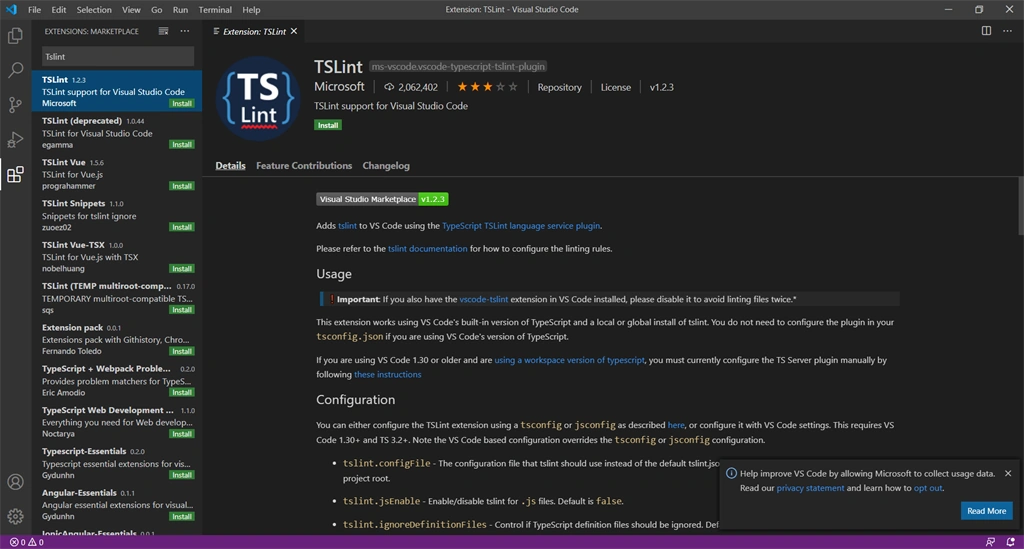
This Extension works by using VS Code's built-in version of typescript and a local or global version of Tslint.
After installing all these extensions, we can start working on this by reloading the window.
Summary
In this article, I discussed how we can set up VS Code for Angular development. Some of you already knew this, but it was new knowledge for me and I enjoyed sharing this with you.
Roshan RathodPosted Jul 23, 2020, 10:38 PM
Good one abhinandhu