

This series of articles is about React. In recent years, single-page applications (SPA) have been popular in web development associated with loosely coupled modules. The major two SPA, Angular and React, are the most popular and almost used anywhere. I used to be an Angular Developer; while I learned Angular, I started by myself without any training. That made my learning curve quite long, and even at a senior level, I am still not familiar with something I have not met. While for react, there is a chance in a training course. I got the concepts and skills in every course. I will share here the major points that could be helpful for any new React developer.
- React (1) --- Installation and Environment Setup --- this article
- React (2) --- JSX File
- React (3) --- Parameters
- React (4) --- Using Libraries
- React (5) --- CSS
- React (6) --- HTTP
- React (7) --- Routing
- React (8) ---
A. Introduction
This article will discuss the basics of React, such as what React is, Environment setup, and Installation. The content of this article:
- A - Introduction
- B - What is React
- C - React Installation Prerequirements
- Node.js
- Visual Studio Code
- Extensions
- D - Installation and the First Project
- Create App
- App Major Files
- Run App
- E - Issues
- React Default Language: Angular use TypeScript
- TypeScript?
- JavaScript?
- Is React a compiled language
- React Default Language: Angular use TypeScript
B. What is React?
A single-page application (SPA) is a web application or website that interacts with the user by dynamically rewriting the current web page with new data from the web server instead of the default method of a web browser loading entire new pages. The goal is faster transitions that make the website feel more like a native app.
In a SPA, a page refresh never occurs; instead, all necessary HTML, JavaScript, and CSS code is either retrieved by the browser with a single page load, or the appropriate resources are dynamically loaded and added to the page as necessary, usually in response to user actions.
The most popular SPAs are Angular and React, where
- Angular is a SPA Framework developed by Google after AngularJS. It is several steps ahead of Angular, and there is a strong community of developers using this framework. The framework is updated twice every year. The current version is Angular 15 (As of March 2023), and new features and fixes are frequently added to this framework.
- React is a JavaScript library for building user interfaces. It is maintained by Facebook, Instagram, and a community of individual developers and corporations. React uses a syntax extension for JavaScript named JSX, which is a mix of JS and HTML (a subset of HTML). Several companies use React with Redux (JavaScript library), which adds state management capabilities (with several other libraries) and lets developers create complex applications.
C. React Installation Prerequirements
There are only two requirements:
- Node.js: Run-Time Engine
- VS Code: Editor
We will not discuss Node.js and VS Code in detail here. For Node.js, I have two previous articles to discuss:
- Node.js Concept --- Run JavaScript outside a Browser
- Node.js Installation --- Angular Installation and Environment Setup
For VS Code, the following Extensions are recommended.
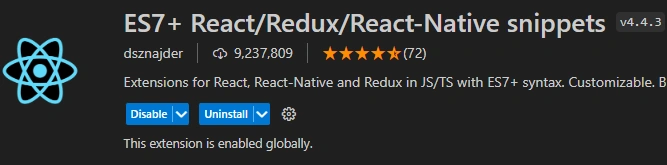
- ES7+React/Redux/React-Native Snippets with 9 million users.
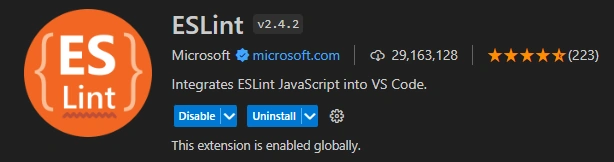
- ESLint, with 29 million users.
- Bajel JavaScript, with 2.5 million users.

D. Installation and the First Project
Create App
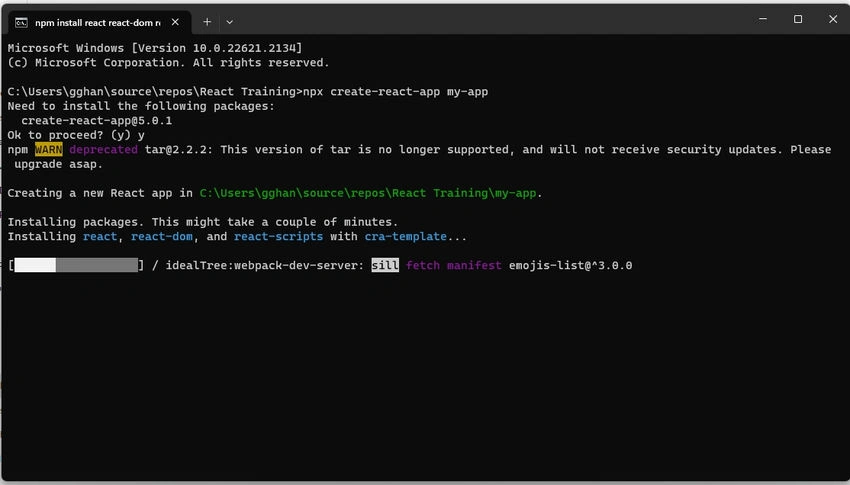
After installing Node.js, run the application by command:
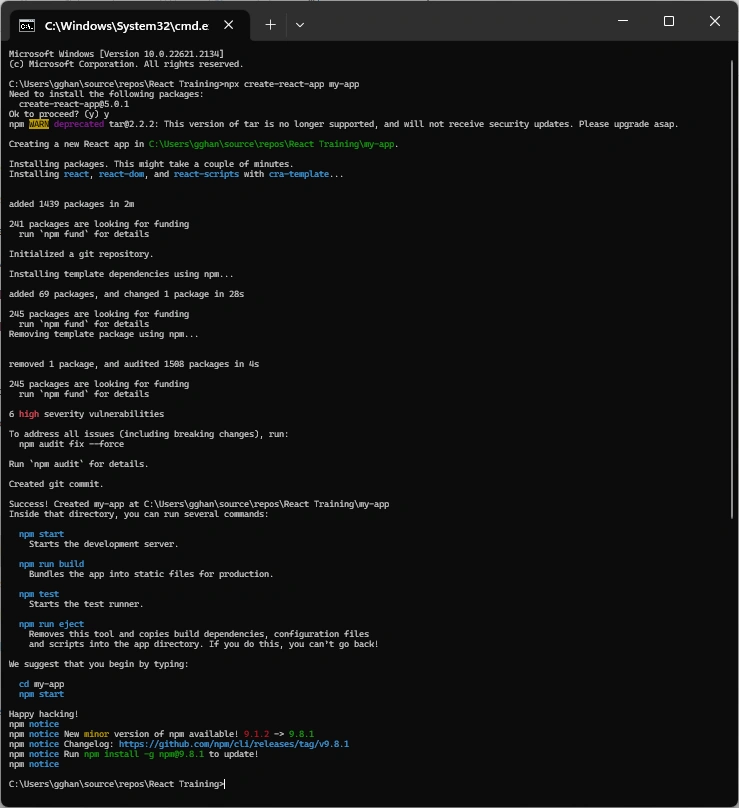
npx create-react-app my-app
Note
We use npx or npm to create the application, while
- NPM is a package manager used to install, delete, and update Javascript packages on your machine.
- NPX is a package executer, and it is used to execute javascript packages directly, without installing them.
As said, if we use NPM, we need to install the required libraries one by one. While using NPX, we can just run without installing the required libraries. When needed, it will be installed automatically.
Start
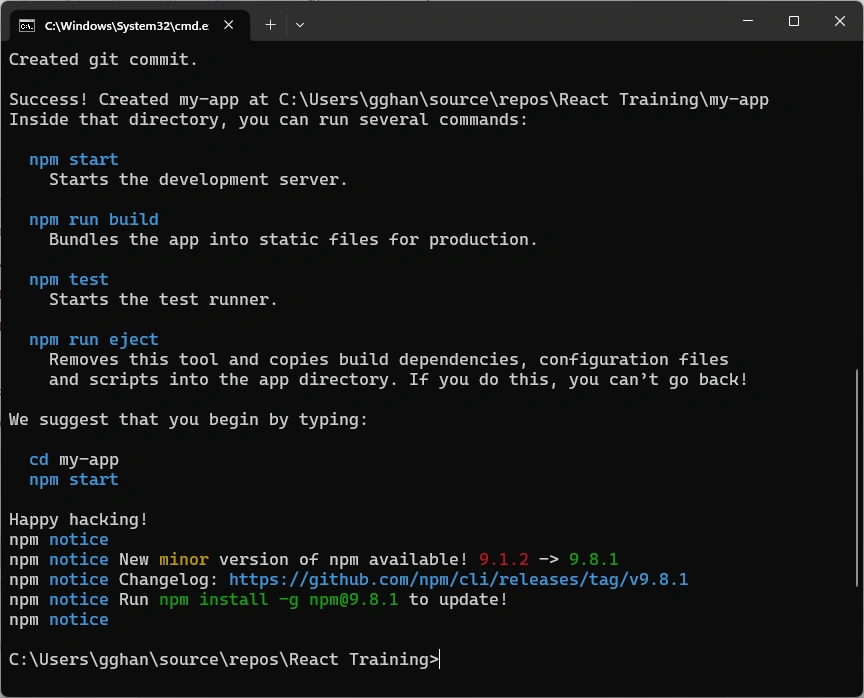
End
Whole process
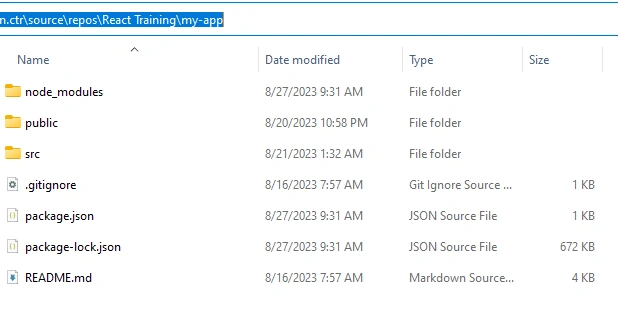
App Major Files
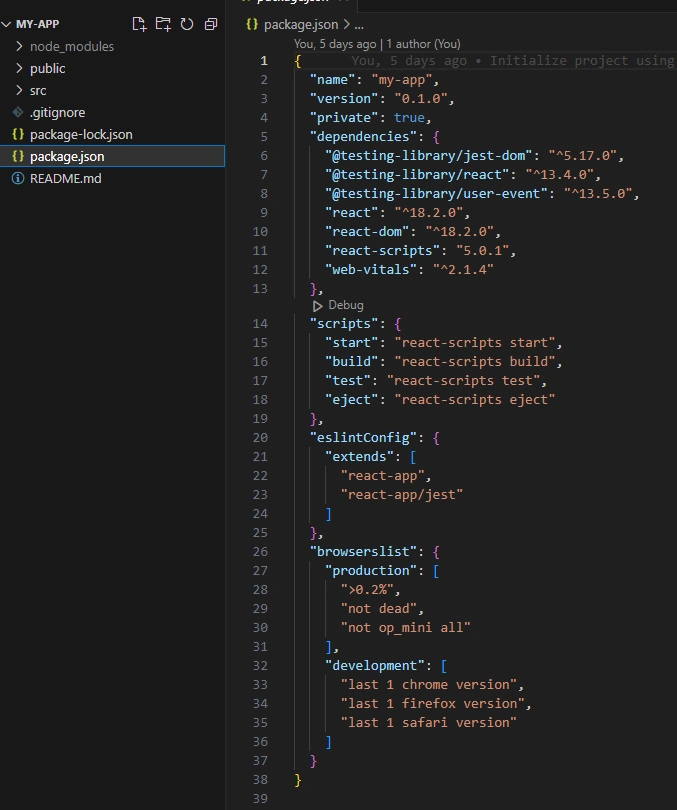
package.json
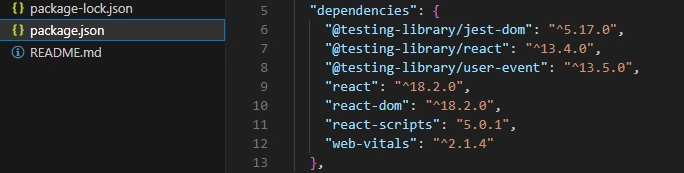
Including dependencies
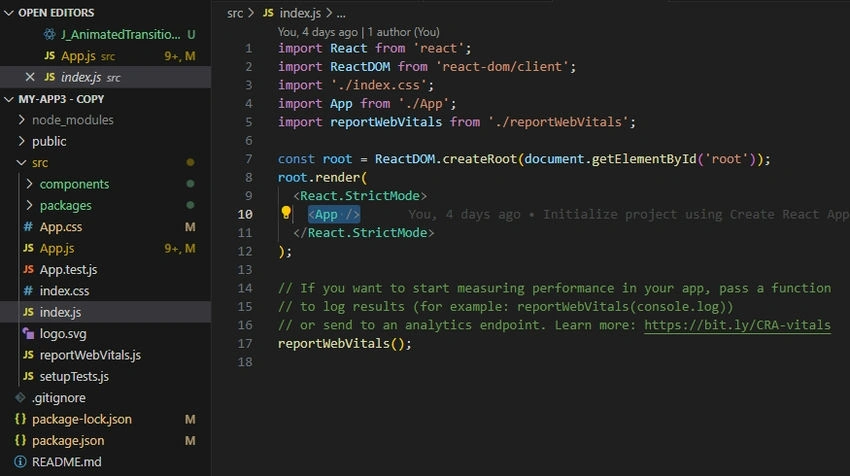
index.js is the root file
Run the app
cd my-app
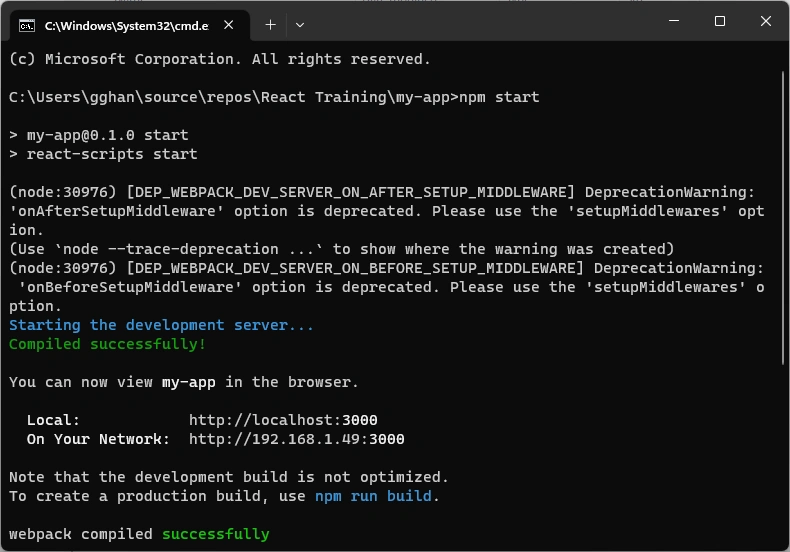
npm start
Compiling successfully
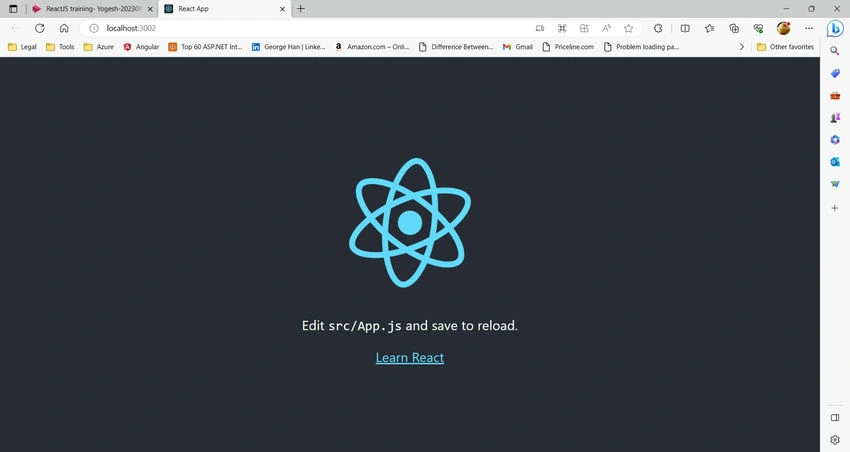
App is on
E. Issues
React Default Language
You can write Angular applications in either TypeScript, ES6, or even ES5 JavaScript. However, Angular itself is written in TypeScript, most examples on the web are written in TypeScript, and most Angular jobs require you to write TypeScript. Therefore, for Angular, the default language is TypeScript.
On the other hand, more people like TypeScript more than JavaScript. The default language for React is JavaScript.

Is React a Compiled Language?
Yes, because JavaScript is a compiled language (see Run JavaScript outside a Browser), React is.
References
- Create React App
- Getting Started | Create React App
- Getting started with Visual Studio Code
- React (software) - Wikipedia
- JSX (JavaScript) - Wikipedia
- React Virtual DOM Explained in Simple English - Programming with Mosh
- react virtual dom - Google Search
- Run JavaScript outside a Browser
- TypeScript vs JavaScript
- TypeScript vs. JavaScript: Which One is Better? (simplilearn.com)
- Intro to TypeScript • Angular (codecraft.tv)
- React with TypeScript or JavaScript: Which is Better? (emizentech.com)
- react use typescript or javascript - Google Search
- React with TypeScript or JavaScript: Which is Better? (emizentech.com)
- React with TypeScript or JavaScript — Which Side are You on?🤔 | by DevJo | JavaScript in Plain English
- react virtual dom - Google Search
Mayooran NavamanyPosted Sep 5, 2023, 6:51 AM
Nice article