

Introduction
In today's fast-paced digital world, the ability to create custom applications quickly and efficiently is invaluable. Microsoft Power Apps is a powerful platform that enables users to build custom apps with ease, and with the introduction of Copilot, the process has become even more streamlined. This comprehensive guide will walk you through the steps of creating a Power App using Copilot, highlighting its features, advantages, and disadvantages. Whether you're a seasoned developer or a novice, this guide will provide you with the knowledge you need to leverage Copilot for your app development needs.
Features of Power Apps with Copilot
Power Apps with Copilot offers a range of features designed to simplify and enhance the app creation process.
- User-Friendly Interface: Copilot provides a simple and intuitive interface that makes it easy for users to create apps without needing extensive coding knowledge.
- Automated Database Creation: One of the standout features of Copilot is its ability to automatically generate database tables and relationships based on the descriptions provided by the user. This feature saves time and reduces the complexity of setting up the backend of your app.
- Customization Options: While Copilot automates many aspects of app creation, it also offers a range of customization options. Users can refine and adjust the generated app to meet their specific requirements.
- Real-Time Feedback: Copilot provides real-time suggestions and improvements during the app creation process, helping users to create more effective and efficient apps.
- Integration with Microsoft Ecosystem: Power Apps seamlessly integrates with other Microsoft tools and services, such as Microsoft 365, Dynamics 365, and Azure, providing a cohesive and powerful development environment.
Advantages
Using Copilot to create Power Apps offers several advantages.
- Efficiency: Copilot significantly speeds up the app creation process by automating many of the steps involved. This allows users to focus on refining and customizing their apps rather than getting bogged down in the initial setup.
- Accessibility: By providing a user-friendly interface and automating complex tasks, Copilot makes app development accessible to users with little to no coding experience. This democratizes app development and empowers a wider range of users to create custom solutions.
- Flexibility: Despite its automation capabilities, Copilot offers a high degree of flexibility. Users can customize and refine the generated app to meet their specific needs, ensuring that the final product aligns with their vision.
- Integration: The seamless integration with other Microsoft tools and services enhances the functionality and versatility of the apps created with Copilot. Users can leverage the full power of the Microsoft ecosystem to build comprehensive and robust solutions.
Disadvantages
While Copilot offers many benefits, there are also some potential drawbacks to consider.
- Limited Customization: Although Copilot provides customization options, they may not be as extensive as those available through manual coding. Users with very specific or complex requirements may find the automation capabilities limiting.
- Dependency on AI: Relying on AI for app creation can limit creativity and control. Users may need to balance the convenience of automation with the desire for a more hands-on approach.
- Learning Curve: While Copilot is designed to be user-friendly, new users may still need some time to get accustomed to the interface and features. Training and practice may be required to fully leverage the capabilities of Copilot.
Steps to Create a Power App Using Copilot
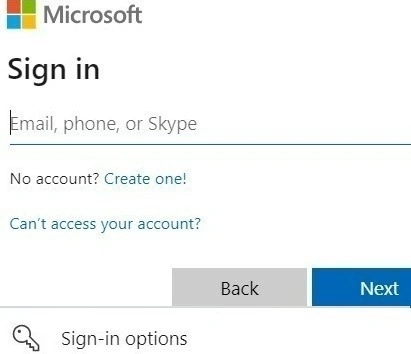
- Login: Start by logging into your Power Apps account. If you don't have an account, you can sign up for one on the Power Apps website.
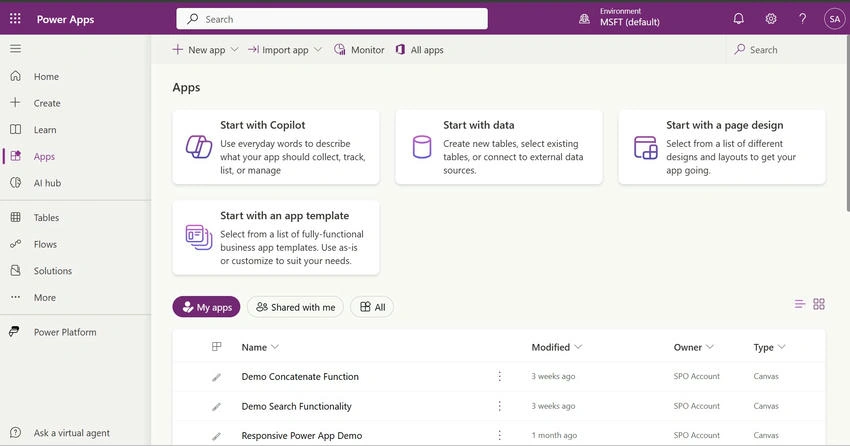
- Open Power Apps Home Page: Once logged in, navigate to the Power Apps home page. This is your central hub for creating and managing your apps.
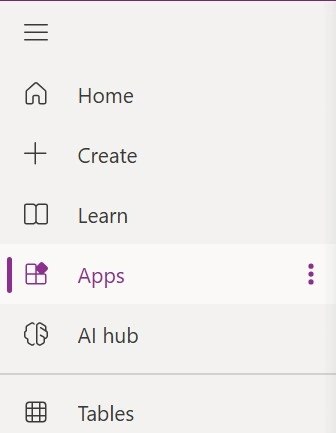
- Click Apps: From the home page, select the "Apps" option from the menu. This will take you to the app creation and management interface.
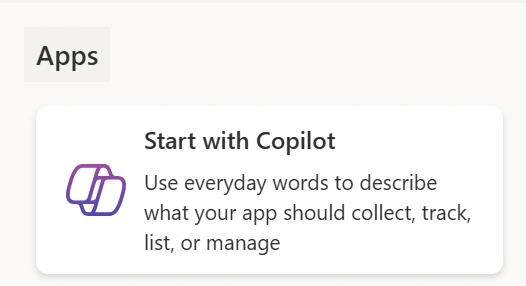
- Select Start with Copilot: Choose the "Start with Copilot" option. This will initiate the Copilot-assisted app creation process.
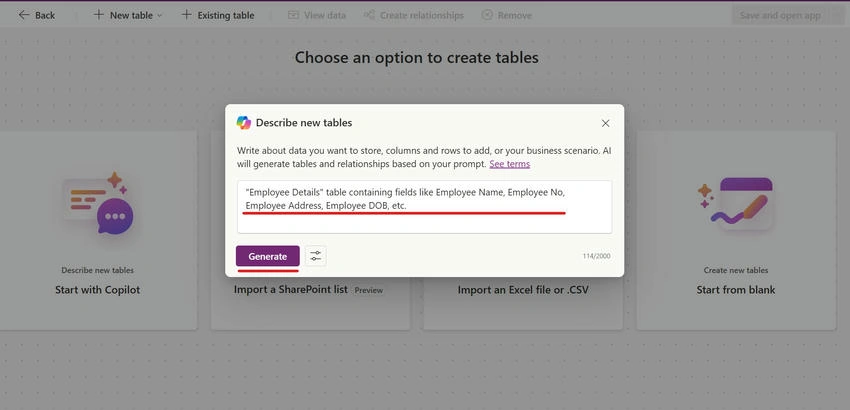
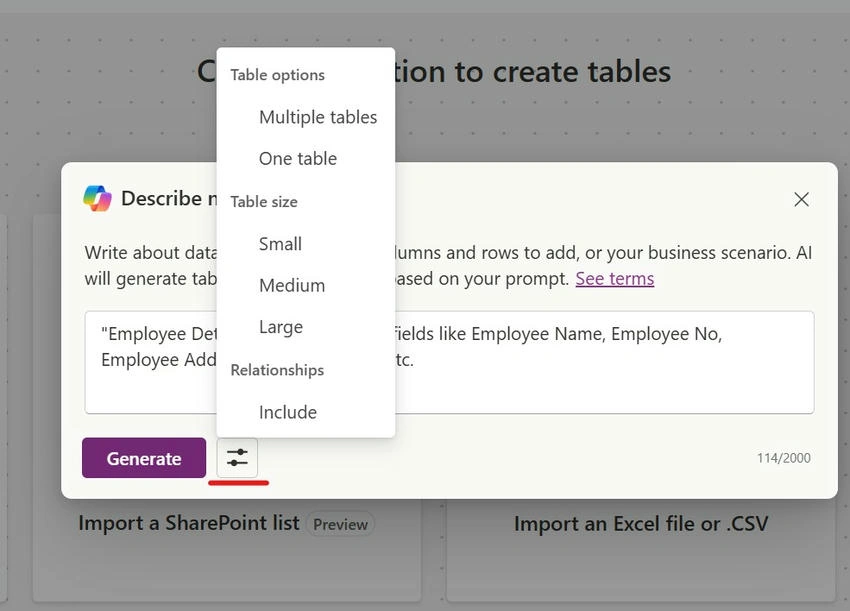
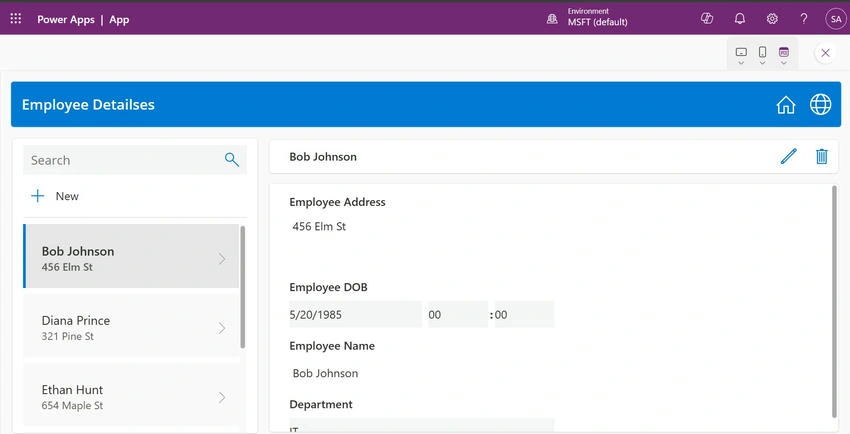
- Enter Description of Database Tables: Provide a detailed description of the database tables you need for your app. For example, you might enter details for an "Employee Details" table containing fields like Employee Name, Employee No, Employee Address, Employee DOB, etc. The more detailed your description, the more accurate the generated database will be.
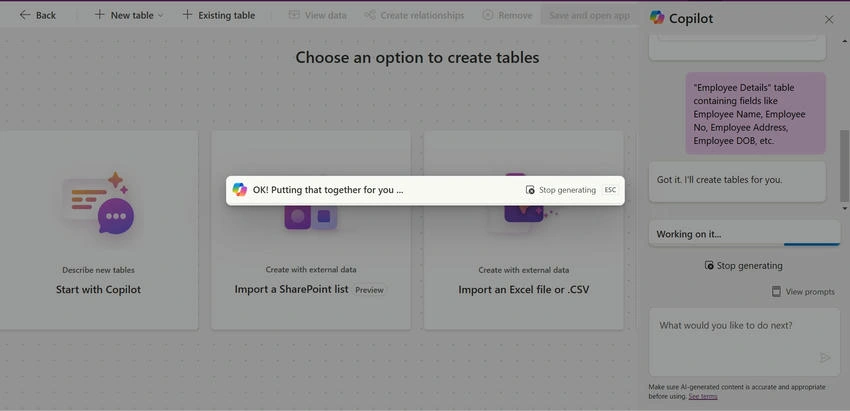
- Click the Generate Button: Click the "Generate" button to create the database and its structure. Copilot will automatically generate the necessary tables, columns, and relationships based on your description.
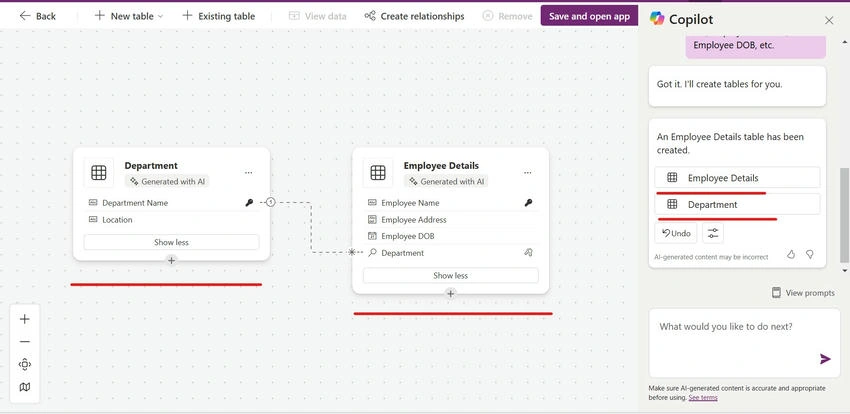
- Review and Modify: Review the generated database. If you need to make any changes or add more details, you can do so in the prompt and click "Send" for further modifications. This iterative process allows you to refine the database until it meets your requirements.

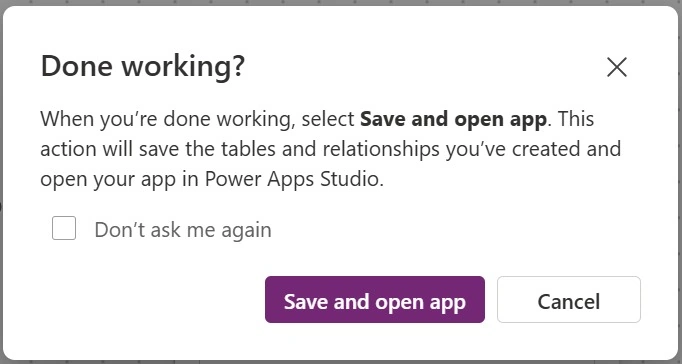
- Save and Open App: Once you are satisfied with the database, click "Save and Open" on the confirmation box to proceed. This will save your work and open the newly created app.
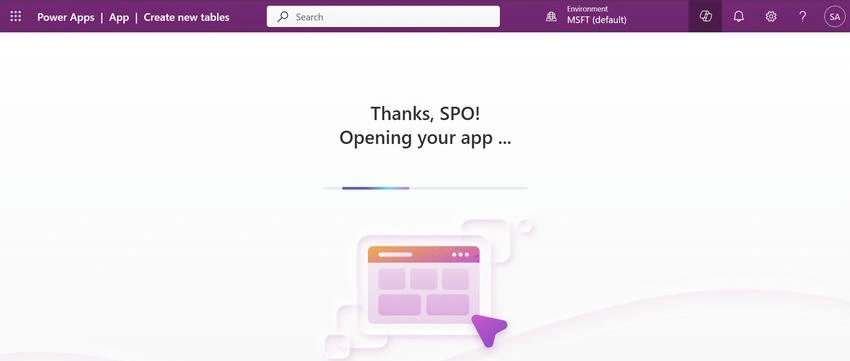
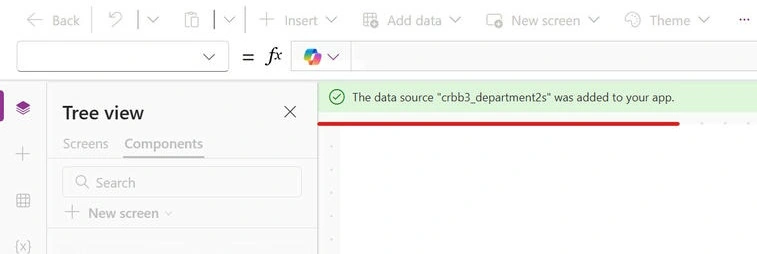
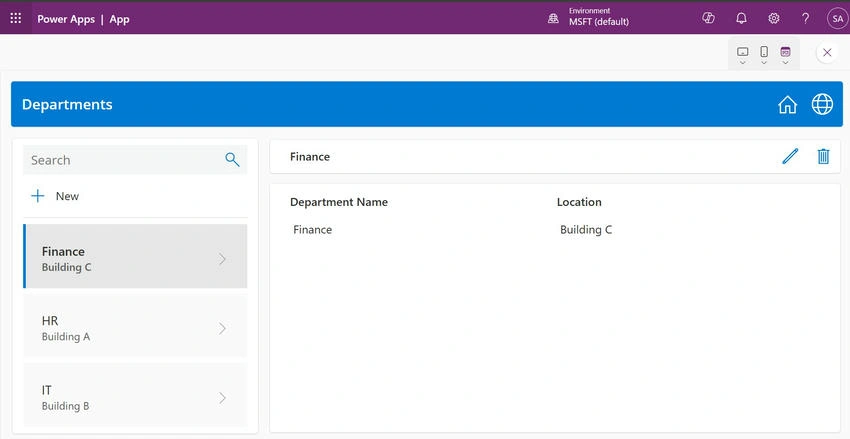
- App Generation: Copilot will generate a new app based on your specifications. This includes creating the user interface, setting up data connections, and configuring basic functionality.
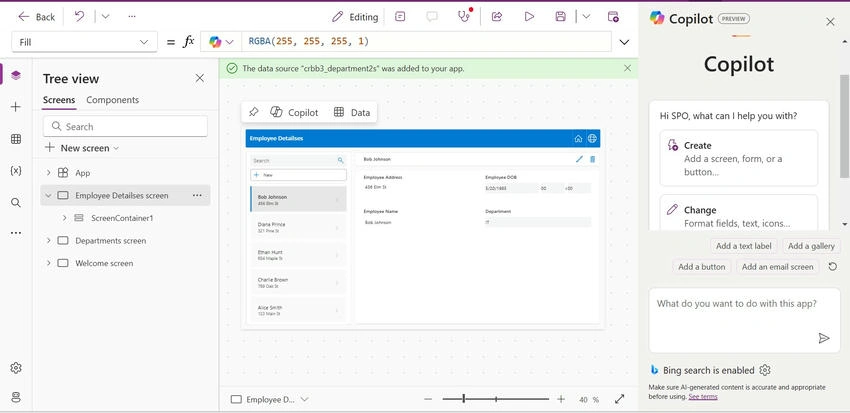
- Customize the App: After the app is generated, you can make further customizations to meet your specific requirements. This might include adjusting the layout, adding new features, or integrating additional data sources.
Conclusion
Creating Power Apps with Copilot is a game-changer for both novice and experienced users. It simplifies the app development process, making it more efficient and accessible. While there are some limitations, the benefits far outweigh them, making Copilot a valuable tool in the Power Apps ecosystem. By following the steps outlined in this guide, you can leverage Copilot to create powerful and customized apps that meet your specific needs. Whether you're looking to streamline business processes, improve data management, or create new solutions, Power Apps with Copilot provides the tools and capabilities to help you achieve your goals.
Join the conversation! Your thoughts help the community grow.