

Introduction
In this article I will use the object inheritance in backbone.js. We can inherit the objects of the classes with the other or related objects in backbone.js. There is the same method "extend" for creating the models, collections and views. It is used just for passing the methods from any of object to its children.
Use the following procedure to create the application.
- First create a web application as in the following:
- Start Visual Studio 2013.
- From the Start window select "New Project".
- Select "Installed" -> "Template" -> "Visual C#" -> "Web" -> "Visual Studio 2012" and select "ASP.NET Empty Web Application".
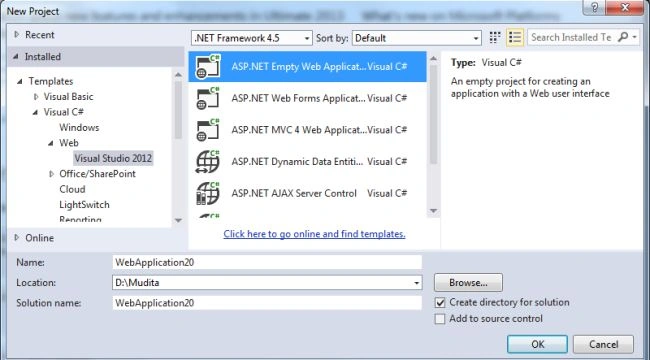
- Click on the "OK" button.
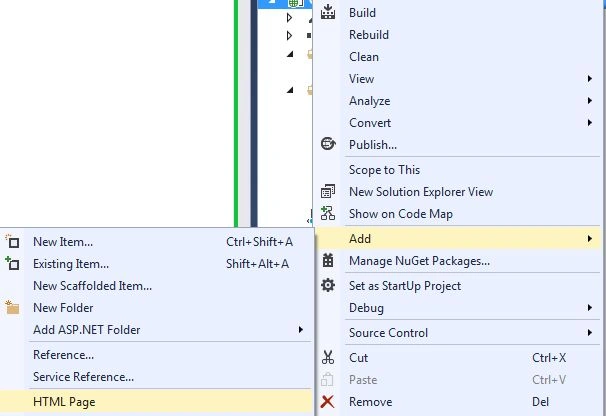
- Now add the HTML Page to the project:
- In the Solution Explorer.
- Right-click on the project and select "Add" -> "HTML Page".
- Change the name.
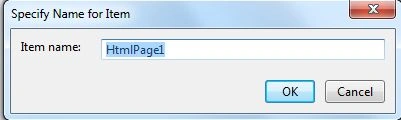
- Then click on the "OK" button.
Add the following code:
<html>
<head>
<title>Object Inheritance in backbone.js</title>
</head>
<body>
<div id="main">
</div>
<script src="http://ajax.googleapis.com/ajax/libs/jquery/1.7.1/jquery.min.js"></script>
<script src="http://cdnjs.cloudflare.com/ajax/libs/underscore.js/1.3.1/underscore-min.js"></script>
<script src="http://cdnjs.cloudflare.com/ajax/libs/backbone.js/0.9.1/backbone-min.js"></script>
<script>
Backbone.Model.prototype._super = function (method) {
return this.constructor.__super__[method].apply(this, _.rest(arguments));
}
var personality = Backbone.Model.extend({
sound: function () { return '(inheritence Object)'; },
talk: function () { alert(this.sound()); }
});
var yeti = personality.extend({});
(new yeti).talk();
var Human = personality.extend({
sound: function () {
return 'Human talks gossip';
}
});
var Deer = personality.extend({
sound: function () {
return ' Deer Sound belt';
}
});
(new Human).talk();
(new Deer).talk();
(new Deer)._super('talk');
</script>
</body>
</html>
In the code above here we use the super method, this is used for accessing the property of the grant parents objects. By using it the child object uses both the grandparents and its own property.
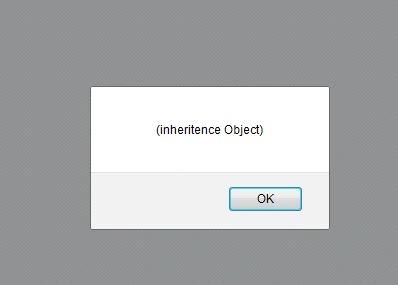
- Now execute the application:
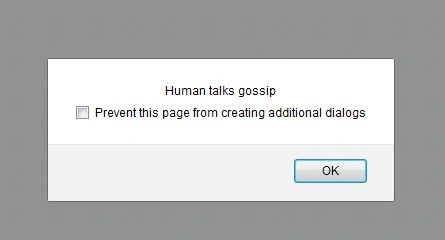
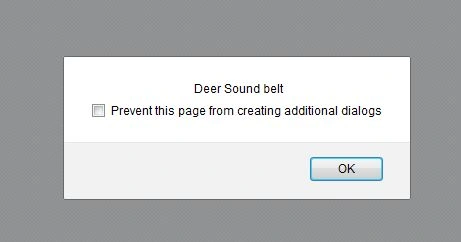
Join the conversation! Your thoughts help the community grow.