
Introduction
In this article I would give you a Trick to scroll your ScrollViewer with Mouse Wheel.
Creating Silverlight Project
Fire up Visual Studio 2008 and create a new Silverlight 3 Project. Name it as MouseScrollInScrollViewerNavApp.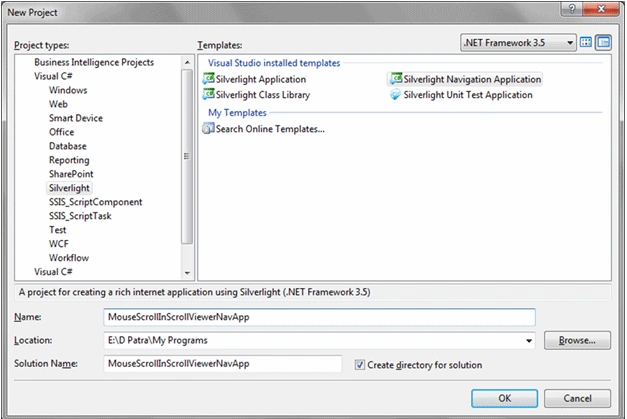
Open the Solution in Expression Blend 3 and do add ScrollViewer with some other controls.
I have just created a long height page where the ScrollViewer Scrollbar is visible.
Have the DLL Reference of System.Windows.Controls.Toolkit
Keep the Frame inside the ScrollViewer.
<ScrollViewer x:Name="SVFrame">
<navigation:Frame x:Name="ContentFrame" Style="{StaticResource ContentFrameStyle}"
Source="/Home" Navigated="ContentFrame_Navigated" NavigationFailed="ContentFrame_NavigationFailed">
<navigation:Frame.UriMapper>
<uriMapper:UriMapper>
<uriMapper:UriMapping Uri="" MappedUri="/Views/Home.xaml"/>
<uriMapper:UriMapping Uri="/{pageName}" MappedUri="/Views/{pageName}.xaml"/>
</uriMapper:UriMapper>
</navigation:Frame.UriMapper>
</navigation:Frame>
</ScrollViewer>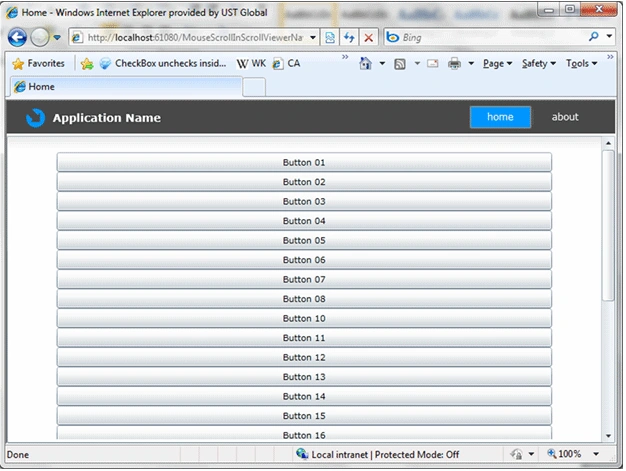
Now if you see above image it is obvious that the Scrollbar will be visible when the height of the page is exceeded the height of the Frame.
Now, if you want to Scroll with Mouse Wheel, you need to use the following method in the MainPage.xaml.cs' Constructor.
public MainPage()
{
InitializeComponent();
SVFrame.SetIsMouseWheelScrollingEnabled(true);
}
Now you are able to Scroll with Mouse Wheel.
The extension methods come with the Silverlight 3 Toolkit DLL.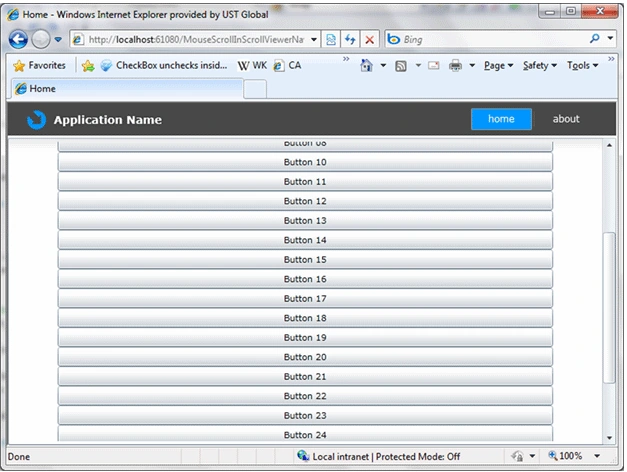
Now one more Trick to share with.
When you browse from one Page to another and come back the Page is having the last Scrolled persisted.
Look at the following image and you would understand.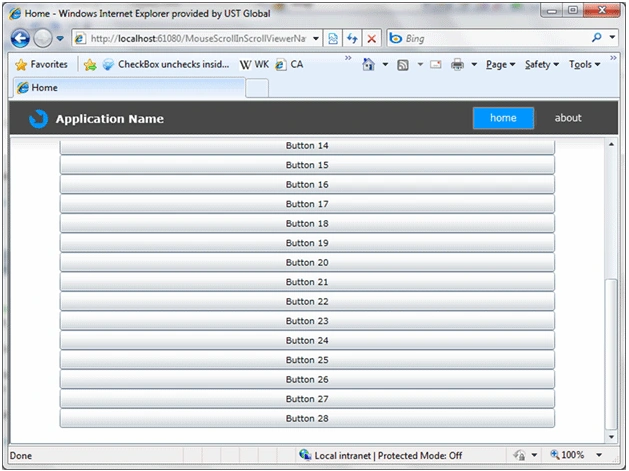
You can fix the issue by adding the following code in ContentFrame_Navigated method in MainPage.xaml.cs.
private void ContentFrame_Navigated(object sender, NavigationEventArgs e)
{
SVFrame.ScrollToTop();
}
Now whenever you navigate to any page the ScrollViewer will Scroll to Top for you.
Hope you guys like the Tricks.

Mouse Wheel Scroll For ScrollViewer in Silverlight 3
Join the conversation! Your thoughts help the community grow.
Sign in to leave a comment
It is the same account you read, post and publish with — and you will come straight back to this page.
Daniel BenevidesPosted Jan 12, 2012, 4:47 AM
Hi Diptimaya Patra, i'm trying to adapt this code to WPF can you help me, but i didn't locate the property SetIsMouseWheelScrollingEnabled, in the WPF Scroll Viewer. Thanks in advance. Daniel Benevides
Lina FetisovaPosted May 12, 2010, 3:12 AM
Diptimaya Patra, great thanks to you!!!
Lina FetisovaPosted May 11, 2010, 7:42 AM
Diptimaya Patra, thank you a lot for your article may I ack you to send me a sample too to such an email: [email protected] thank you a lot!
Caren KhachatrianPosted Mar 1, 2010, 4:10 PM
I am trying to utilize the method in this post but for some reason it just won't work. I have the dll reference in the app library. I am using Silverlight 3 just like the example but can't get it to function. Also, the link to the zip file is broken. Would really appreciate some help with this method. THNX