
In this article I will explain how to convert a task pane app into a content app using Visual Studio 2012. For this we must make various modifications in the application.
Let's have a look at the following steps:
- First go to Visual Studio 2012 RC.
- Then go to File -> Open -> Project.
- Here we will open the taskpane project. So just go to the location of your project.
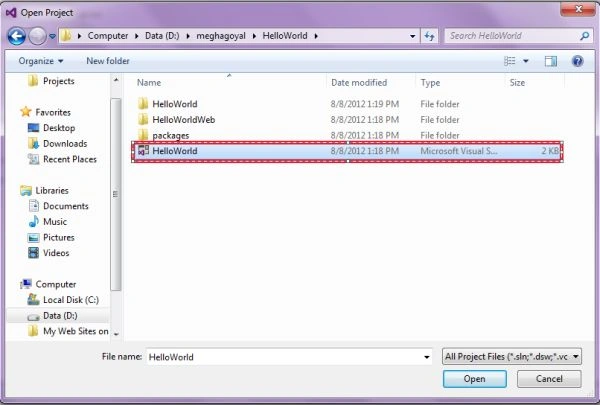
- Click on the Open button.
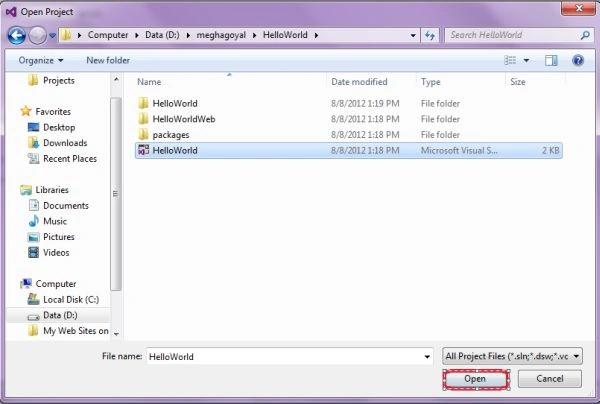
- Here we have opened the project named Hello World.
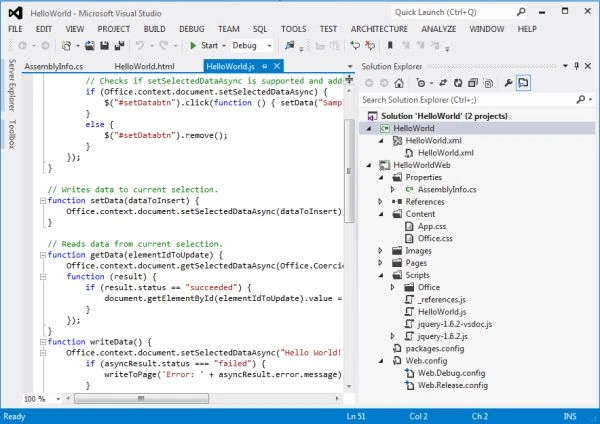
- Here under the project name just double-click on the manifest file named hello world .xml.
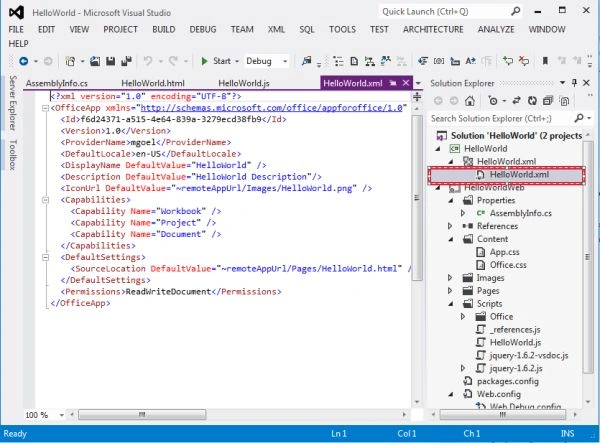
- In the first line is the xsi : type attribute; in this manifest file the TaskPaneApp value has been set.
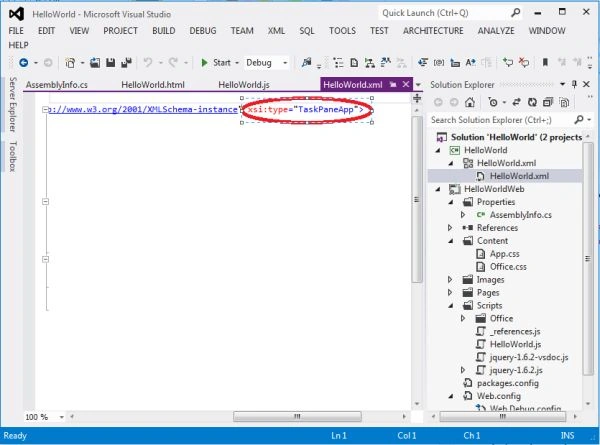
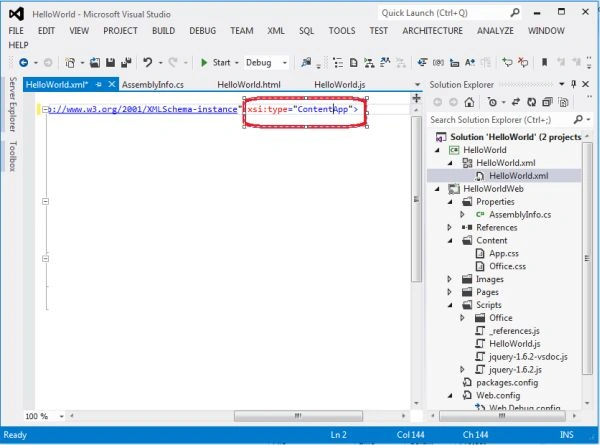
- To change the task pane app into a content app just set the value from TaskPaneApp to ContentApp.
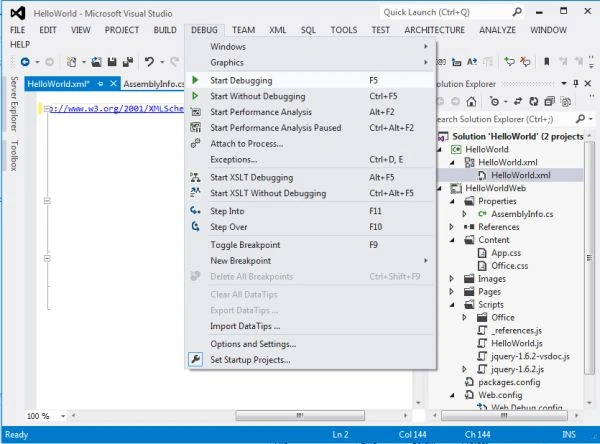
- Now press F5 key or just select the start debugging under the Debug menu option.
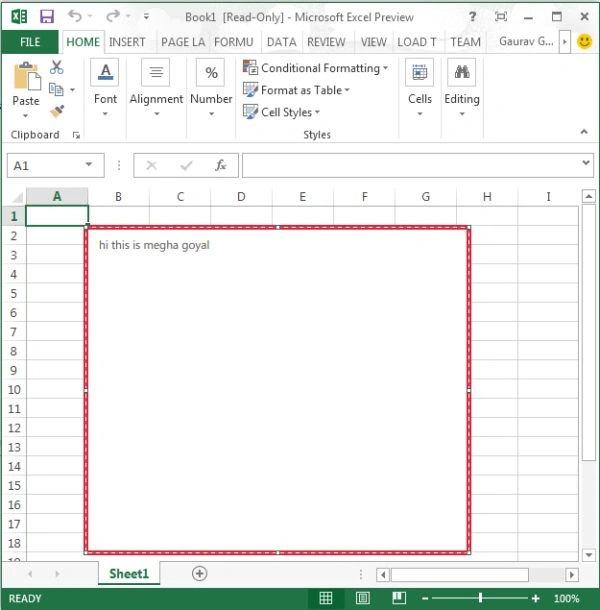
- The output window will appear like this.
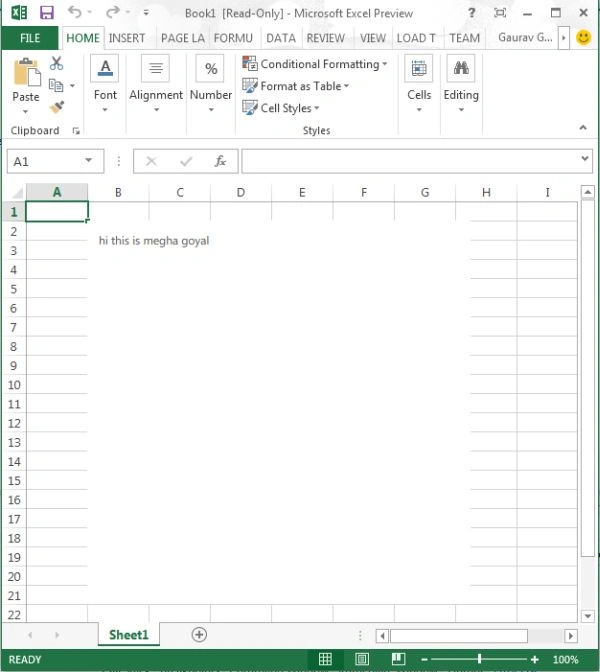
- In this the Contents are coming in the Excelsheet itself.
Gowtham RajamanickamPosted Apr 12, 2016, 2:14 AM
Good One, Thanks for sharing
Sanghamitra PattanayakPosted Mar 19, 2015, 12:17 AM
Is there a way to set the location i.e. top left for content pane