

Introduction
This article describes how method overloading works in Java. The Netbeans IDE is used for the development of the example.
What method overloading is
Method overloading is a concept in Java in which we can have the same names for two methods in the same class. Method overloading is a part of polymorphism which is a feature of Java.
Rules
The rules for doing method overloading are:
- In method overloading, the signature of the method must not be the same.
- The method overloading should be done in one class.
- Changing the signature means to either change the number of arguments, the type of arguments or the order of the arguments.
Advantages
The advantages of method overloading are:
- The two methods can have the same name in a class.
- The method in a overloading class can be final, static or private.
- In Java the overloaded method is bond by static bonding.
- Private and final methods can be overloaded in Java.
Example
In this example; we describe method overloading using the Netbeans IDE. There are the following steps in the Netbeans IDE and these are explained as below.
Step 1
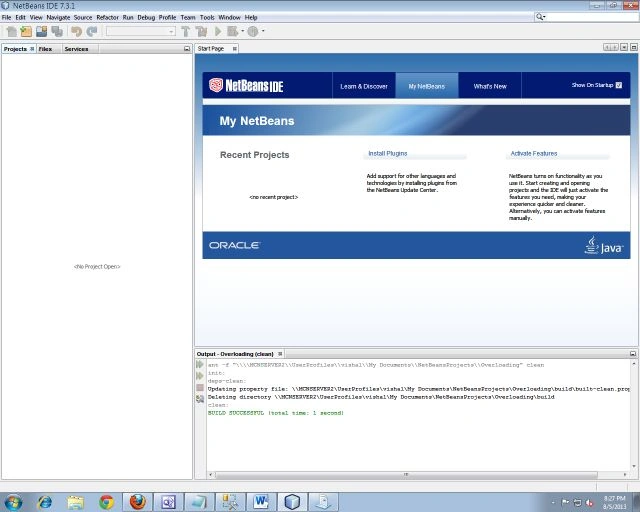
Open the Netbeans IDE.
Step 2
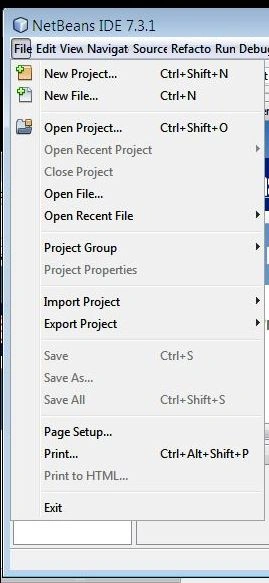
Click on the "File" from the Menu bar as shown below.
Step 3
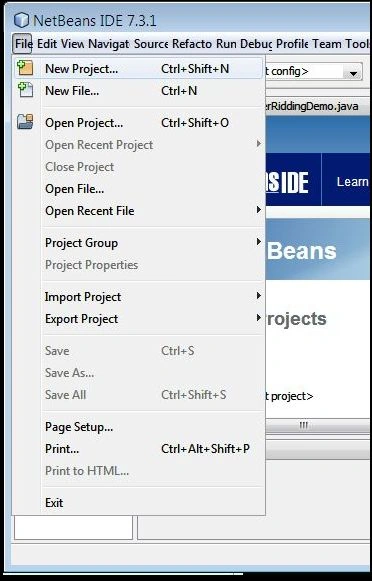
Click on "New Project" as in the following:
Step 4
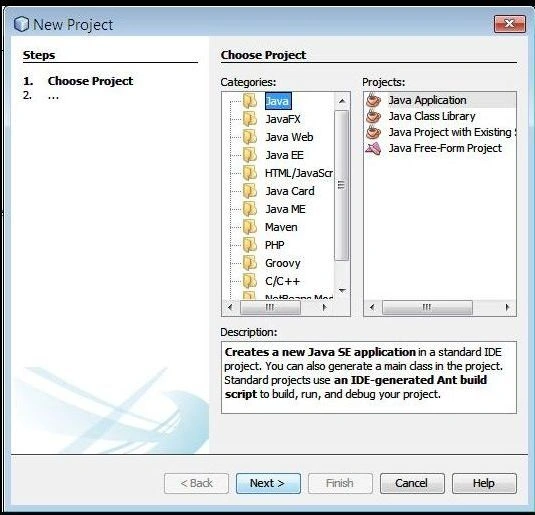
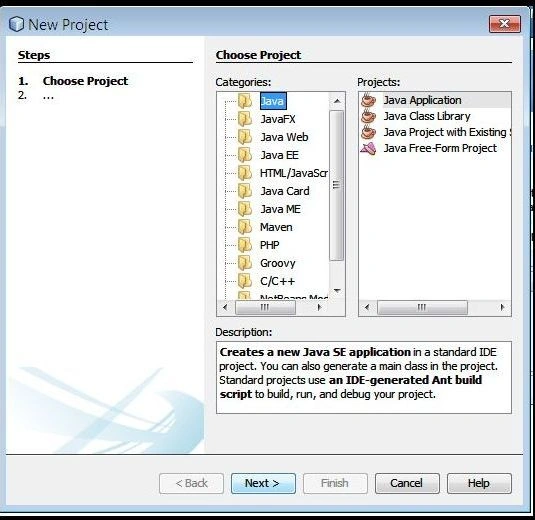
Select "Java" and "Java application" as in the following:
Step 5
Click on "Next" as in the following:
Step 6
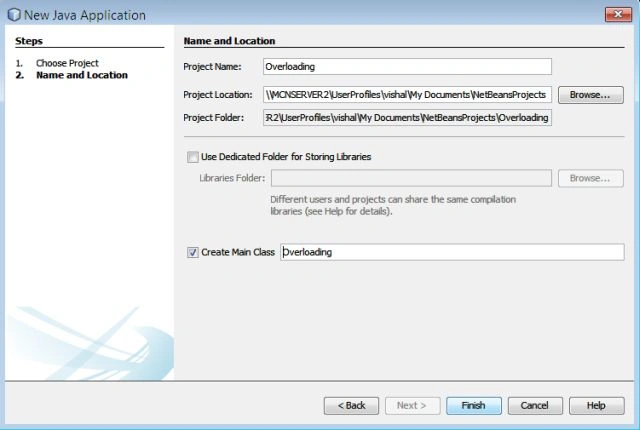
Instead of the project name specify "Overloading" and instead of the main class also specify "Overloading" and click on "Finish".
Step 7
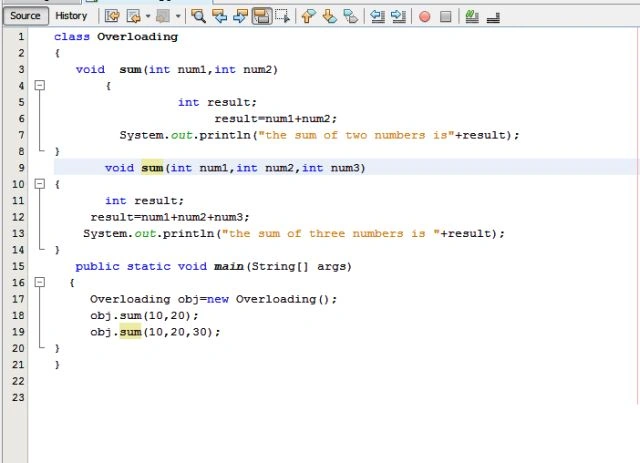
In this class write the following code (the class name is "Overloading"):
class Overloading
{
void sum(int num1,int num2)
{
int result;
result=num1+num2;
System.out.println("the sum of two numbers is"+result);
}
void sum(int num1,int num2,int num3)
{
int result;
result=num1+num2+num3;
System.out.println("the sum of three numbers is "+result);
}
public static void main(String[] args)
{
Overloading obj=new Overloading();
obj.sum(10,20);
obj.sum(10,20,30);
}
}
Step 8
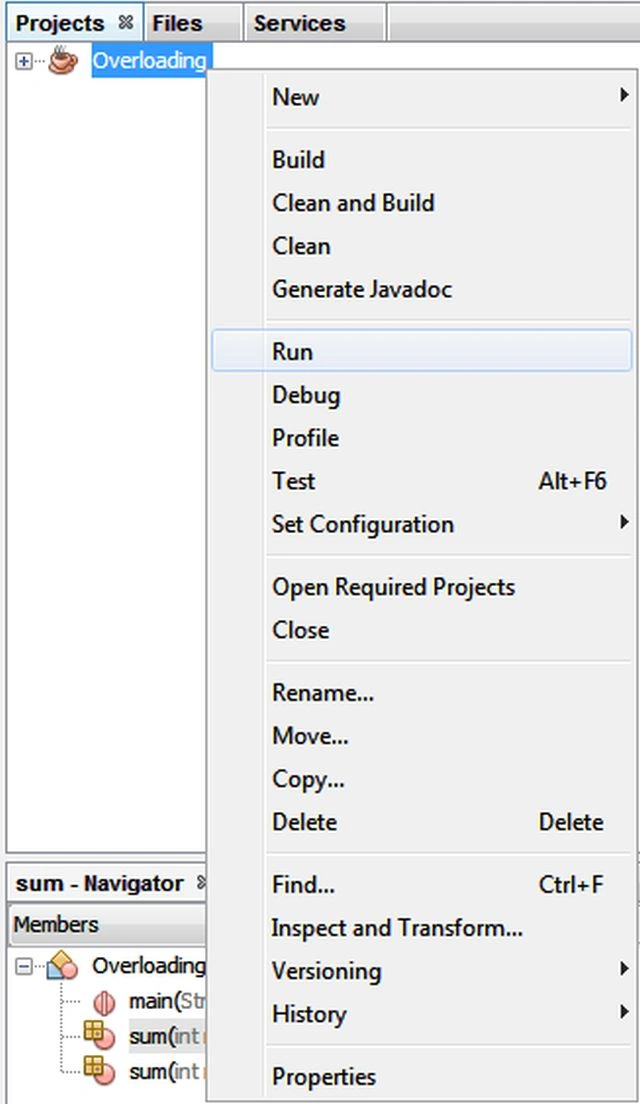
Now go to "Overloading" and right-click on that, click on "Run" from the menu bar as in the following:
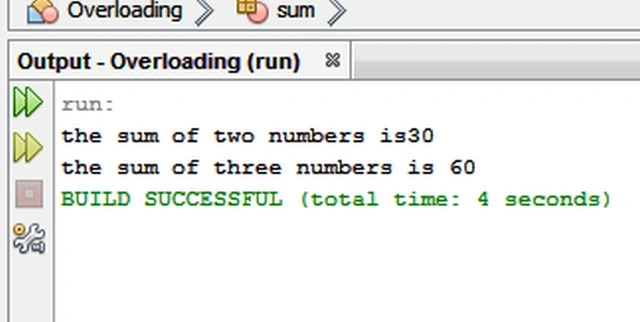
Output
Two methods have the same name, in other words void sum is in the same class and this shows method overloading.
Join the conversation! Your thoughts help the community grow.