

Introduction
In this article, I will explain lists in Python.
Definition
A list is another type of object. They are used to store an indexed list of items. A list is a collection that is ordered and changeable. In Python lists are written with square brackets, and we use commas as symbols.
Syntax
- demo= ["list 1", "list 2",....]
- print(demo)
Sample program
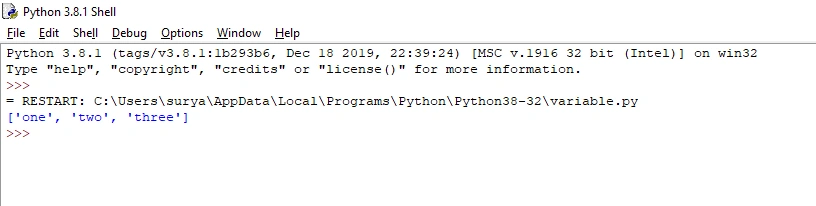
- number = ["one", "two", "three"]#List so, we use square brackets
- print(number)#list name
Output
Access items
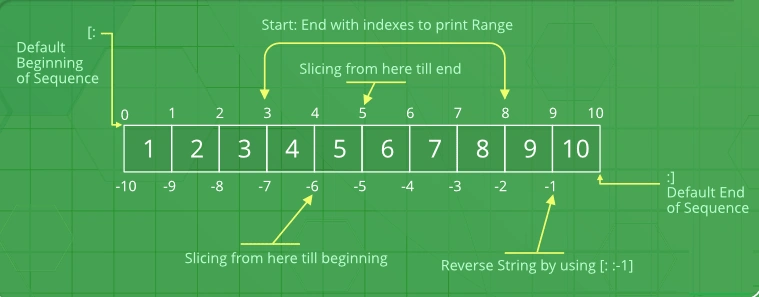
The list is used to refer to the index number. Remember that the first position item is 0.
Example
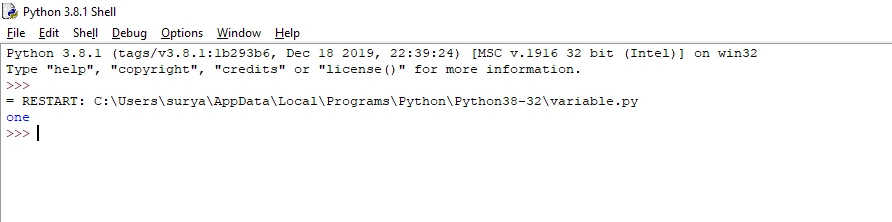
- number = ["one", "two", "three"]
- print(number[0])#0 position is first item
Output
It will print the output screen to the first position item. Remember that the first position item is 0.
Negative index
A negative index starts in the last position of the list. -1 is the last position of the list.
Example
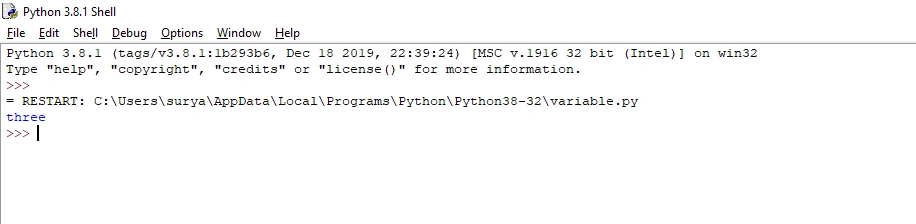
- number = ["one", "two", "three"]
- print(number[-1])#-1 position is last item.
Output
It will print the output screen to the last position.
Range of index
You can specify various indexes by means of specifying where to start and where to quit the range.
Syntax
- demo= ["list 1", "list 2",....]
- print(demo[start position: end position])
Example
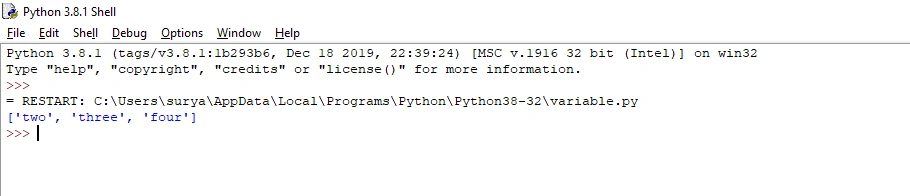
- number = ["one", "two", "three","four","five","six"]
- print(number[1:4])
- #It will print the output screen of the items from position 1 to 4.
- #Remember that the first position item is 0.
Output
It will print the output screen of the items from position 1 to 4.
Change item value
Changing the value of a specific item refers to the index number.
Example
- number = ["one", "two", "three","four","five","six"]
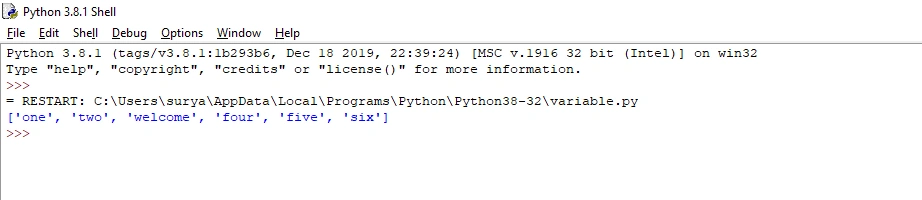
- number[2]="welcome"#Change 3 position values in “welcome”.
- print(number)
Output
Change 3 position values.
Add items
The append () keyword is used to the add item in the last position.
Example
- number = ["one", "two", "three","four","five","six"]
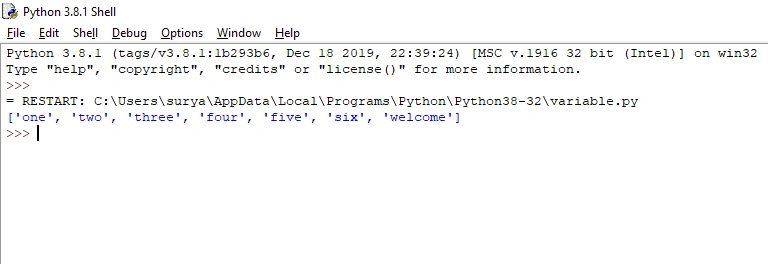
- number.append("welcome")#Adding the item in the last position is "welcome".
- print(number)
Output
Add the item in the last position.
Remove items
The pop () keyword is used to remove the last position.
Example
- number = ["one", "two", "three","four","five","six"]
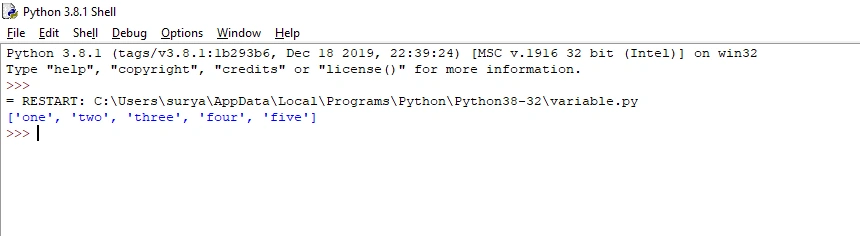
- number.pop()#To remove the last position
- print(number)
Output
To remove the last position.
Conclusion
In this article, we have seen a list in python. I hope this article was useful to you. Thanks for reading!
Judi Adu Ayam RknslotPosted Apr 6, 2020, 5:51 AM
Nice article