

Introduction
I assume you have already read my previous article on Using ERB tags In Ruby on Rails templates. Now, you will learn about two ways of page linking methods: target linking and adding URL parameters page links in Ruby on Rails templates.
Requirements
- Software - Ruby on Rails Installed In Your System.
- Editor- Atom Text Editor Is The Best In Class.
- Browser – Google Chrome Web Browser.
- First create rails application and generate controller view ,if you dont know how to create application creation you must read my previous article create application in ruby on rails,add routing code in route.rb, controller configuration and Rails server is active.(or) If you have Rails application use that previous application.
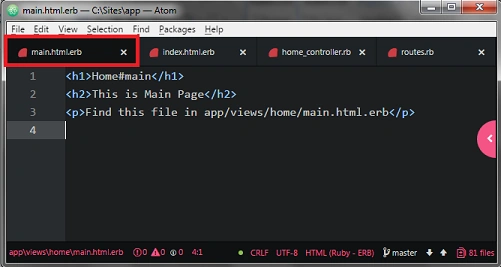
- After completing the application creation we need two HTML templates files in this article that files named as main.html.erb and index.html.erb.
Main.html.erb code
- <h1>Home#main</h1>
- <h2> This is Main Page</h2>
- <p>Find this file in app/views/home/main.html.erb</p>
- The index page was already created in controller creation so we don't create that we should use that file stored in app>> views>>home.
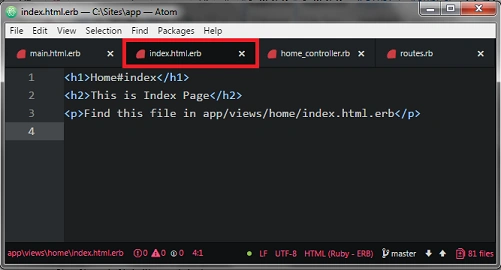
Index.html.erb code
- <h1>Home#index</h1>
- <h2> This is Index Page</h2>
- <p>Find this file in app/views/home/index.html.erb</p>
Now we create links in our HTML templates when the user can click below the link that will initiate a new request.
HTML Link Tag
- This is a basic HTML link, the text that we want to display for the link is inside the <a>tags.
<a href="/home/index">Index Page</a>
- The link URL is inside the double quotes when the user clicks that link it will display the content in home index page in browser.
Rails ERB Tag
<%= link_to(text, target) %>
- Above the rails links method, below the article we are going to put that HTML link inside ERB tags. Because provides output in <a href >tag the first argument is going to be link text and the second argument is going to be the link the URL.
Link Target
“home/index”
- The return value will be an HTML link to target. Target can be the string like home/index it also accept a ruby hash such as {controller => ‘home’, :action => ‘index’}.Controller action goes to target the link to another action in current controller.
Now we use normal HTML Link method in application.open index.html.erb file in app>>views>>home folder use in atom editor.
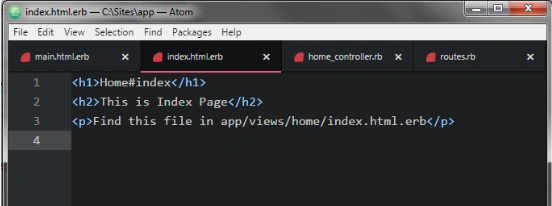
After you open index file now add following HTML link code in that file and end with <br /> tag.
- <a href="main">Home Page 1</a><br/>
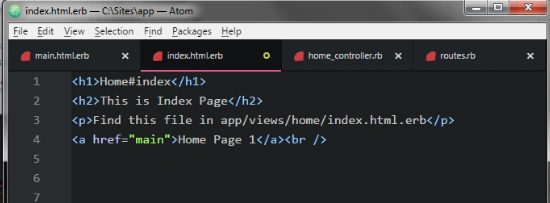
It is a just html link tag only, Nothing ERB tag so its work fine in Rails application.
Now check in the browser by visiting Localhost:3000/home/index.
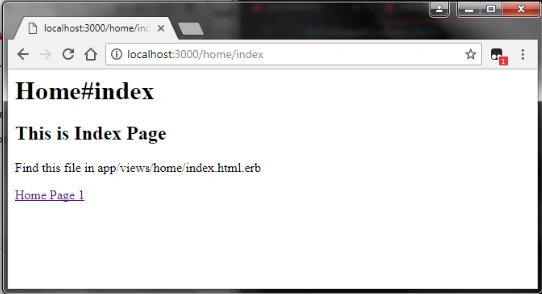
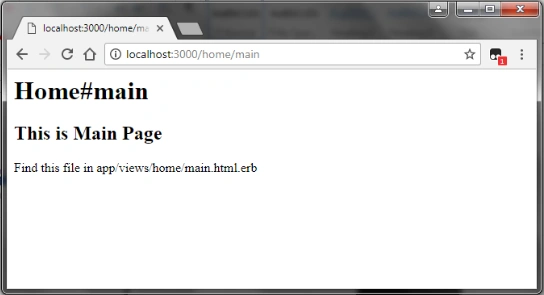
Above the output we can see the normal HTML link tag in the index page, if you like moving to the main.html.erb page, simply click that HTML link and it will go in the main page in browser. The result looks like below.
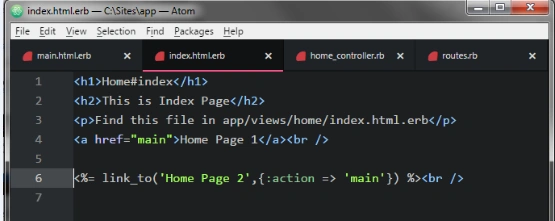
- <%= link_to(‘Home page’, {:action => ‘home’ }) %><br />
- Above the code link a first argument is going to be the code which will call “Home page 2” and the second argument is going to describe where we want to go. We used controller action and specified main page.
- Now check in the browser by visiting Localhost:3000/home/index.
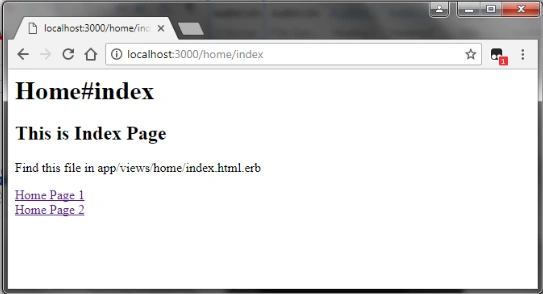
- Above the result you can see ERB link tag named as “Home Page 2” in index page. When you click the ERB link it will go to main page in browser.
- The two types of linking tags are doing the same thing in Rails.
Step 5
Above the page linking tags are used in the URL in Rails.These URL links are most used in action and controllers, Now we will see one example.
Page link with parameters
/home/main/1?page=2&name=raj
- Above the URL address there are two additional parameters. The key value pairs are separated by an ampersand it is a basic HTML link tag.
- Now we can use URL parameter in main.html.erb file linked into index page.
- <%= link_to('Index Page with parameters',{:action => 'index', :Page => 2, :id => 1}) %><br />
- Above the code we add two additional parameters inside those tags.
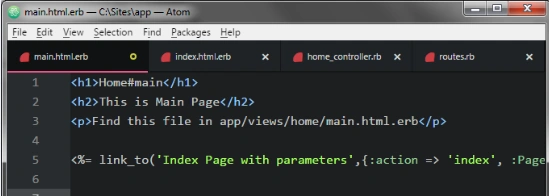
- Now check in the browser by visiting Localhost:3000/home/main.
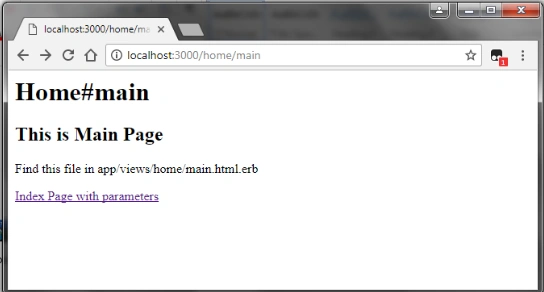
After visiting result you can see parameter link main.html.erb page, when you click that link the controller action goes to index.html.erb file page.
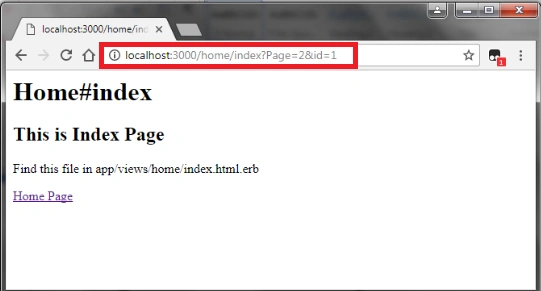
Above the result you can see additional parameters in address bar. We successfully added parameters in URL.
Conclusion
I hope you understood Page linking with two Page linking tags and how to add URL parameters in Page links in Ruby on Rails application files. In future articles we will learn more about Ruby on Rails step by step. Keep in touch.
Join the conversation! Your thoughts help the community grow.