

Introduction
We have already discussed many ways to import data in Azure DWH. Today, I will discuss an OLD SCHOOL approach of importing data by SQL Server Integration Services (SSIS). In my opinion, this is the most promising way to import the data from different datasets/ types like SQL Server, Oracle, MySQL, Flat File, CSV, DB2, and more.
Prerequisite
- Azure Subscription.
- Azure SQL Server and an Azure Data Warehouse Database
- SQL Server Data Tools with SSIS installed
- Visual Studio 2015 - Visual Studio 2013
Let’s start!
FYI, I’m using VS 2015.
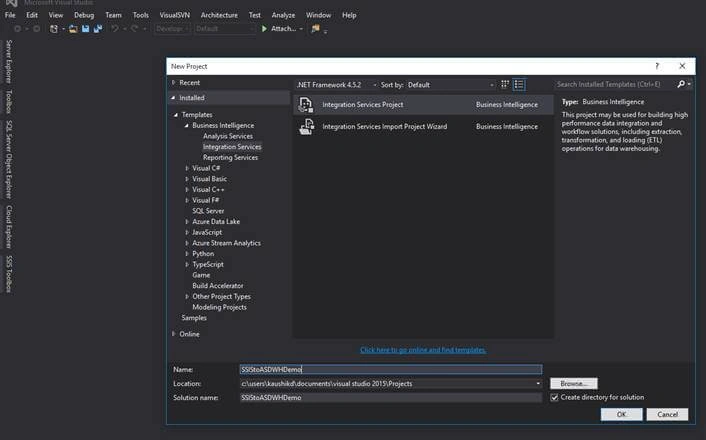
Go to File>New project and select Integration Services Project.
Add ‘Data Flow Task’ as shown below.
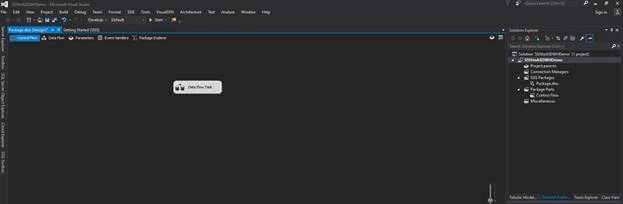
Double click in Data Flow Task; it will open the Data Flow pane.

Attendance Code Source is in Data Flow Components.
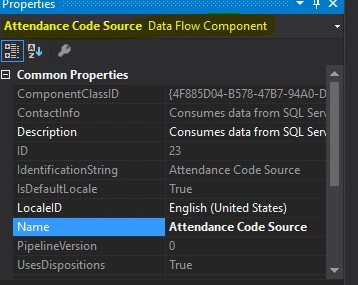
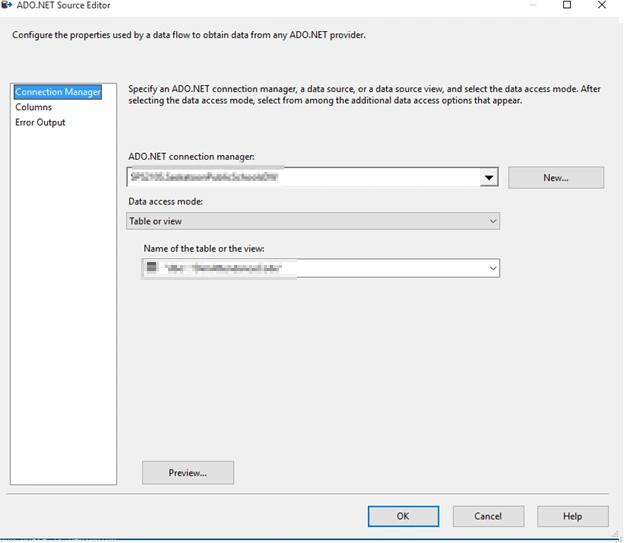
Give details of your Server and Table after double clicking Attendance Code Source.
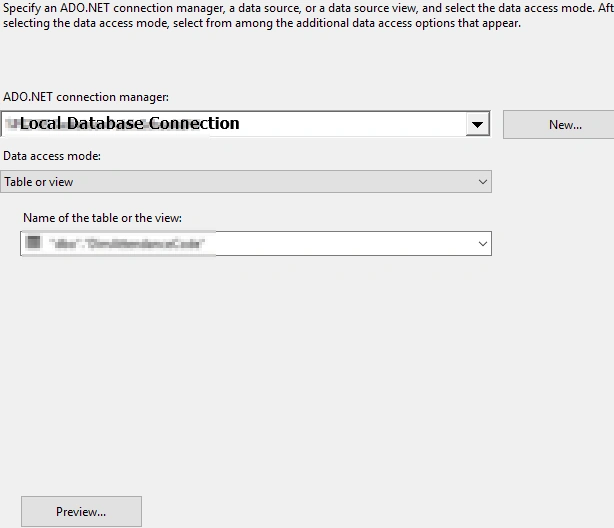
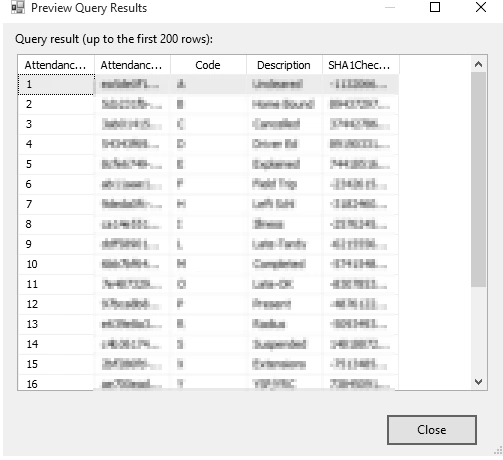
- You can click on the table to Preview the data.
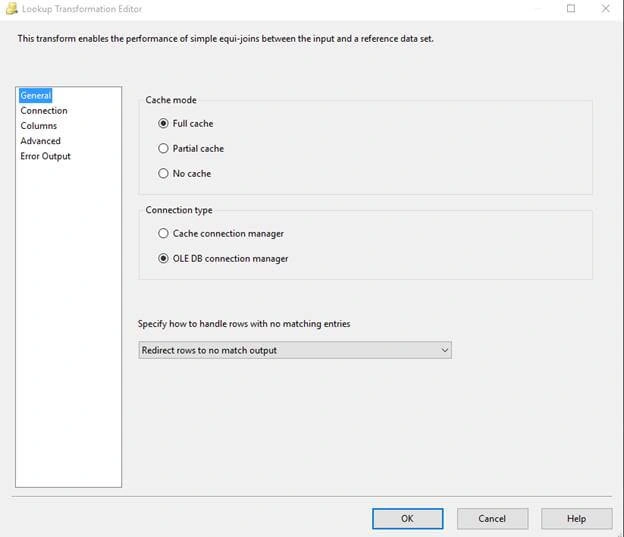
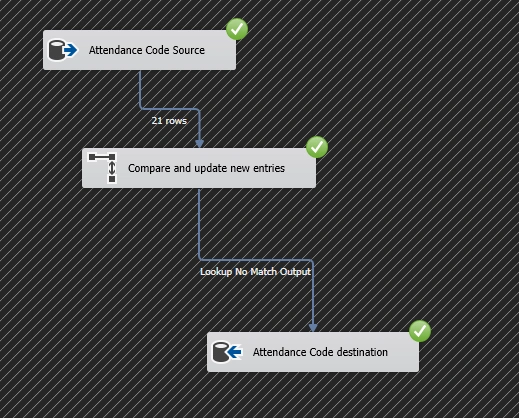
Here, I’m only inserting the New Rows at Lookup Editor.
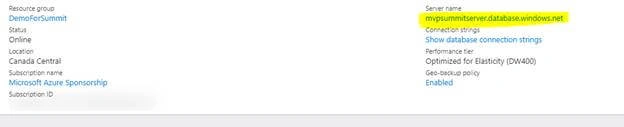
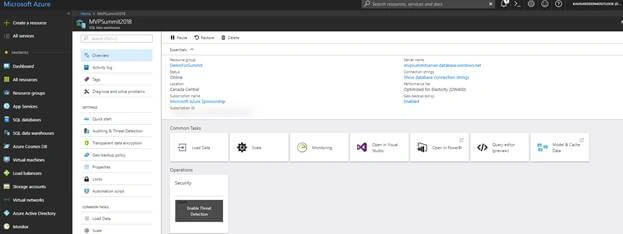
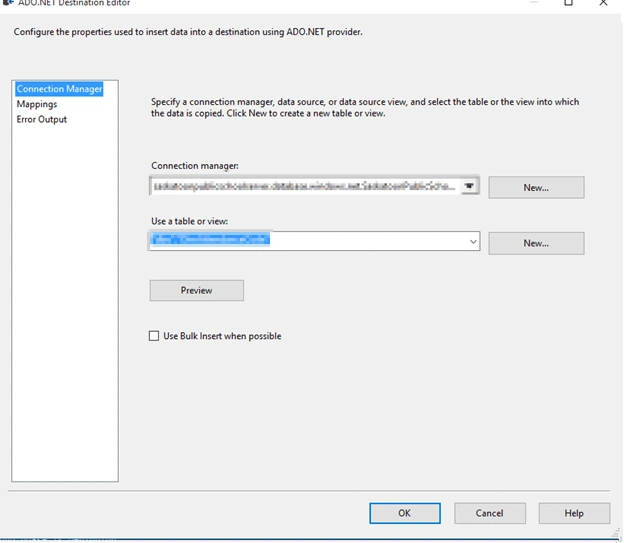
At Destination Editor, you need to give Azure Data Warehouse a name at connection manager. You can find it after you login to your Azure Portal and by clicking Azure Data Warehouse as highlighted below.
After this, click F5 or Run and your SSIS package will execute.
Please note GREEN indicates a successful run.
I hope this will be helpful. Until next time, happy coding!!
Neven StojanovicPosted Jul 20, 2018, 8:10 AM
Nice Article!
Hadshana KamalanathanPosted Jul 15, 2018, 8:49 PM
Thank you for sharing
Md Tahmidul AbedinPosted Mar 21, 2018, 11:59 PM
Nice Article Deepak.
Satyaprakash SamantarayPosted Mar 21, 2018, 12:11 PM
Nice description............