

Introduction
Angular is an open-source Javascript framework to build web applications in HTML and Javascript. It will provide us a great deal of flexibility and power when building our apps.
Entry component
A bootstrap component is an entry component that Angular loads into a DOM Module at application lunch and other root components are loaded dynamically into entry components.
There are two main kinds of entry components:
- The bootstrapped root component. (Router)
- A component you specify in a route definition. (Entry Component)
In the below example, the App Component is a root component so Angular loads this dynamically:
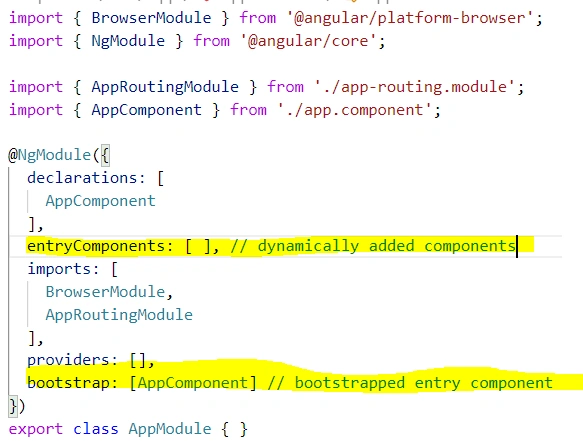
Example:
- Create a New Project
Create a new folder named DynamicComponentsInAngular9 and select this folder in Visual Studio Code
- Install Angular 9
Open Terminal windows in Visual Studio Code install Angular 9, as shown below:
To install the CLI using npm, use the command: npm install -g @angular/cli
To create a sample project with CLI, use the command: ng new DynamicComponents
Structure of Project
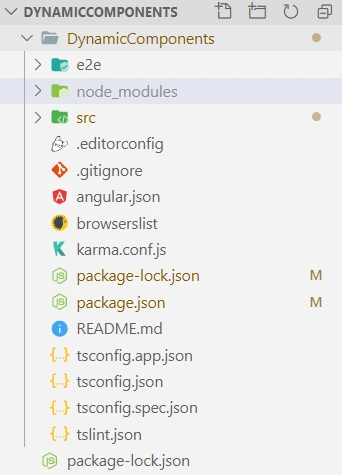
- Create Children Components
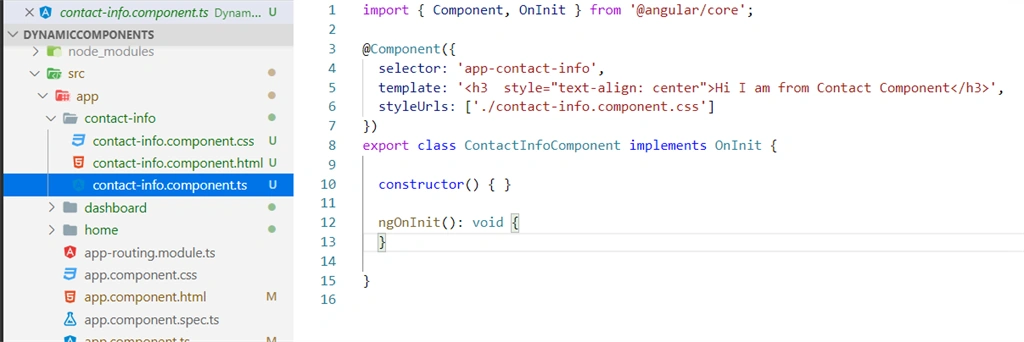
Create a new folder named components in src\app folder. In this folder, create children components as shown below:
Home Component
Create a new folder named hi in src\app\components folder. In this folder, create a new file named Home.component.ts
ng g c Home --skipTests=true
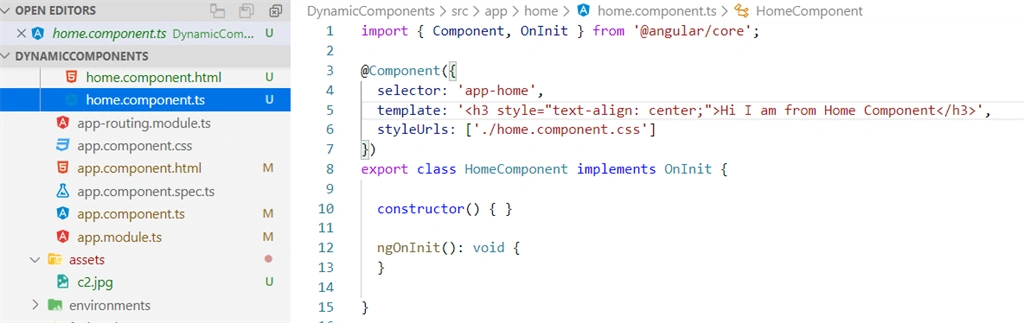
Dashboard Component
Create a new folder named hi in src\app\components folder. In this folder, create a new file named Dashboard.component.ts
ng g c Dashboard --skipTests=true
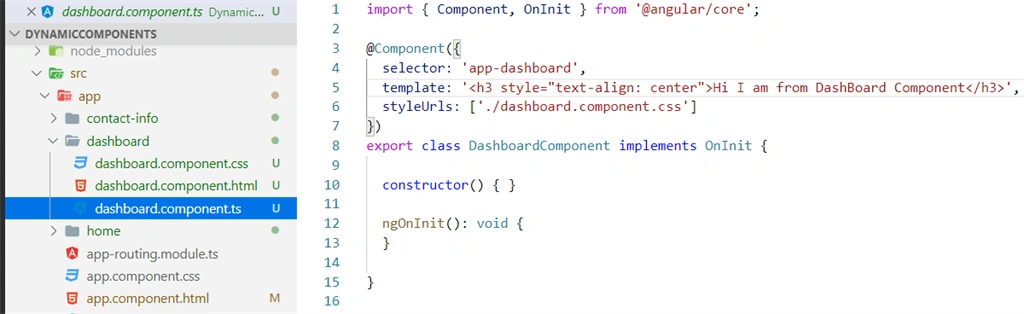
ContactInfo Component
Create a new folder named hi in the src\app\components folder. In this folder, create a new file named ContactInfo.component.ts
ng g c ContactInfo--skipTests=true
Open Main Component
- import {
- Component,
- OnInit
- } from '@angular/core';
- import {
- HomeComponent
- } from './home/home.component';
- import {
- DashboardComponent
- } from './dashboard/dashboard.component';
- import {
- ContactInfoComponent
- } from './contact-info/contact-info.component';
- @Component({
- selector: 'app-root',
- templateUrl: './app.component.html',
- styleUrls: ['./app.component.css']
- })
- export class AppComponent implements OnInit {
- title = 'DynamicComponents';
- dynamicCom: any;
- ngOnInit() {
- this.dynamicCom = HomeComponent;
- }
- dynamicDash() {
- this.dynamicCom = DashboardComponent;
- }
- dynamicContact() {
- this.dynamicCom = ContactInfoComponent;
- }
- dynamicHome() {
- this.dynamicCom = HomeComponent;
- }
- }
- // Root Component html
- <div class="container ml-10 mt-2" style="width:100;">
- <a class="navbar-brand" href="#">
- <img src="assets/c2.jpg" width="1111" height="200">
- </a>
- <h2 style="text-align:center;text-decoration:dotted;background-color:gainsboro;">Dynamic Entry Components </h2>
- <nav class="navbar navbar-expand-lg navbar-white bg-white pt-4">
- <button class="btn btn-outline-primary col offset-1" (click)="dynamicHome()" type="submit">Home</button>
- <button class="btn btn-outline-primary col offset-1" (click)="dynamicDash()" type="submit">Dashboard</button>
- <button class="btn btn-outline-primary col offset-1" (click)="dynamicContact()" type="submit">ContactInfo</button>
- </nav>
- <div class="pt-5">
- <ng-container *ngComponentOutlet="dynamicCom"></ng-container>
- </div>
- </div>
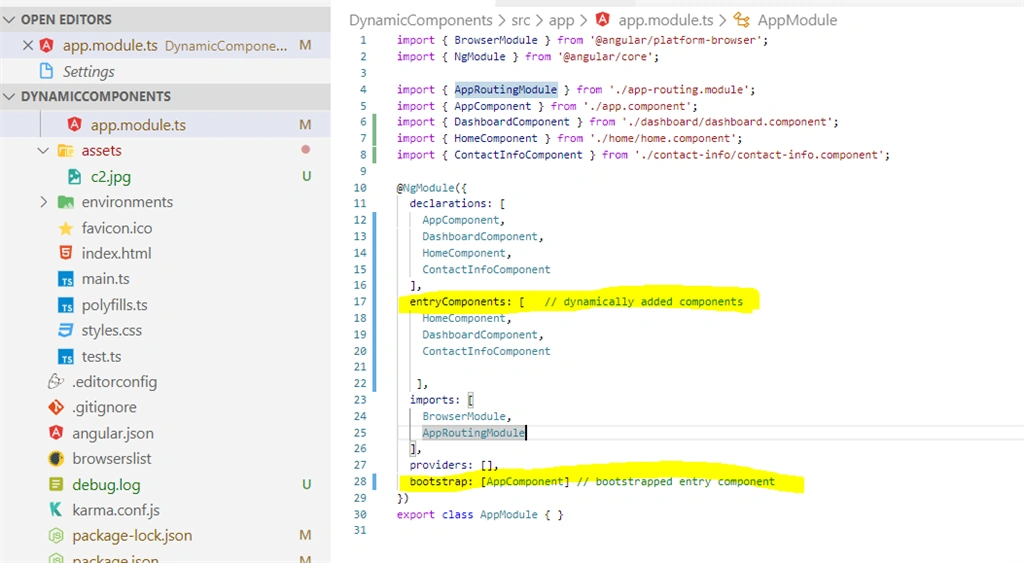
Open Component to Module and see that the Child components are added:
- import {
- BrowserModule
- } from '@angular/platform-browser';
- import {
- NgModule
- } from '@angular/core';
- import {
- AppRoutingModule
- } from './app-routing.module';
- import {
- AppComponent
- } from './app.component';
- import {
- DashboardComponent
- } from './dashboard/dashboard.component';
- import {
- HomeComponent
- } from './home/home.component';
- import {
- ContactInfoComponent
- } from './contact-info/contact-info.component';
- @NgModule({
- declarations: [
- AppComponent,
- DashboardComponent,
- HomeComponent,
- ContactInfoComponent
- ],
- entryComponents: [
- HomeComponent,
- DashboardComponent,
- ContactInfoComponent
- ], // dynamically added components
- imports: [
- BrowserModule,
- AppRoutingModule
- ],
- providers: [],
- bootstrap: [AppComponent] // bootstrapped entry component
- })
- export class AppModule {}
Run Application
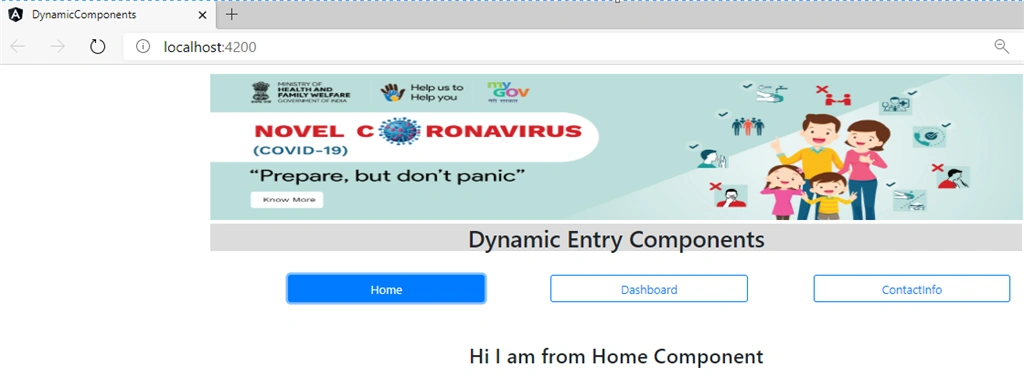
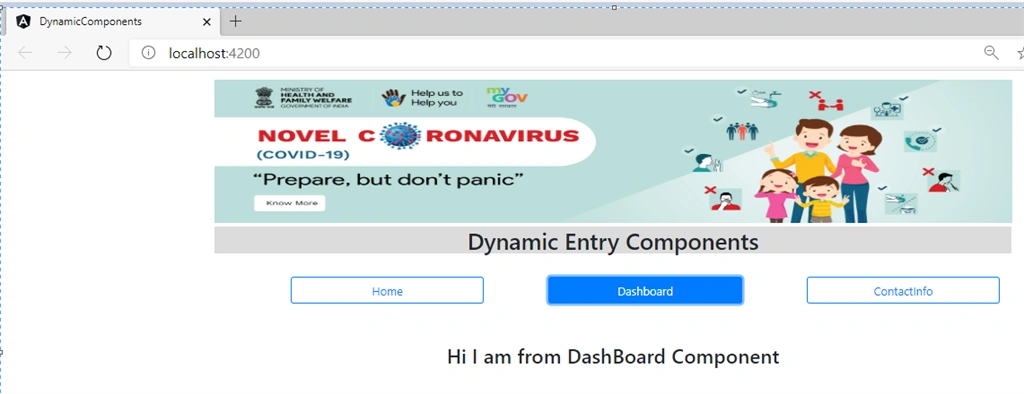
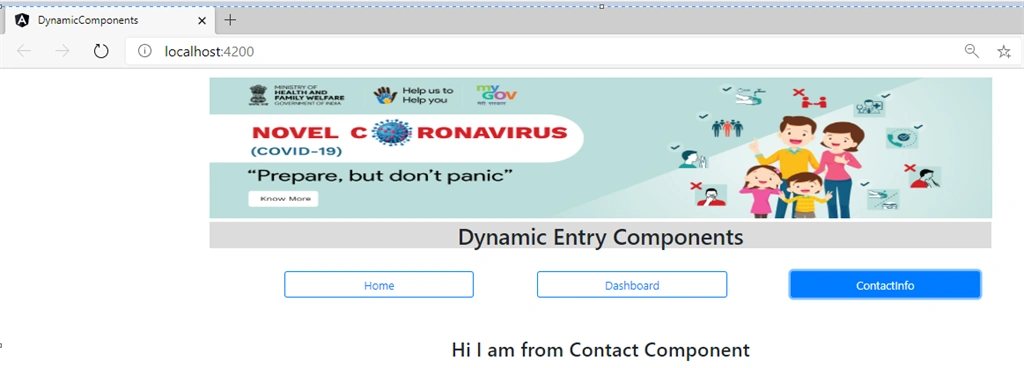
In Terminal windows in Visual Studio Code, type: ng serve --open, program. It will open the URL http://localhost:4200/ in the browser.
Output
Join the conversation! Your thoughts help the community grow.