
Introduction
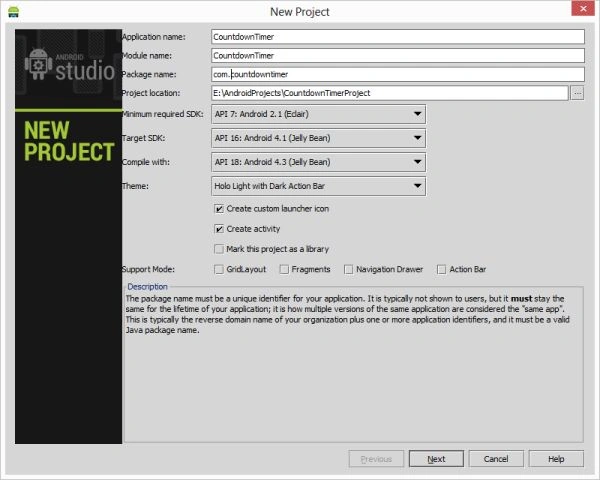
- <?xml version="1.0" encoding="utf-8"?>
- <RelativeLayout xmlns:android="http://schemas.android.com/apk/res/android"
- android:layout_width="fill_parent"
- android:layout_height="fill_parent"
- android:orientation="vertical"
- android:background="#ff998765" >
- <TextView
- android:id="@+id/textView"
- android:layout_width="wrap_content"
- android:layout_height="wrap_content"
- android:layout_centerHorizontal="true"
- android:layout_centerVertical="true"
- android:paddingRight="10dip"
- android:textSize="50dp" />
- <Button
- android:id="@+id/button"
- android:layout_width="fill_parent"
- android:layout_height="wrap_content"
- android:layout_alignParentBottom="true"
- android:layout_alignParentLeft="true"
- android:text="Start" />
- </RelativeLayout>
Step 3
Create a Java file and write this:
Step 4
Android Manifest.xml file
- package com.countdown;
- import android.app.Activity;
- import android.os.Bundle;
- import android.os.CountDownTimer;
- import android.view.View;
- import android.widget.Button;
- import android.widget.TextView;
- public class MainActivity extends Activity implements View.OnClickListener
- {
- private CountDownTimer countDownTimer;
- private boolean timerStarted = false;
- private Button buttonStart;
- public TextView textView;
- private final long startTime = 100 * 1000;
- private final long interval = 1 * 1000;
- @Override
- public void onCreate(Bundle savedInstanceState)
- {
- super.onCreate(savedInstanceState);
- setContentView(R.layout.activity_main);
- buttonStart = (Button) this.findViewById(R.id.button);
- buttonStart.setOnClickListener(this);
- textView = (TextView) this.findViewById(R.id.textView);
- countDownTimer = new CountDownTimerActivity(startTime, interval);
- textView.setText(textView.getText() + String.valueOf(startTime / 1000));
- }
- @Override
- public void onClick(View v)
- {
- if (!timerStarted)
- {
- countDownTimer.start();
- timerStarted = true;
- buttonStart.setText("STOP");
- }
- else
- {
- countDownTimer.cancel();
- timerStarted = false;
- buttonStart.setText("RESTART");
- }
- }
- public class CountDownTimerActivity extends CountDownTimer
- {
- public CountDownTimerActivity(long startTime, long interval)
- {
- super(startTime, interval);
- }
- @Override
- public void onFinish()
- {
- textView.setText("Time's up!");
- }
- @Override
- public void onTick(long millisUntilFinished)
- {
- textView.setText("" + millisUntilFinished / 1000);
- }
- }
- }
- <?xml version="1.0" encoding="utf-8"?>
- <manifest xmlns:android="http://schemas.android.com/apk/res/android"
- package="com.countdown"
- android:versionCode="1"
- android:versionName="1.0" >
- <uses-sdk
- android:minSdkVersion="7"
- android:targetSdkVersion="16" />
- <application
- android:allowBackup="true"
- android:icon="@drawable/ic_launcher"
- android:label="@string/app_name"
- android:theme="@style/AppTheme" >
- <activity
- android:name="com.countdown.MainActivity"
- android:label="@string/app_name" >
- <intent-filter>
- <action android:name="android.intent.action.MAIN" />
- <category android:name="android.intent.category.LAUNCHER" />
- </intent-filter>
- </activity>
- </application>
- </manifest>
Step 5
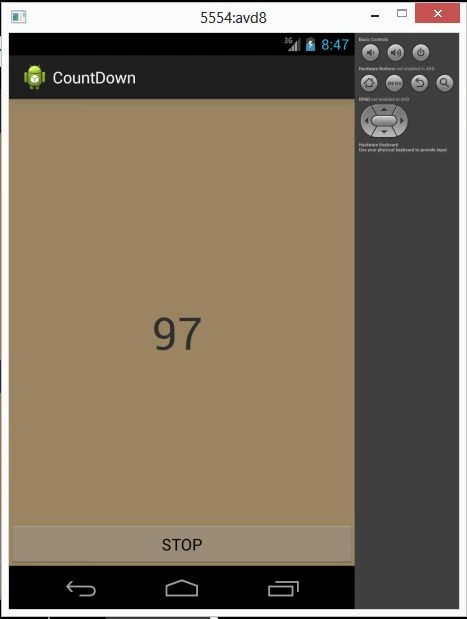
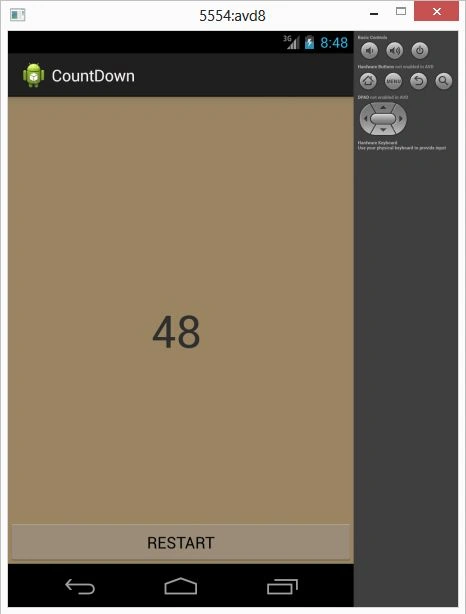
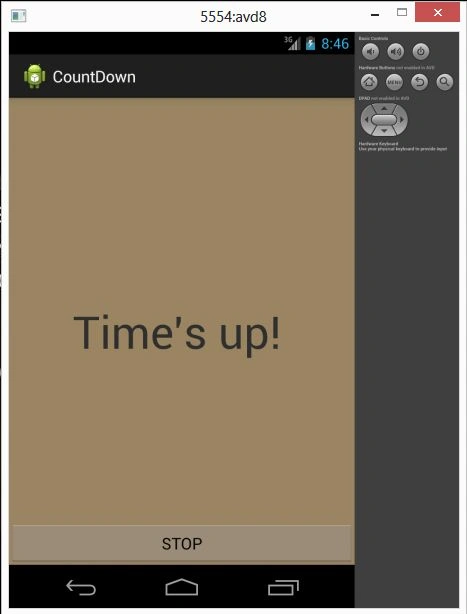
When you click on the button to start.
Image
Join the conversation! Your thoughts help the community grow.