

Introduction
In this article, we discuss the JProgressBar class of Swing in Java.
What is JProgressBar class?
JProgressBar class displays the progress of the class.
Some commonly used public constructors are:
- JProgressBar()
Creates a default progress bar without a string.
- JProgressBar(int minimum, int maximum)
Created with the specified minimum and maximum values of the horizontal progress bar.
- JProgressBar(int orient)
Creates a progress bar usng the specified orientation.
- JProgressBar(int orient, int minimum, int maximum)
Creates a progress bar with the specified orientation, min and max values.
Some commonly used public methods are:
- void setStringPainted(boolean bln)
Specifies whether the progress should display a string.
- void setString(String str)
It sets the value of the progress bar.
- void setOrientation(int orient)
It sets the orientation of the progrss bar.
- void setValue(int val)
It sets the current value of the current string.
Let's take an example
JProgressBarEx.java
In this example; we create a simple progress bar class using Swing that shows the progress of the class.
- import javax.swing.*;
- public class JProgressBarEx extends JFrame
- {
- JProgressBar jprgrssbr;
- int x = 0, n = 0;
- JProgressBarEx()
- {
- jprgrssbr = new JProgressBar(1, 2110);
- jprgrssbr.setBounds(45, 45, 204, 35);
- jprgrssbr.setValue(0);
- jprgrssbr.setStringPainted(true);
- add(jprgrssbr);
- setSize(500, 500);
- setLayout(null);
- }
- public void iterate()
- {
- while (x <= 2110)
- {
- jprgrssbr.setValue(x);
- x = x + 22;
- try
- {
- Thread.sleep(200);
- }
- catch (Exception ey)
- {}
- }
- }
- public static void main(String args[])
- {
- JProgressBarEx mthd = new JProgressBarEx();
- mthd.setVisible(true);
- mthd.iterate();
- }
- }
Output

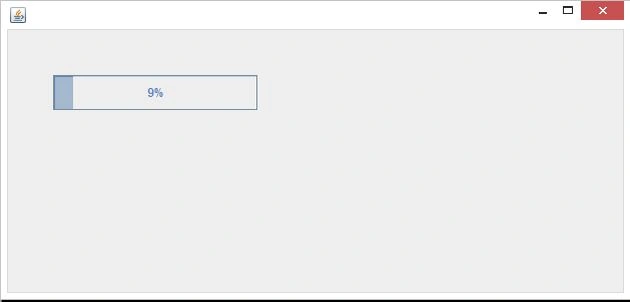
After running the program a window is generated that shows the progress of the program.
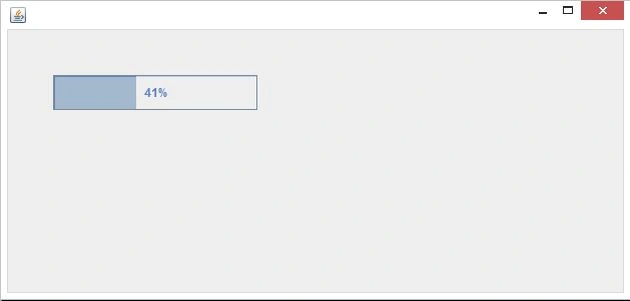
After a few seconds the progress bar shows the following:
Sandeep SharmaPosted Aug 12, 2013, 5:53 AM
Yeah sure...If you have any problem please talk to me. I will try my best to solve your problem.
AlexPosted Aug 11, 2013, 9:17 AM
I need some help with Java, and it seems to me you are a professional...