

Introduction
In today's fast-paced digital world, automation and AI tools are becoming essential for enhancing productivity and efficiency. One such tool is Copilot, a powerful AI assistant designed to help users with various tasks. A common problem users face is concatenating two dynamic column values in a gallery, and Copilot can assist in solving this issue seamlessly.
Login to Your Account
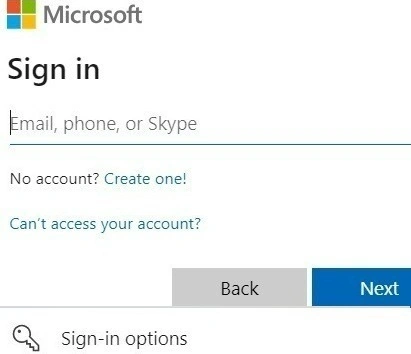
Before you can start using Copilot, you need to log in to your account. This ensures that all your data and settings are securely stored and accessible. Simply enter your credentials on the login page and click the "Sign In" button. Once logged in, Open Copilot, which redirects to the home page.
Features
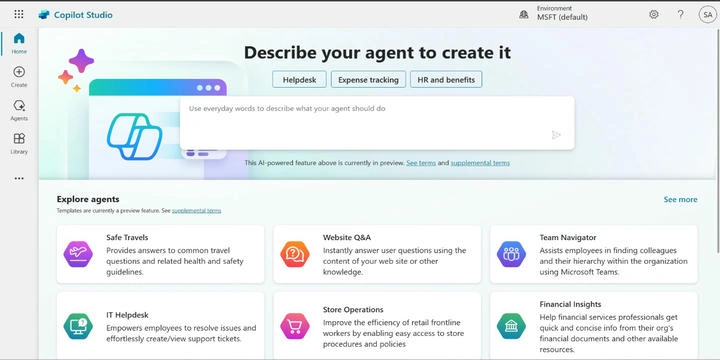
- Home Page The home page of Copilot is designed to be user-friendly and intuitive. It contains several sections to help users get started quickly.
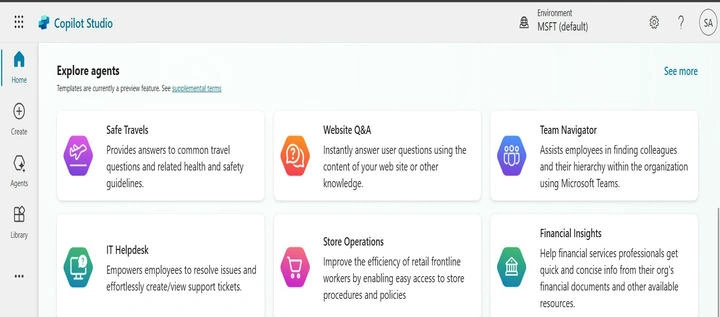
- Explore Agents: This section offers predefined templates for various use cases such as Safe Travel, Website Q&A, Team Navigation, IT Helpdesk, and more.
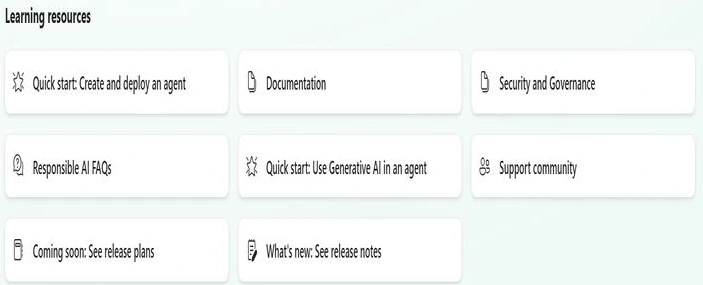
- Learning Resources: Below the main sections, you'll find resources to help you learn and make the most of Copilot.
- Quick start: Create and deploy an agent
- Documentation
- Security and Governance
- Responsible AI FAQs
- Quick start: Use Generative AI in an agent
- Support community
- Coming soon, See release plans
- What's new? See release notes

- Create Button The Create button allows users to create new agents. This feature is straightforward and guides users through the process of setting up their agents.
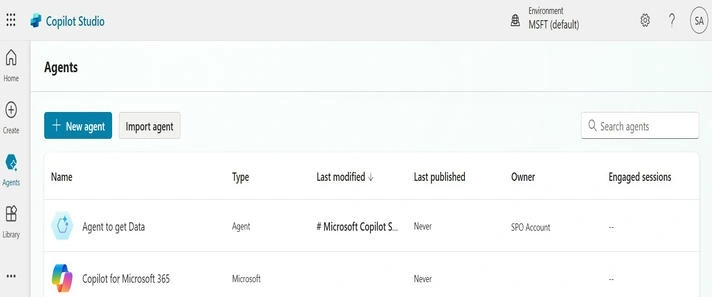
- Agent This section displays the agents you have created. It provides an overview and allows you to manage your existing agents.
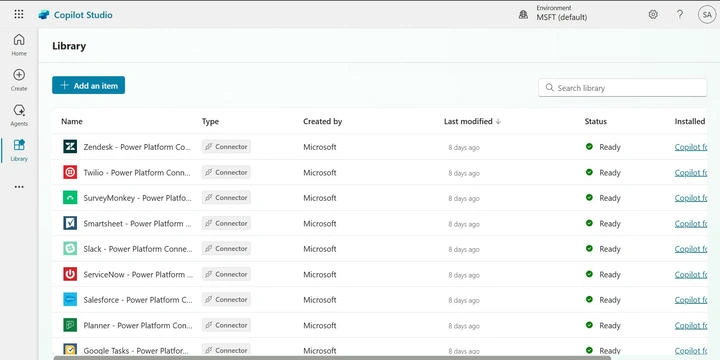
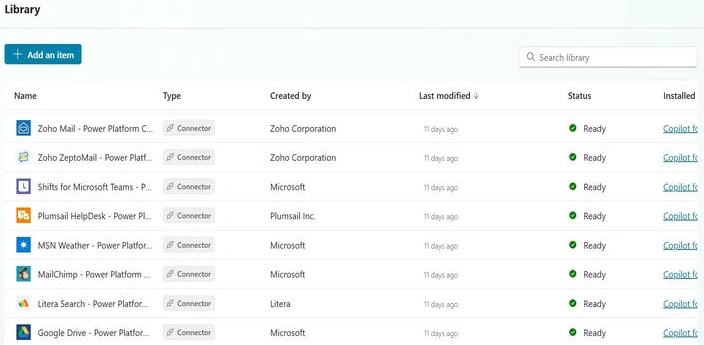
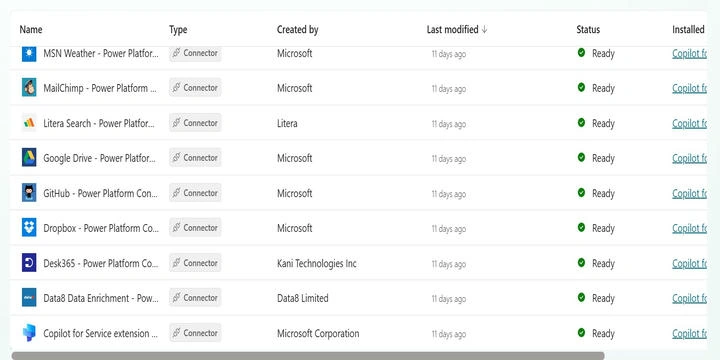
- Library The Library section contains various resources and templates that users can utilize to enhance their agents. It includes pre-built components and modules that can be integrated into your projects.

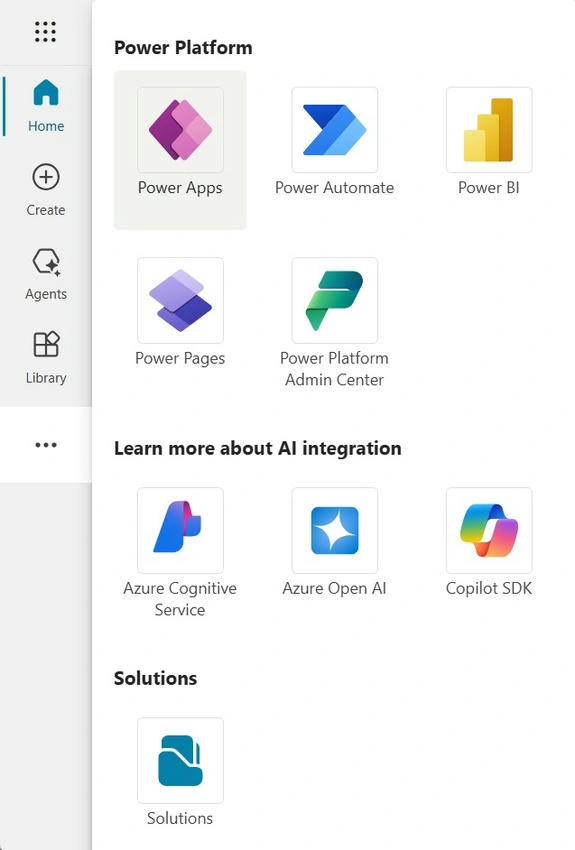
- Three Dots Menu The three-dot menu provides access to additional tools and integrations such as Power Apps, Power Automate, Power BI, Power Pages, and the Power Platform Admin Center. It also includes links to learn more about AI integration and available solutions.
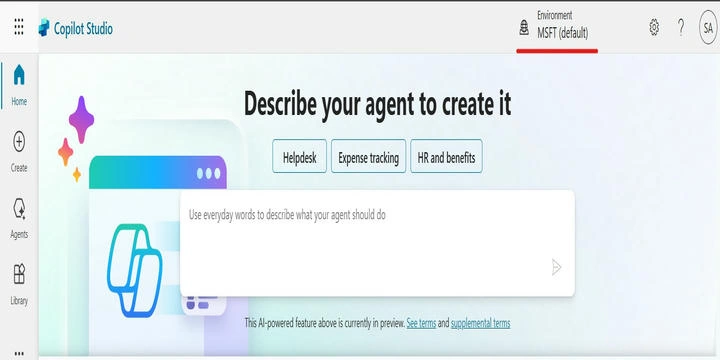
- Environment At the top of the interface, you can see your current environment. This helps you manage and switch between different working environments easily.
Advantages and Disadvantages
- Advantages
- User-Friendly Interface: Copilot's interface is designed to be intuitive and easy to navigate.
- Versatile Templates: A wide range of predefined templates cater to various use cases.
- Comprehensive Learning Resources: Extensive documentation and learning materials help users get the most out of Copilot.
- Integration with Other Tools: Seamless integration with other Microsoft Power Platform tools enhances functionality.
- Disadvantages
- Learning Curve: New users might need some time to get accustomed to all the features and functionalities.
- Dependency on the Internet: Requires a stable Internet connection to function effectively.
Conclusion
Copilot is a versatile and powerful AI assistant that can significantly enhance productivity by automating tasks and providing valuable insights. Its user-friendly interface, extensive learning resources, and seamless integration with other tools make it an excellent choice for users looking to streamline their workflows.
Tuhin PaulPosted Jan 26, 2025, 6:10 PM
What kind of support and resources are available for users who are new to Copilot and need help getting started? Are there any tutorials, webinars, or community forums that can provide guidance and troubleshooting assistance?
Tuhin PaulPosted Jan 26, 2025, 6:10 PM
How does Copilot's integration with other Microsoft Power Platform tools work? Are there any specific tools that are particularly well-suited for integration with Copilot?
Tuhin PaulPosted Jan 26, 2025, 6:10 PM
You mentioned that Copilot offers predefined templates for various use cases. Can you elaborate on how customizable these templates are, and whether users can create their own templates from scratch?
Tuhin PaulPosted Jan 26, 2025, 6:09 PM
Thank you, Shiv Sharma, for this comprehensive introduction to Copilot.