

Introduction
Welcome to the Power Apps series, where we delve into the world of Microsoft Power Apps, empowering users to create custom applications without extensive coding knowledge. In this introductory guide, we explore the fundamentals of Power Apps, and its benefits, and provide a step-by-step approach to accessing this innovative tool.
In today's digital landscape, organizations seek efficient and customizable solutions to streamline processes and enhance productivity. Microsoft Power Apps emerges as a robust platform empowering users to create custom applications without extensive coding knowledge. This introductory guide explores the fundamentals of Power Apps and their benefits, provides a step-by-step approach to accessing this innovative tool, and delves into the different types of Power Apps and their applications.
Login Step
Before we dive into the world of Power Apps, let's ensure you're logged in
- Navigate to the Power Apps portal URL provided by your organization.
- Enter your credentials (username and password) in the login interface.
- Click on the "Sign In" or "Login" button to access the Power Apps environment.
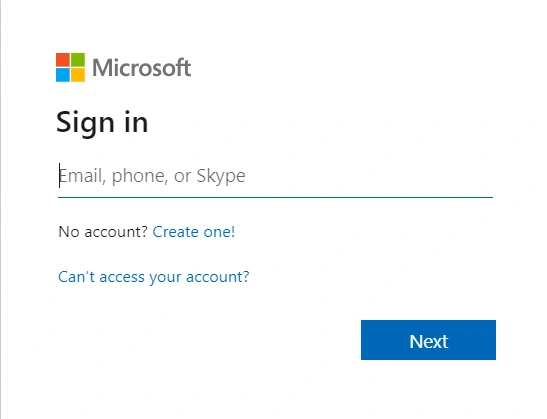
- Or Directly Open https://make.powerapps.com/
Power Apps Homepage Options
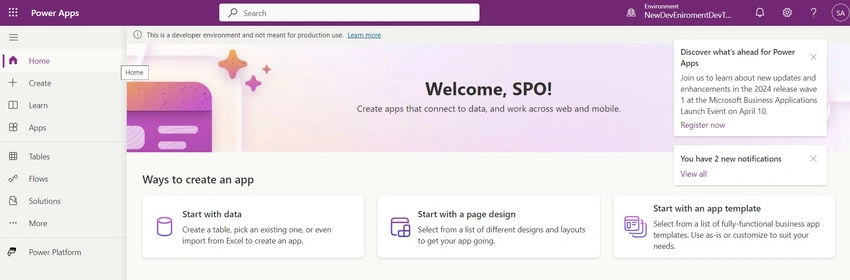
- Home: The Home option provides an overview of your Power Apps environment, Here, you can view recent apps, start new ones, and explore featured apps.
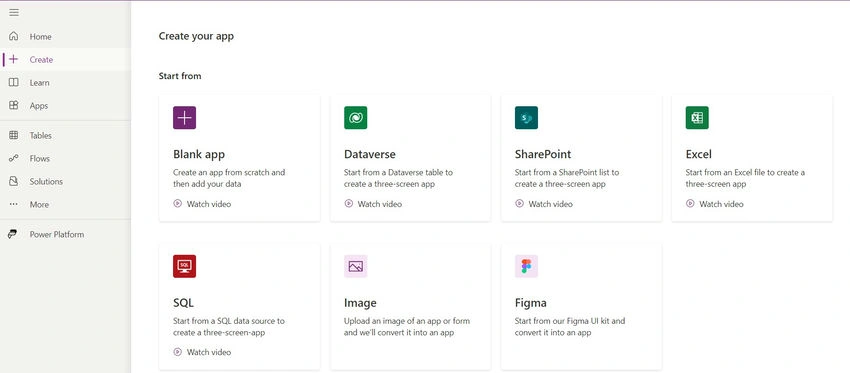
- Create: The Create option allows you to start creating a new app from scratch or using templates. This is where you initiate the app development process.
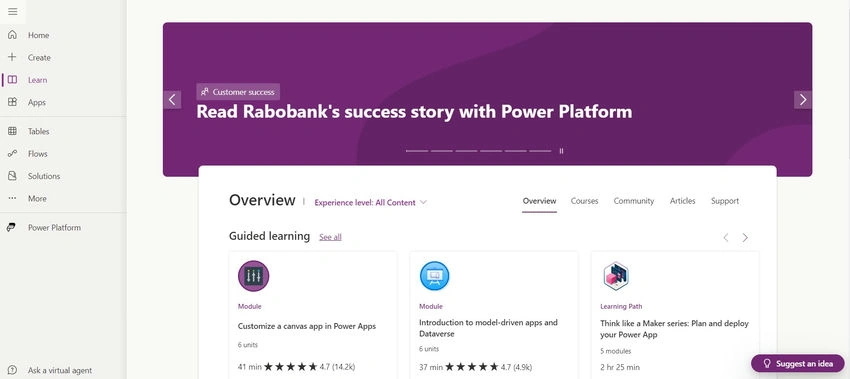
- Learn: The Learn option provides access to learning resources, tutorials, and documentation to help you enhance your Power Apps skills. Here, you can explore guides, videos, and community forums to expand your knowledge and proficiency in app development.
- Apps: The Apps option lets you view and manage existing apps. You can access all the apps you've created or collaborated on in one central location.

- Tables: The Tables option provides access to and management of data tables for your apps. You can organize and configure data tables to support the functionality of your apps.
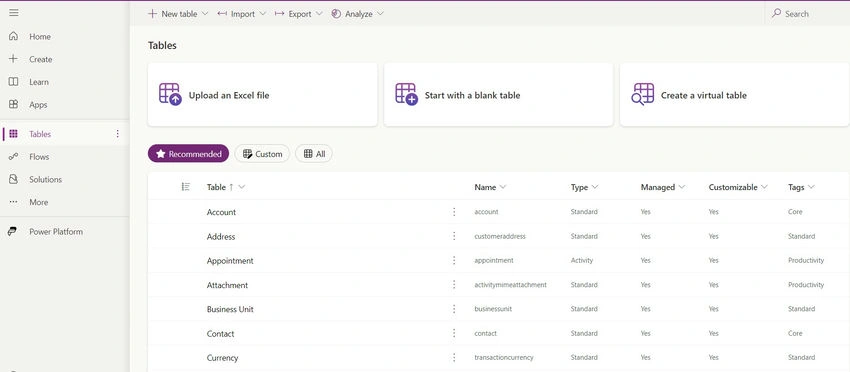
- Flows: The Flows option enables you to create and manage Power Automate flows associated with your apps, automate repetitive tasks, and streamline workflows within your applications.
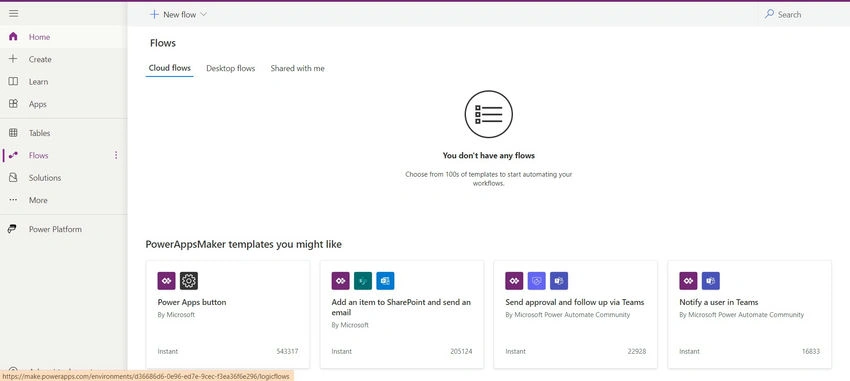
- Solutions: The Solutions option allows you to organize and deploy your apps and other resources as solutions. Solutions are bundles of components that you can distribute or install in different environments
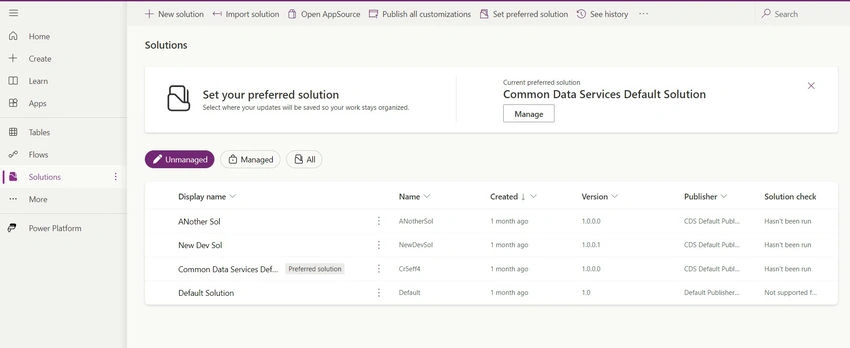
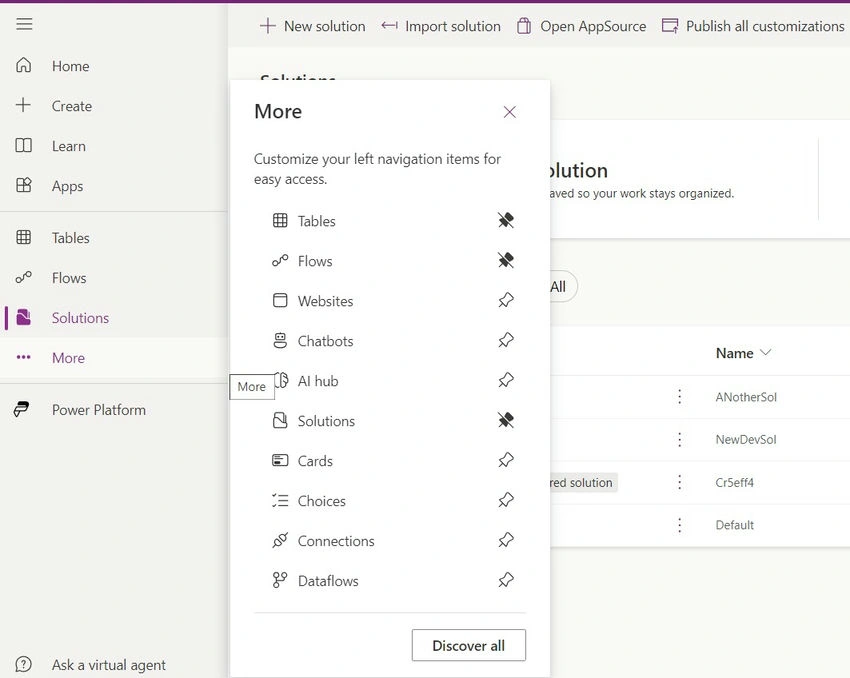
- More: The More option provides access to additional features and settings for Power Apps. Here, you can explore advanced capabilities and customize your Power Apps environment.
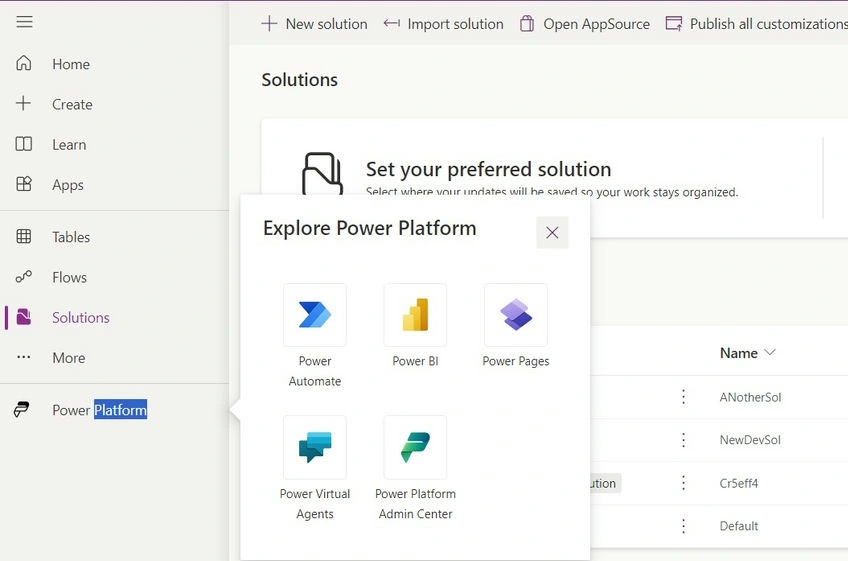
- Power Platform: The Power Platform option grants access to the broader Power Platform environment, which includes Power BI, Power Automate, and Power Virtual Agents, providing comprehensive app development and automation solutions.
Benefits of Power Apps
- Rapid Application Development: Power Apps enables quick creation of applications using a simple drag-and-drop interface, significantly reducing development time.
- No-Code/Low-Code: With Power Apps, users can build robust applications without deep coding expertise, democratizing app development within organizations.
- Integration Capabilities: Seamlessly integrate Power Apps with other Microsoft 365 tools like SharePoint, Teams, and Excel, enhancing data connectivity and workflow automation.
- Customization: Tailor applications to specific business needs with customizable layouts, forms, and functionalities, ensuring alignment with organizational requirements.
- Cross-Platform Compatibility: Deploy Power Apps across multiple devices and platforms, including web browsers, mobile devices, and tablets, ensuring accessibility for all users.
Types of Power Apps
- Canvas Apps
- Canvas apps offer a flexible and highly customizable approach to app development.
- Ideal for building apps that require pixel-perfect control over the user interface and interactions.
- Suitable for scenarios where users need to design and control every aspect of the app's layout and functionality.
- Users can start from a blank canvas or use templates to create apps tailored to specific needs.
- Model-Driven Apps
- Model-driven apps are data-centric applications that derive their design and behavior from underlying data models.
- Built on top of the Common Data Service (CDS), these apps provide a structured framework for managing complex business processes and relationships.
- Suitable for scenarios where the focus is on presenting and interacting with structured data in a standardized format.
- Offers out-of-the-box components for building apps, reducing the need for manual layout design.
- Power Portals
- Power Portals allow organizations to create external-facing websites or portals for engaging with customers, partners, or employees.
- Designed to provide a seamless experience for external users to interact with business data and processes.
- Enables self-service scenarios such as customer support portals, partner portals, or employee self-service portals.
- Leverages the capabilities of Power Apps and Dynamics 365 to deliver robust and secure web experiences.
Difference Between Canvas Apps and Model-Driven Apps
- Design Approach: Canvas apps offer a more flexible and design-centric approach, allowing users to design the app layout and user interface from scratch. Model-driven apps, on the other hand, derive their design and behavior from the underlying data model, providing a more structured approach to app development.
- Data Handling: In canvas apps, users have more control over data sources and can connect to a wide range of data sources. Model-driven apps are built on top of the Common Data Service (CDS) and are tightly integrated with Dynamics 365, providing a standardized data model for managing business data.
- Complexity: Canvas apps are suitable for simple to moderately complex scenarios where users need more control over app design and functionality. Model-driven apps are ideal for more complex business processes and scenarios that require standardized data management and business logic.
Conclusion
Thank you for joining us on this journey into the world of Power Apps. In the next installment of our series, we'll take a deep dive into Canvas Apps and explore how they empower users to create highly customizable applications tailored to specific business needs. Stay tuned for more insights, tips, and tutorials as we continue to explore the endless possibilities of Power Apps.
Microsoft Power Apps revolutionizes app development by offering a user-friendly platform accessible to users of all skill levels. Its no-code/low-code approach empowers organizations to rapidly create custom applications tailored to their unique needs. By providing seamless integration with other Microsoft 365 tools and enabling cross-platform compatibility, Power Apps drives digital transformation and enhances business agility. With this introductory guide and step-by-step instructions, users can embark on their journey to harness the full potential of Power Apps and revolutionize their business processes. Understanding the different types of Power Apps and their applications empowers organizations to choose the right approach for their specific needs and drive greater innovation and efficiency.
Join the conversation! Your thoughts help the community grow.