
As of now there is no direct template for Angular5 available in Visual Studio 2017.
Go to below link and click on download button.
https://marketplace.visualstudio.com/items?itemName=RebaiHamidaTrabelsi.Angular5TemplateCore2
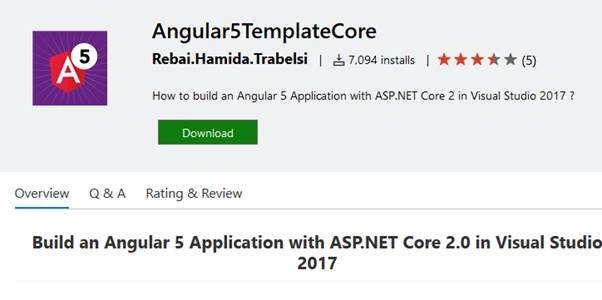
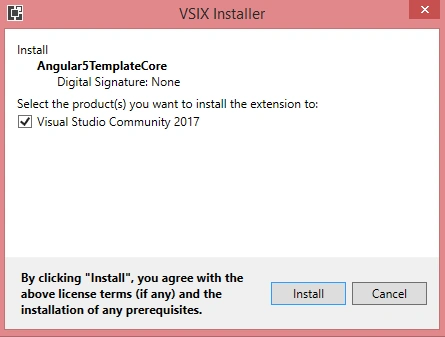
Once it is downloaded close the all the instances of the Visual Studio and install the template.
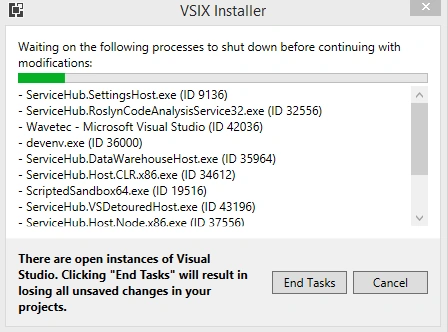
If installation file finds any open Visual Studio instances it will stop the installation and ask us to click on “EndTask”, by clicking , it will close the all the instances of Visual Studio.
Once after closing the VS instances it continues to install the template.
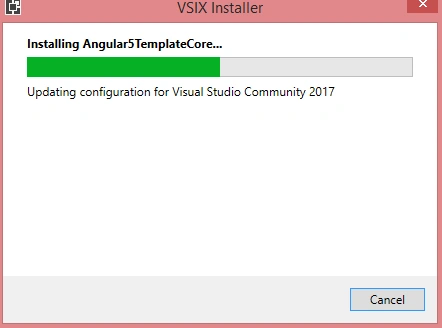
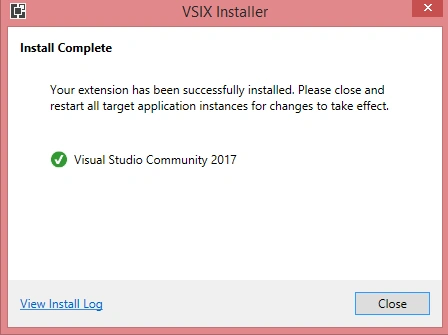
Once it completes the installation click on Close button.
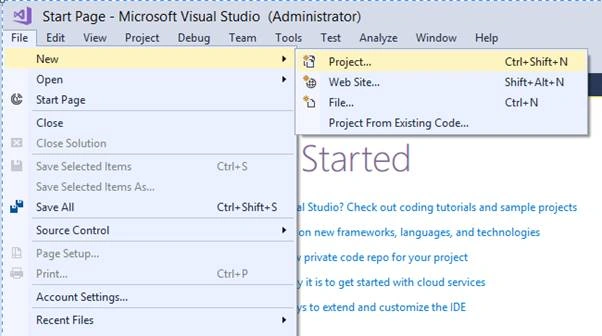
Now open Visual Studio 2017, go to New->Project
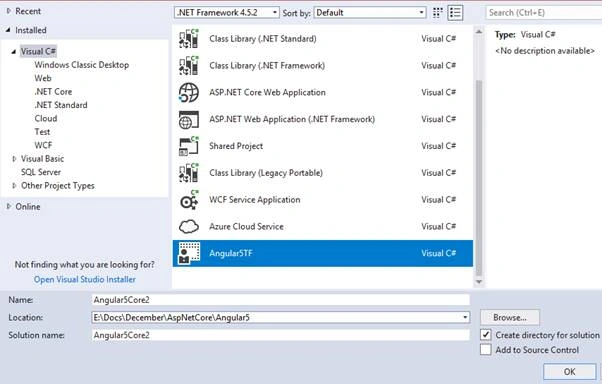
Select Visual C# in left menu and select “Angular5TF” template. It should be available by now since we installed this template in a previous step.
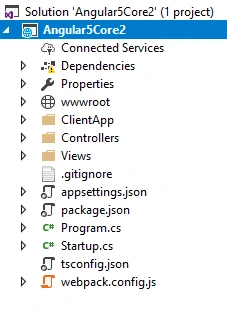
Select the project location, project name and solution name, click “OK” button, it will create a Angular 5 with .net core 2.0 project solution.
Build the solution and run the application by pressing F5. We may get the below error if “vendor-manifest.json” file is missing from /ClientApp/dist folder.
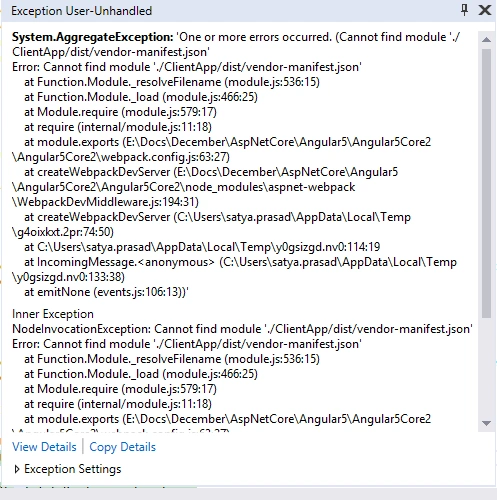
It’s available in below github location.
https://github.com/satyainumarthi/Angular5AspNetCore2/tree/master/Angular5Core2/ClientApp/dist
Download vendor-manifest.json file .
open ClientApp/dist folder. It looks like one in below

Paste the copied file in this location, now it should contain that file as shown below.
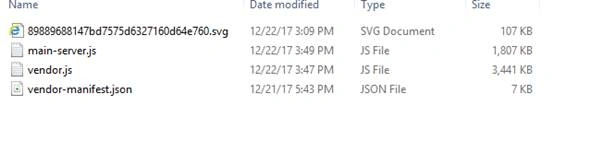
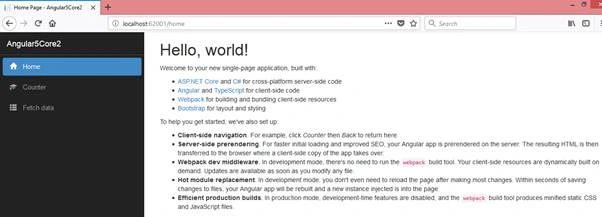
Now run the application, if we see the below screen up and running with Angular 5 and .net core 2.0, it means initial setup has done properly and we can start our implementation from this boiler plate.
Boncho ValkovPosted Apr 25, 2018, 6:09 AM
Download angular templates for visual studio, using systemjs and gulp:https://asptemplatestack.com/Templates/GetAll?id=17
Asad NaeemPosted Apr 14, 2018, 3:24 PM
Hi,Thanks for sharing the great post. I tried to publish the project with File System but it is giving error. In error window: The command "node node_modules/webpack/bin/webpack.js --env.prod" exited with code 1. and pop up is also appeared as well with this error: Title: Publish failed Error: Publish has encountered an error. Publish failed due to build errors. Check the error list for more details. A diagnostic log has been written to the following location: and this is the log from file: 4/14/2018 11:33:55 PM System.AggregateException: One or more errors occurred. ---> System.Exception: Publish failed due to build errors. Check the error list for more details. --- End of inner exception stack trace --- at System.Threading.Tasks.Task.ThrowIfExceptional(Boolean includeTaskCanceledExceptions) at System.Threading.Tasks.Task.Wait(Int32 millisecondsTimeout, CancellationToken cancellationToken) at Microsoft.VisualStudio.Web.Publish.PublishService.VsWebProjectPublish.<>c__DisplayClass40_0.<PublishAsync>b__2() at System.Threading.Tasks.Task`1.InnerInvoke() at System.Threading.Tasks.Task.Execute() --- End of stack trace from previous location where exception was thrown --- at System.Runtime.CompilerServices.TaskAwaiter.ThrowForNonSuccess(Task task) at System.Runtime.CompilerServices.TaskAwaiter.HandleNonSuccessAndDebuggerNotification(Task task) at Microsoft.VisualStudio.ApplicationCapabilities.Publish.ViewModel.ProfileSelectorViewModel.<RunPublishTaskAsync>d__88.MoveNext() ---> (Inner Exception #0) System.Exception: Publish failed due to build errors. Check the error list for more details.<--- ===================
Vishesh MahalePosted Mar 27, 2018, 11:06 PM
Nice Post, I have done all the work correctly but while publishing I am getting the error.Can you please help me in publishing the app.
Neel BhattPosted Jan 4, 2018, 4:54 AM
Nice Post. I have also written step by step post for Angular 5 in Visual Studio 2017 here: https://neelbhatt40.wordpress.com/2017/12/21/create-angular-5-application-using-net-core-2-0-template-in-visual-studio-2017/
Raj KumarPosted Jan 3, 2018, 12:25 PM
Good post..looking more from you on angular 5
Manav PandyaPosted Jan 3, 2018, 3:21 AM
Nice share .............