

Workflow Manager is a multi-tenant host for running and managing Windows Workflow Foundation workflows, supporting high-scale and high-density execution. The service builds on the Windows Workflow Foundation programming model, runtime and activity library in the .NET Framework. You can read more about the Workflow Manager here: http://msdn.microsoft.com/en-us/library/jj193528(v=azure.10).aspx.
Download the Workflow Manager Installer from the Download link and follow the instructions.
Download Cumulative Update for Workflow Manager 1.0
Download Workflow Manager Tools 1.0 for Visual Studio 2012 installation
Prerequisites
The following prerequisites are needed for the Workflow Manager:
- An instance of SQL Server 2008 R2 SP1, SQL Server Express 2008 R2 SP1, or SQL Server 2012.
- TCP/IP connections or named pipes must be configured in SQL Server.
- Windows Firewall must be enabled.
- Ports 12290 and 12291 must be available.
Software Requirements
- Operating Systems
- Windows Server 2008 R2 SP1 x64 / 2012 x64
- Windows 7 SP1 x64 and Windows 8 x64 (not supported for production purposes)
Database
- SQL Server 2012 / 2012 Express edition
- SQL Server 2008 R2 SP1 / Express Edition
.NET Version: NET 4 Platform Update 3, .NET4.5
PowerShell 3.0
You can read more from the following MSDN links:
Installation
1. Run the installer exe.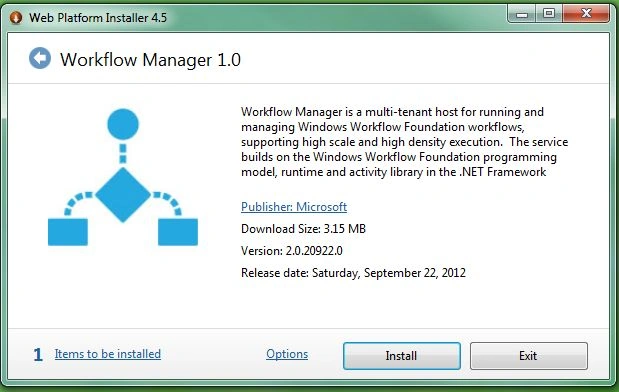
2. Click on the "Install" Button.
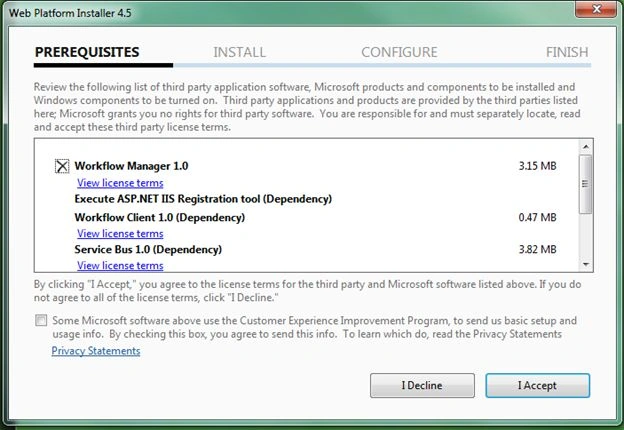
3. Review the Prerequisites and Accept.
The following prerequisites will be installed:
- NET Framework 4 Platform Update 3 or .NET Framework 4.5
- Service Bus 1.0
- Workflow Client 1.0
- PowerShell 3.0
4. Wait for the installation to complete.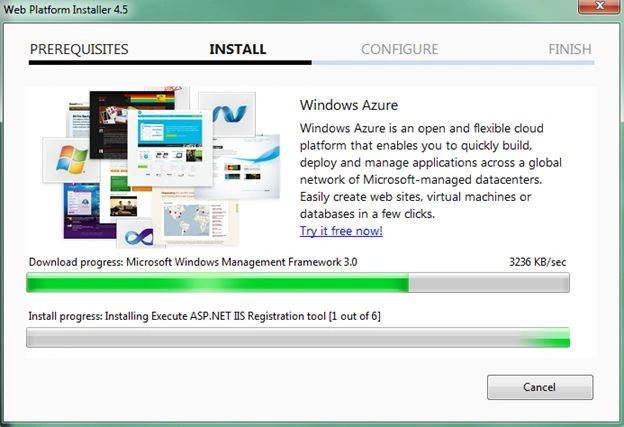
5. Restart the system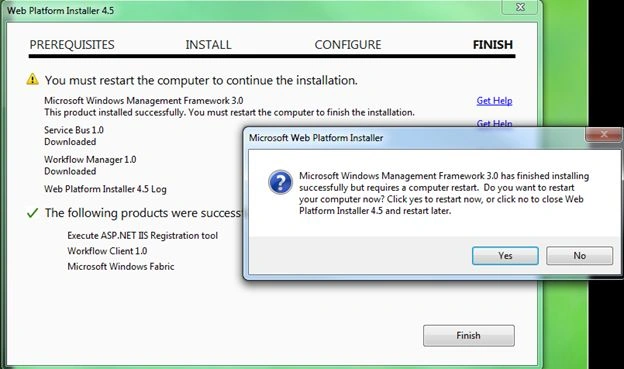
6. After restarting the system it will complete the installation and then it is ready for configuration.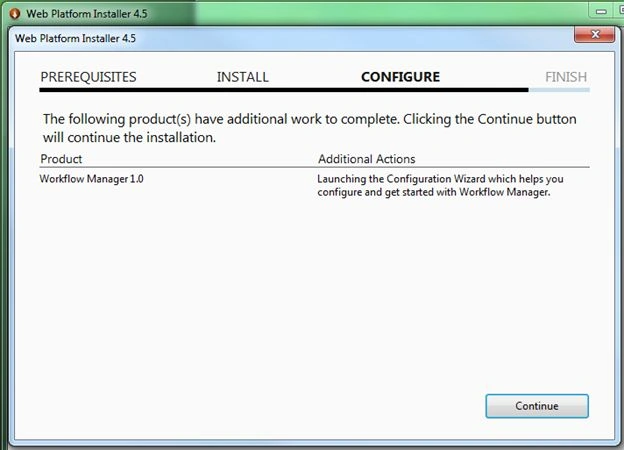
7. Click "Continue"; it will launch the Configuration Screen and Installation Wizard Completion screens.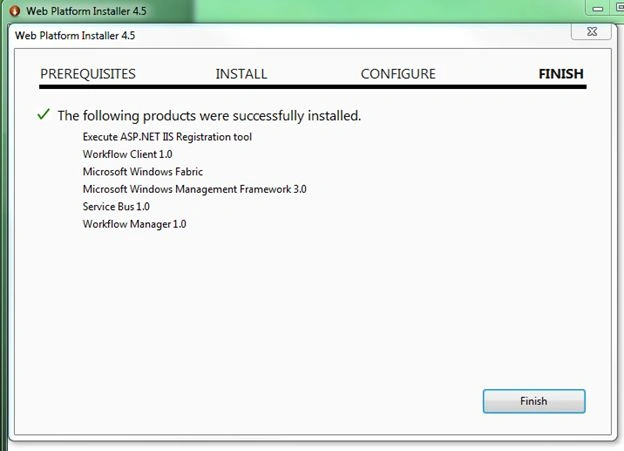
8. Click on Finish to verify the completion.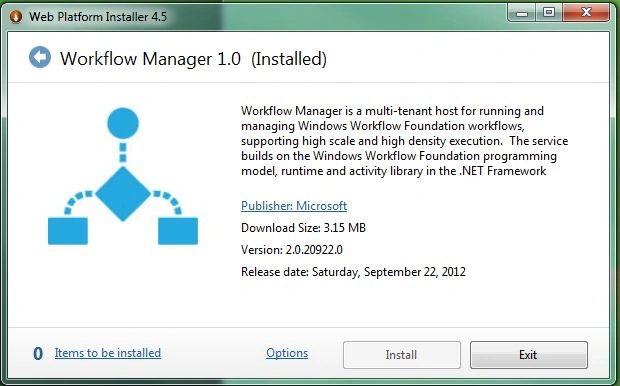
Join the conversation! Your thoughts help the community grow.