

Introduction
This article will help you to install Hadoop on your Ubuntu machine.
To surf some very basic articles look at the links below.
- What is a Distributed Computing Environment
- Why we need a Distributed Computing Environment and Hadoop Ecosystem
Requirements
Follow the below steps now.
Step 1
Open a new terminal and check if Java is installed on your machine or not.
Terminal – Ctrl + Alt + T
To find the Java Version:
Command
java -version

So here we have the Java runtime environment on our machine.
Step 2
Create a user to install Hadoop in your machine. To create a user you should be in a root account.
Login with root account: su
Enter the password of the account after giving su

For creating a new user: adduser username
(in my case i will name it as hadoop)
Enter the password for the new user. Enter once again to confirm the user. Enter the full name for the user. Enter the room number, work phone, home phone, and other information. Give confirmation once again by giving Y.
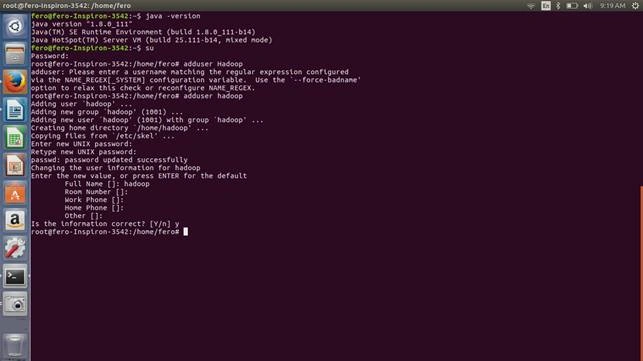
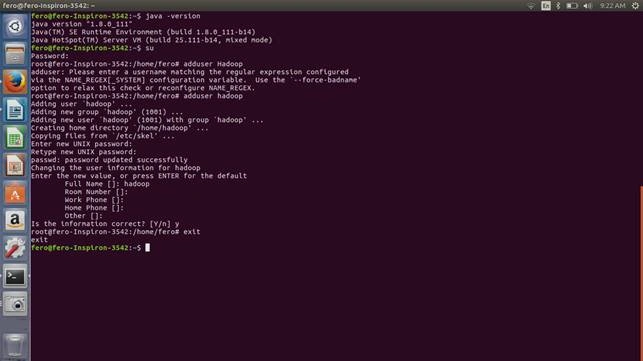
And now you can exit from the root account using exit command.
Click on settings at the top right corner you can find the username over there. And now we are in a new user account of Hadoop.
You can also check whether Hadoop is installed on your machine or not by using the below command:
hadoop -version
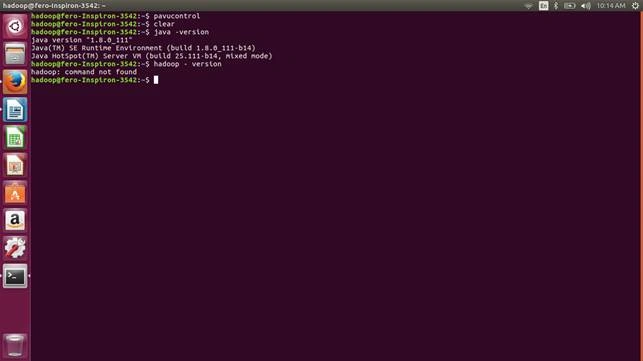
Open a terminal and check the Java version now using the below command:
Command
java -version
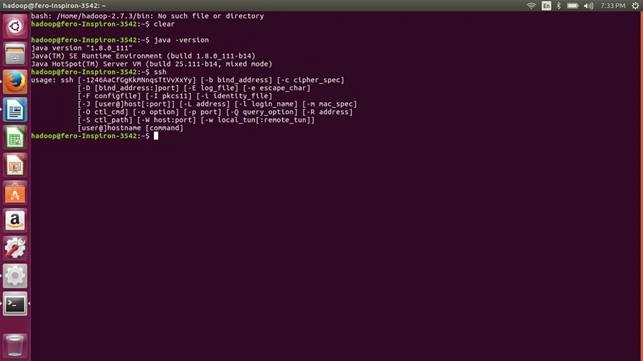
Install SSH
SSH – ssh is a client program added; it's a command that we will be using in Linux to connect with remote machines.
Next we need sshd which will be running on the server and will allow clients to connect to the server.
Use the below command to install ssh:
Note
you should be a root user
Command
sudo apt-get install ssh
Create and Setup SSH Certificates
Hadoop need SSH to connect to its local host and nodes. So here we will be allowing SSH to run on the machine with public key authentication. SSH normally needs a password to access its node, here we will be removing it by providing a SSH certificate using the below commands.
Command
ssh-keygen -t rsa -P ""
Note
Leave the file name blank over here.
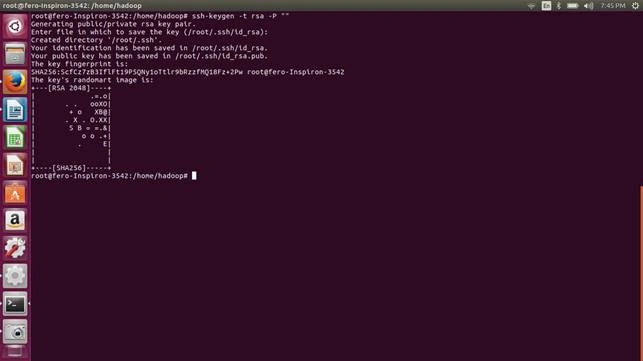
Use the below command now to list out the newly created keys so that hadoop will not ask for any keys further.
Command
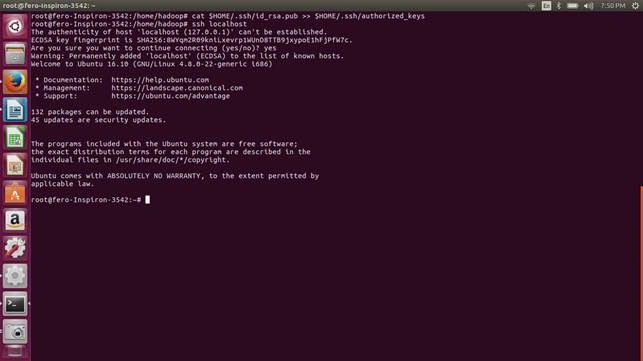
cat $HOME/.ssh/id_rsa.pub >> $HOME/.ssh/authorized_keys
You can now check if the SSH Key works with the help of the below command:
Command
ssh localhost
Give “Yes” for connecting.
Installing Hadoop
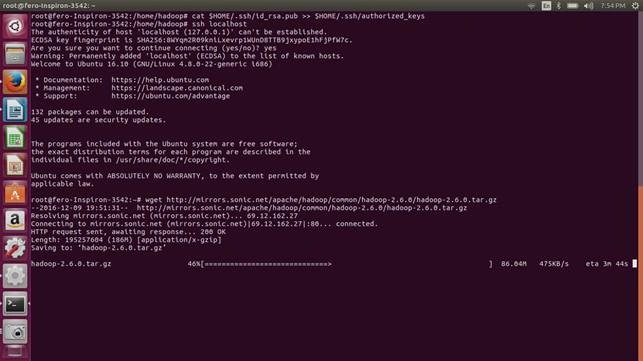
Now install Hadoop using the below command, this will download Hadoop to your machine.
Commands
:~$ wget http://mirrors.sonic.net/apache/hadoop/common/hadoop-2.6.0/hadoop-2.6.0.tar.gz
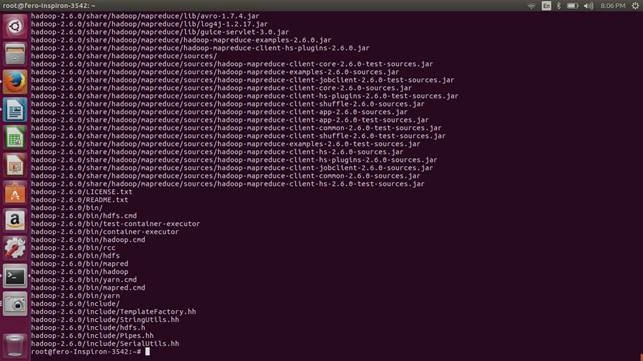
:~$ tar xvzf hadoop-2.6.0.tar.gz
Hadshana KamalanathanPosted Jul 19, 2018, 1:03 AM
Thanks for your appreciation.
Reshwanth SPosted Oct 15, 2017, 9:46 AM
Thank you sir for giving the information
vivek joshiPosted Dec 12, 2016, 8:30 AM
Are you sure without node configuration and path configuration , this setup will work? Also it is single node setup. Can you please share multi node cluster configuration of hadoop.?
Thiruppathi RPosted Dec 12, 2016, 12:23 AM
Nice one, can you share for Windows installation