
Introduction
The <a> tag defines an anchor. The HTML <a> tag
is used for creating a hyperlink to another web page. The <a> tag is supported in all major browsers. All HTML links are created with the <a> tag. You can also use JavaScript to create links, but you'd only do this if you're trying to do something more complicated than HTML can handle.
An anchor can be used in two ways:
1. To create a link to another document, by using the href attribute.
2. To create a bookmark inside a document, by using the name attribute.
2. To create a bookmark inside a document, by using the name attribute.
Attributes
There are 3 kinds of attributes that you can add to your
HTML tags: Element-specific, global, and event handler content attributes. The attributes that you can add to this tag are listed below.
Element-Specific Attributes
Attributes Introduced by
HTML5
| Attributes | Description |
| href | Specifies the destination of the target URL. |
| target | Specifies where to open
the target URL.
Possible values:
|
| rel | Specifies the relationship between the current document and the target URL. |
| media | Specifies what media/device the target URL is optimized for. Default value: all |
| hreflang | Specifies the language of the target URL. |
| type (New) | Specifies the MIME type of the linked resource. Only to be used when the href attribute is present. |
Attributes not Introduced by
HTML5
| Attributes | Description |
| rev | Not supported in HTML5. |
| shape | Not supported in HTML5. |
| name | Not supported in HTML5. |
| charset | Not supported in HTML5. |
| coords | Not supported in HTML5. |
Global Attributes
|
HTML5
Global Attributes
|
||
| accesskey | draggable | style |
| class | hidden | tabindex |
| dir | spellcheck | |
| contenteditable | id | title |
| contextmenu | lang | |
Event Handler Content Attributes
Event handler content attributes enable you to invoke a
script from within your HTML. The script is invoked when a certain "event"
occurs. Each event handler content attribute deals with a different event.
Here are the standard HTML 5 event handler content
attributes.
| onabort | onerror* | onmousewheel |
| onblur* | onfocus* | onpause |
| oncanplay | onformchange | onplay |
| oncanplaythrough | onforminput | onplaying |
| onchange | oninput | onprogress |
| onclick | oninvalid | onratechange |
| oncontextmenu | onkeydown | onreadystatechange |
| ondblclick | onkeypress | onscroll |
| ondrag | onkeyup | onseeked |
| ondragend | onload* | onseeking |
| ondragenter | onloadeddata | onselect |
| ondragleave | onloadedmetadata | onshow |
| ondragover | onloadstart | onstalled |
| ondragstart | onmousedown | onsubmit |
| ondrop | onmousemove | onsuspend |
| ondurationchange | onmouseout | ontimeupdate |
| onemptied | onmouseover | onvolumechange |
| onended | onmouseup | onwaiting |
Creating a Basic HTML Link
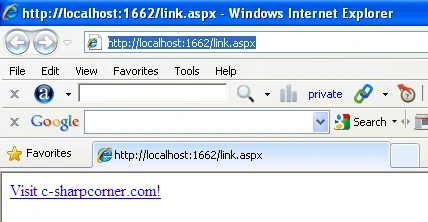
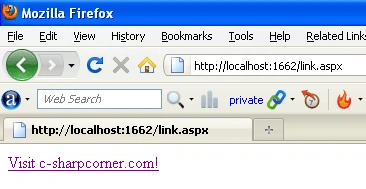
Href- Specifies the destination
of the target URL.
- <!DOCTYPE HTML>
- <html>
- <body>
- <a href="http://www.c-sharpcorner.com/">Visit c-sharpcorner.com!</a>
- </body>
- </html>
Internet Explorer
FireFox
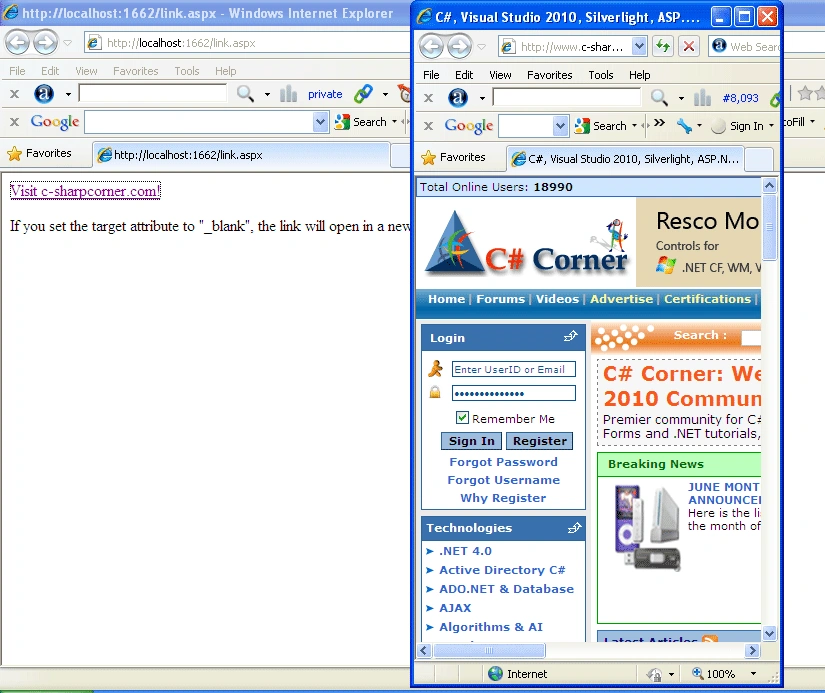
Open link in new window
target -
Specifies where to open
the target URL.
Possible values:
_blank- _blank
opens the URL in a new browser window
_self- _selfLoads the URL in the current
browser window.
_top- _top
loads the URL into the parent frame (still within
the current browser window). This is only applicable when using frames.
_parent- _parent
loads the URL in the current browser window, but canceling out any
frames. Therefore, if frames were being used, they aren't any longer.
_blank- If you set the target attribute to "_blank", the
link will open in a new browser window or a new tab.
- <!DOCTYPE HTML>
- <html>
- <body>
- <a href="http://www.c-sharpcorner.com/" target ="_blank">Visit c-sharpcorner.com!</a>
- <p>If you set the target attribute to "_blank", the link will open in a new browser window or a new tab.</p>
- </body>
- </html>
Internet Explorer
Creating image link
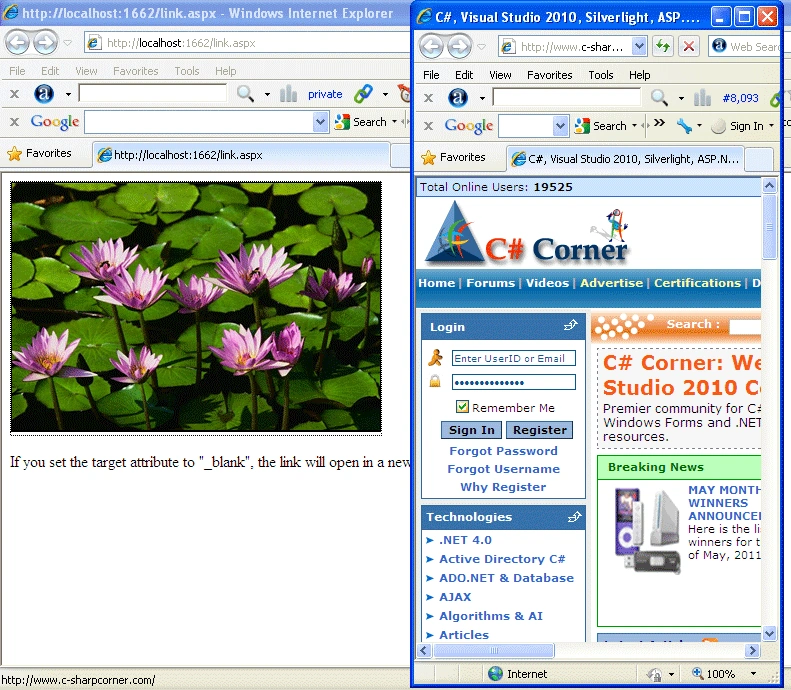
The below html code defines how to create a
image link.
- <!DOCTYPE HTML>
- <html>
- <body>
- <a href="http://www.c-sharpcorner.com/" target ="_blank">
- <img src="Water%20lilies.jpg" width="368" height="247" border="2"
- style="border:2px solid black;" alt="Photo of Milford Sound in New Zealand!" />
- </a>
- </a>
- <p>If you set the target attribute to "_blank", the link will open in a new browser window or a new tab.</p>
- </body>undefined</html>
Now click on the image.
Internet Explorer
Creating Email Link
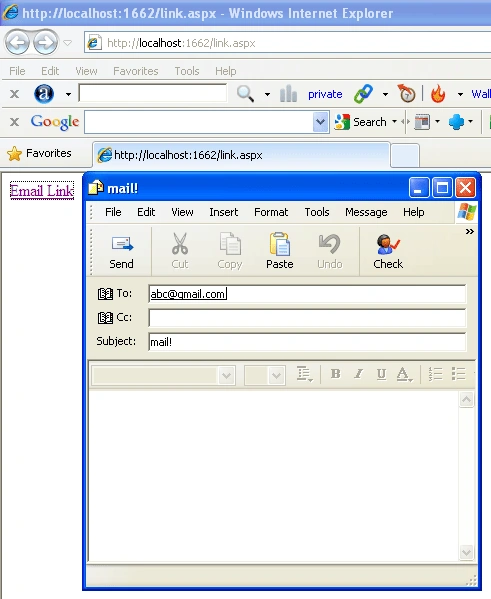
The following code creates an email link - when your users click
on the link, the browser should open the default email client with the "to" and
"subject" fields already populated.
- <!DOCTYPE HTML>
- <html>
- <body>
- <a href="mailto:[email protected]?subject=mail!">Email Link</a>
- </body>
- </html>
Now click on the link.
Internet Explorer
Creating CSS Hyperlinks
Hyperlinks with no underline
- a:link { text-decoration: none }
- a:hover { text-decoration: none }
- Cursor effects
- a:hover { cursor:help }
For example
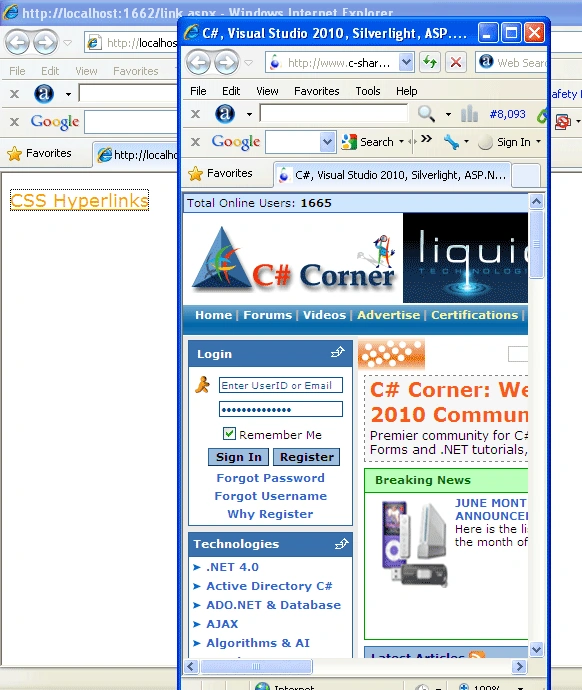
In this example we will see that hyperlink will
be display green when we move mouse over link color will be orange and we click
on the hyperlink color will be red.
- <!DOCTYPE HTML>
- <html>
- <head>
- <style type="text/css">
- a {font-family:Verdana, "Times New Roman", Times, serif;font-size:large;cursor: auto}
- a:link {color:Green;}
- a:visited {color:Orange;}
- a:hover {text-decoration: none; color: #ff9900; font-weight:bold;}
- a:active {color: #ff0000;text-decoration: none}
- </style>
- </head>
- <body>
- <p>
- <a href="http://www.c-sharpcorner.com/" target="_blank">CSS Hyperlinks</a>
- </p>
- </body>
- </html>
Internet Explorer
Shalini JunejaPosted Aug 22, 2011, 4:17 AM
Good Article Valon........
Eddie JackPosted Aug 22, 2011, 4:11 AM
Good work. thanks