

Introduction
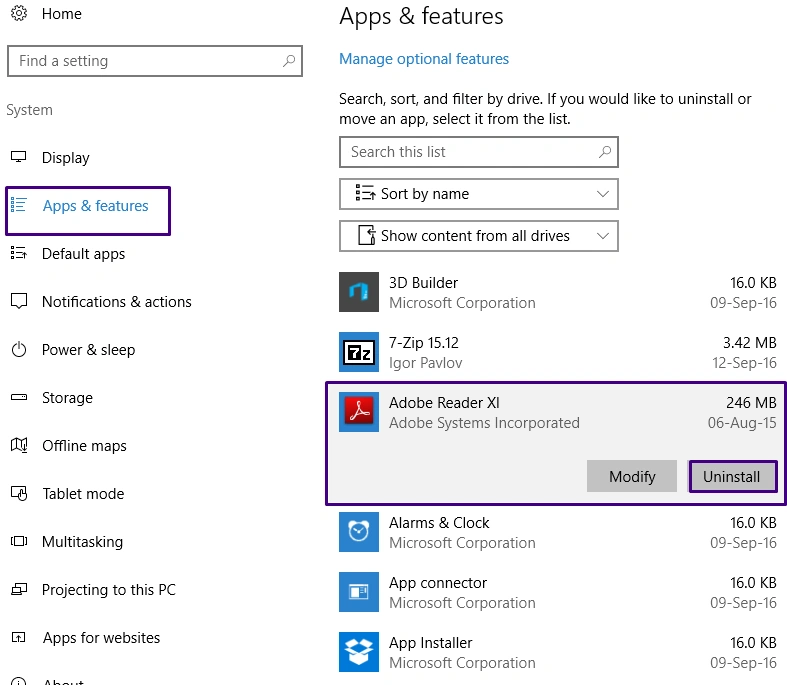
In Microsoft Windows 10, you can uninstall those applications which are not used for a long time and you expect them to not be used for a long time. If any app does not work properly, then you can also uninstall this. In Windows 10, you can uninstall an app in two different ways.
In the first method, you can uninstall the program normally. First, go to the Start menu.
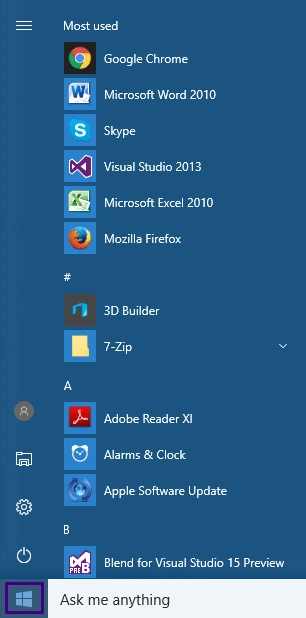
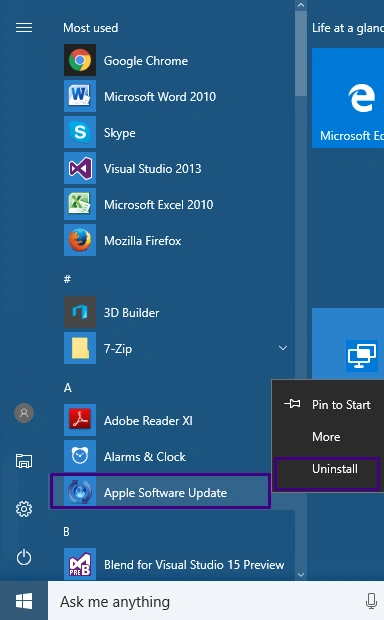
Now, select any app that you want to uninstall. Right-click on the app and select the "Uninstall" option.
Second Method
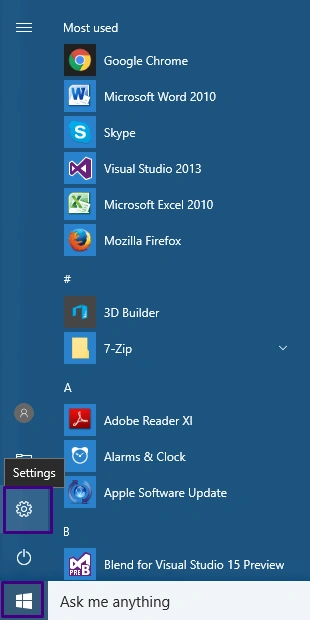
First, go to Start menu >> Setting.
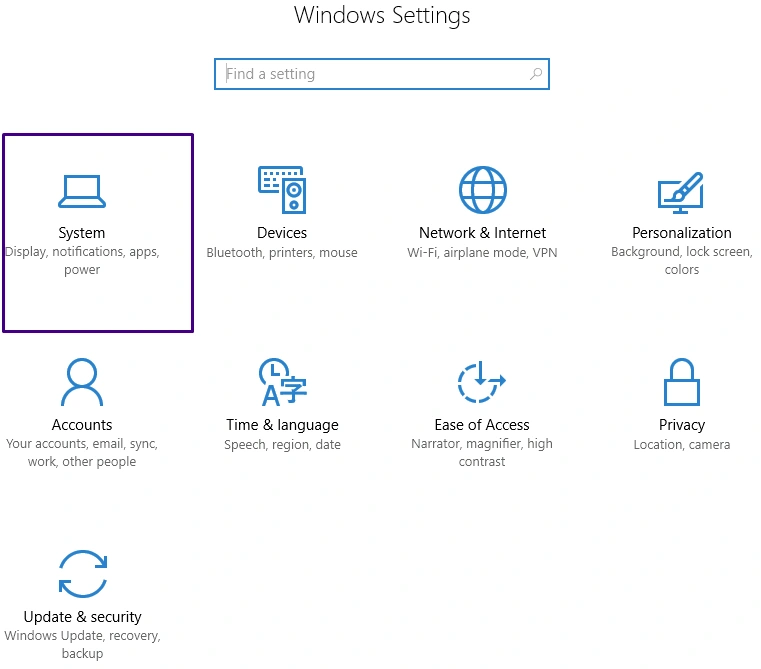
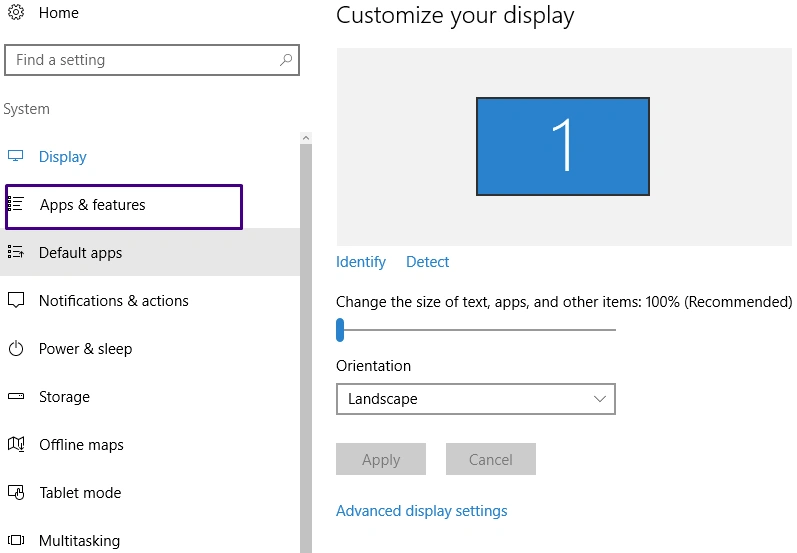
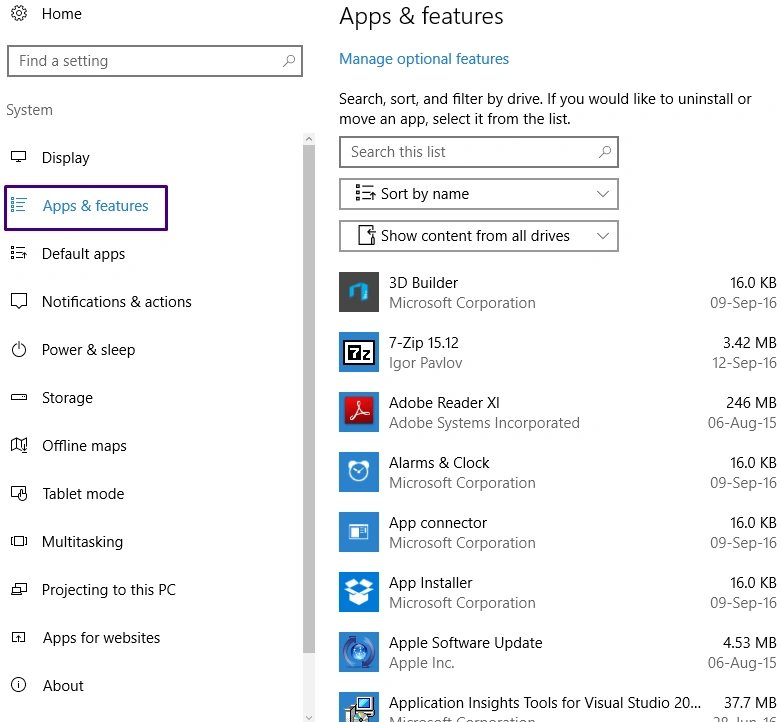
In the System dialogue box, select the " Apps and features" tab from the left pane.
SubashPosted Sep 23, 2016, 6:38 AM
Thanks for share
Gareth BradleyPosted Sep 22, 2016, 11:41 AM
You can right click on an app as well from the Start Menu and select Uinstall from the context menu.