

- Document sets can share the same metadata.
- Versioning the document set instead of the separated documents.
- Initiate workflows for the whole document set.
- Document set level permission management.
- Customizable Welcome Page for all document set.
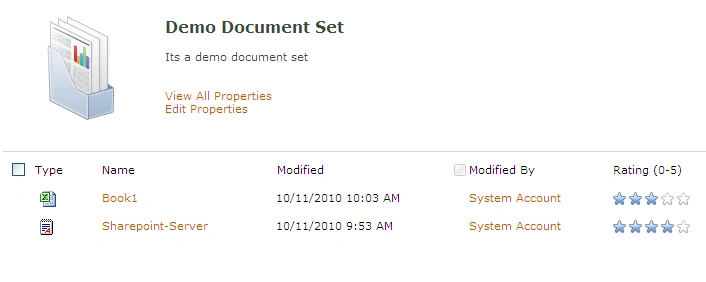
Below are the steps to activate the Document set
1. Go to the Manage Site Collection Features page and activate the Document Sets feature.
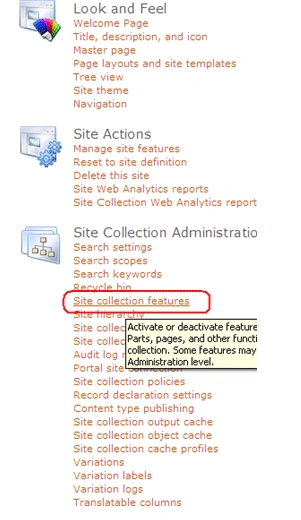
2.

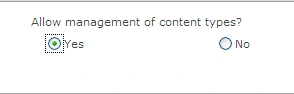
3. Go to the Document Library's setting page and choose Advanced Settings. Turn on the allowing of content management.
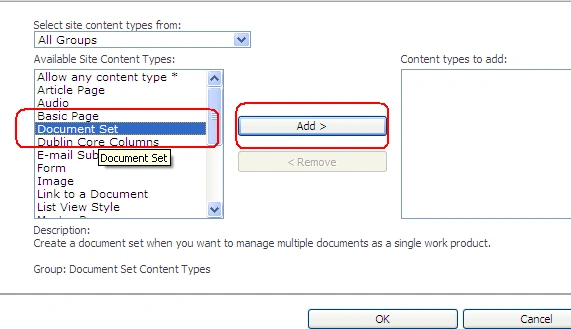
4. Add the Document Set content type to your library.
jibin koshyPosted Nov 21, 2010, 8:51 AM
Plz give more examples on this