

Compute Engine
Compute Engine offers scale, performance, and value that allows you to easily launch large compute clusters on Google’s Infrastructure.
Prerequisites
- Google Cloud account and Subscriptions.
- Chrome RDP Desktop Extension
Step 1
Log in to here.
Step 2
Create a virtual machine.
In the GCP infrastructure, go to Compute Engine > VM instances, then click Create.
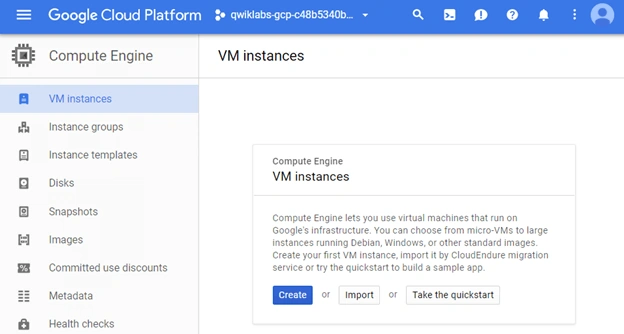
In the Boot disk section, Change to begin configuring your boot disk.
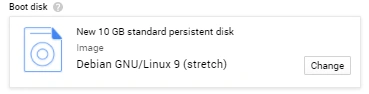
Select Windows Server 2012 R2 Datacenter, then Select. Have all other settings at their defaults.
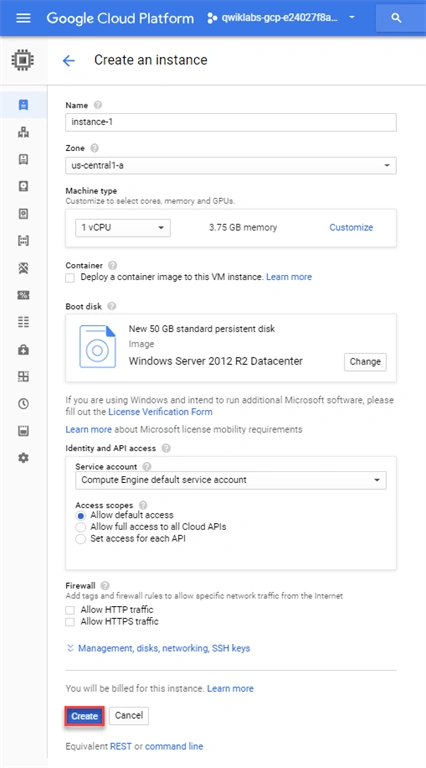
Click Create.
Step 3
Open the Google Cloud Shell (It provides command-line resources in GCP)
In the GCP platform, on the top right side corner, click the Open Cloud Shell button.
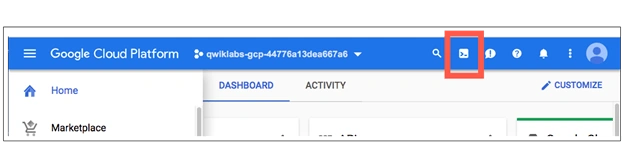
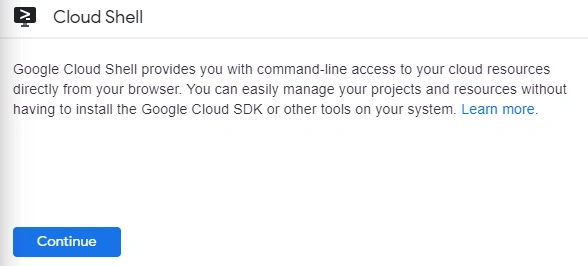
Click Continue.
Step 3
Test the status of windows Startups.
To see whether the server is ready for an RDP connection, run the following command at your Cloud Shell terminal command line,
gcloud compute instance get-serial-port-output instance-1 –zone us-centrall-a
then, it will show the output:
Finished running startup scripts.
Step 4
Connect the Created Instance.
Click the name of created virtual machine instance.
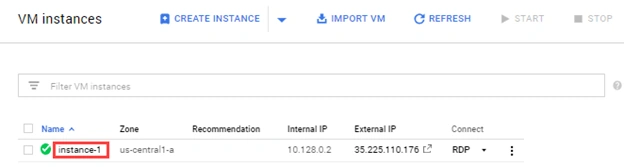
Under the Remote Access section, click the Set Windows Password button.

Username will be generated.
Click Set windows password.
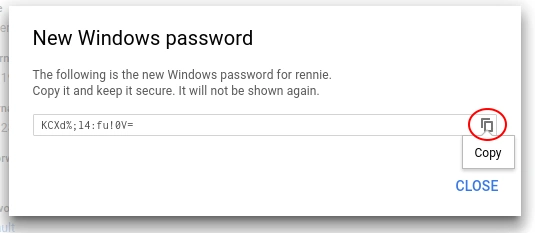
To Copy the windows password.
Step 5
Remote desktop into the windows server.(RDP).
RDP is directly from the browser using Chrome RDP extension.
Then, Click RDP
Step 6
Once you install a RDP extension then, GCP opens a login page.
Login to your credentials, paste in the password you saved earlier on GCP.
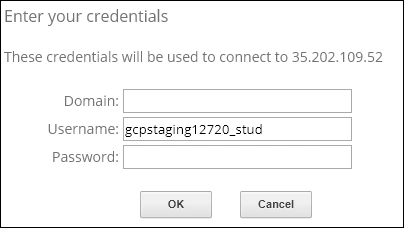
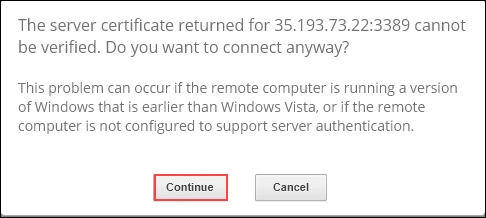
Click Continue to connect.
Output
Then, you see a new window of a virtual machine.
Conclusion
That’s all. We have learned to create and run the virtual machines on the Cloud Infrastructure. I hope you understood how to create a virtual machine on a Google cloud platform.
Join the conversation! Your thoughts help the community grow.