

Introduction
In this article, I walk through a small intro about GCP SQL Databases and how to create a PostgreSQL server in GCP SQL
How to create PostgreSQL in GCP SQL
Let’s start with how to create a PostgreSQL Server in GCP SQL
Before starting, log into your GCP Account
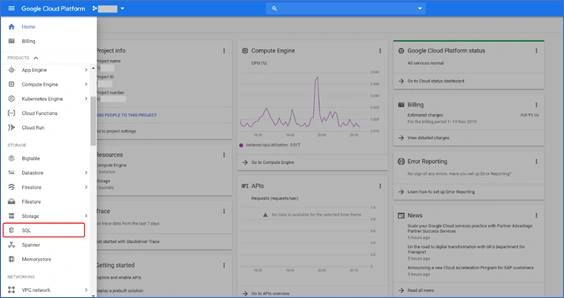
To create a PostgreSQL Databases Server→ Click SQL in the Google services Pane
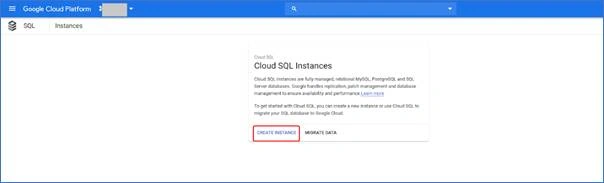
To Create a SQL Instance → Click CREATE INSTANCE
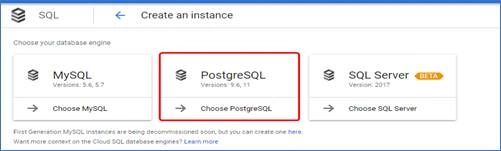
Choose which database you want → Click PostgreSQL
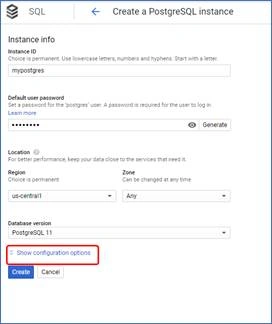
Fill the Configuration Details,
Instance ID: - Give the name for the instance
Set Password
Select the Region nearby you
Select the version of the Database server.
Click the Show Configuration options to configure more details.
Expand the Configuration details
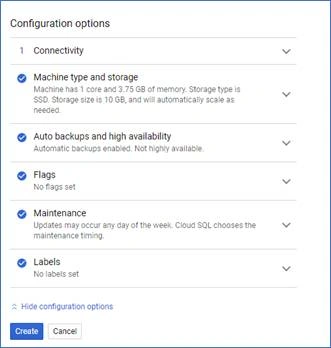
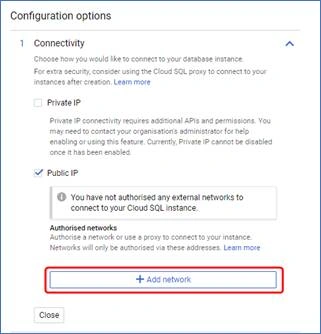
Click Connectivity → By default, the instance can’t access from the outside or external networks; to access the instance, allow the particular IP or Public access to the instance. Click + Add a network
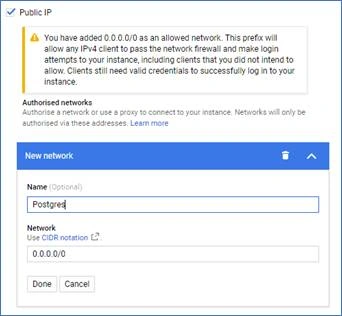
By giving 0.0.0.0/0 in the network it will allow all IPv4 IPs, we can access the instance from anywhere.
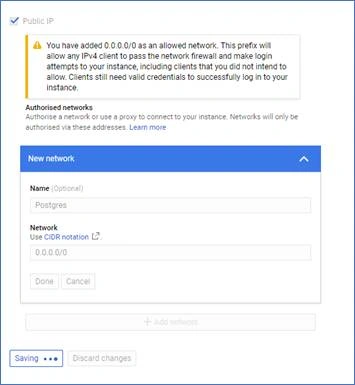
You can see that it was saving.
To communicate with additional resources and the API → enable Private IP and select Associated network (VPC network which you created or select the default).
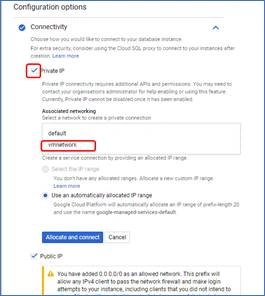
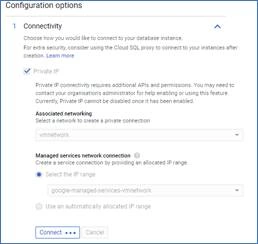
You can see it was saving the details to connect
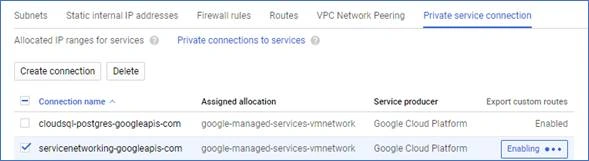
You can also check Private connections by clicking VPC 🡪 VPC Peering
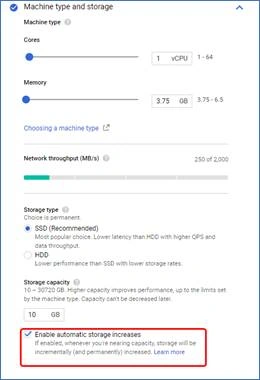
Select Machine type and storage (core and memory)
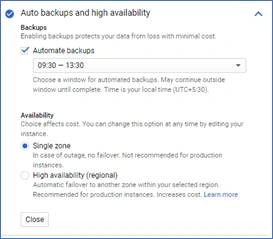
If you are going to test and practice the instance select single zone
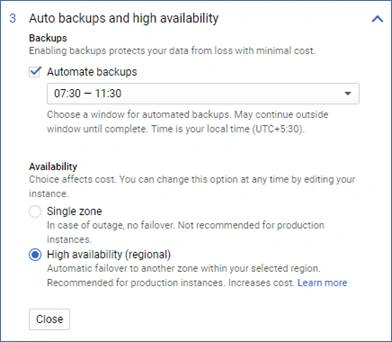
If it is a production environment. Select the High availability, it will increase the cost.
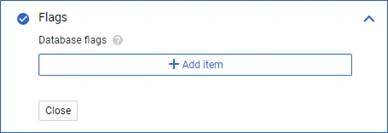
Click to Add the item to add database flags
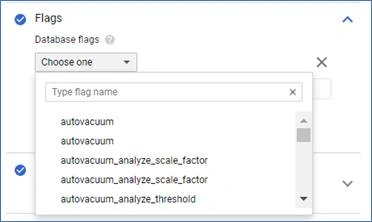
Choose any one of the flags, if required.
.
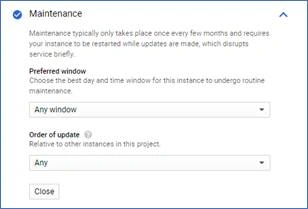
GCP will update the Database every few months, so GCP offers us to select the day and time to restart your database it will not take more time. So, select the day and time if your database is in production.
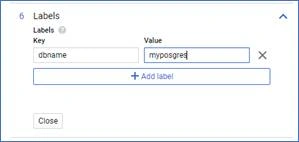
Give the key value to your reference in the labels tab
Click create to create the database
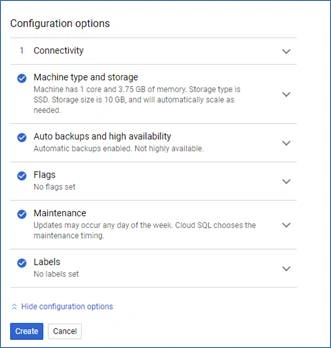
GCP creating PostgreSQL server below:

Success! PostgreSQL server was created successfully.

You can see the details and overview of the created PostgreSQL.
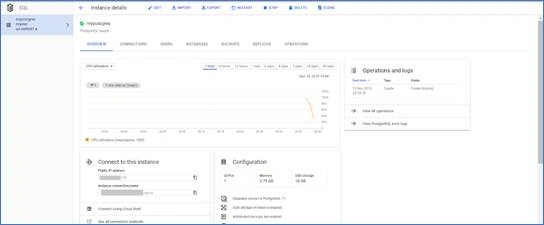
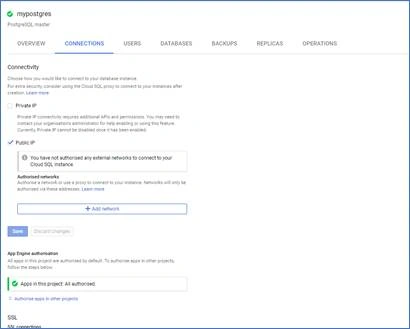
By clicking Connections, you can see the connection details, and you can also see the database has been authorized to communicate with GCP App Engine.
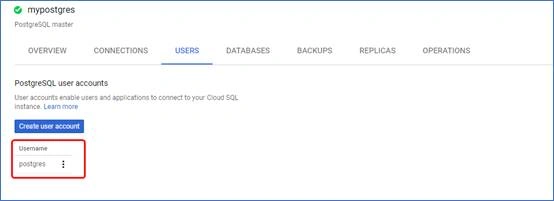
To access the created PostgreSQL server, we can create a user from here.
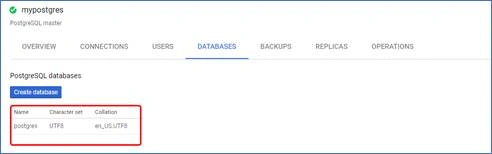
You can also create the database from here.
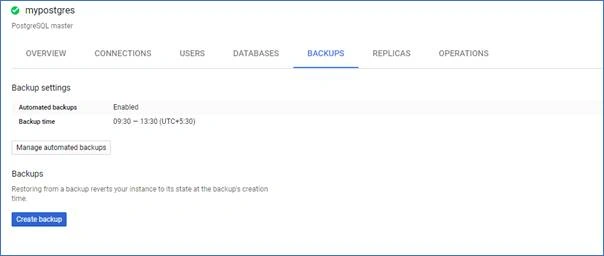
You can manage backups here.
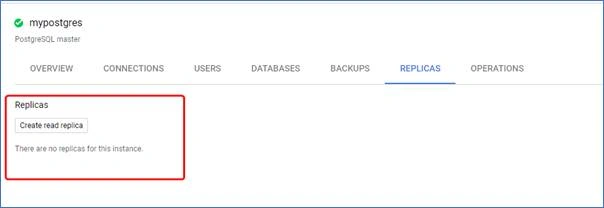
Also create a replica for this instance:
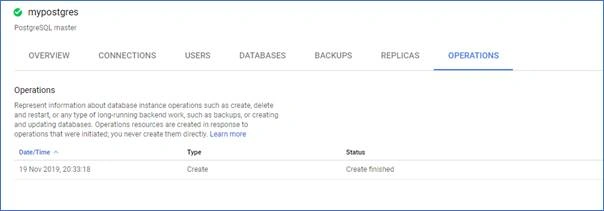
You can also have a look here to see the tasks that have been done:
I hope you enjoyed this article and that it was useful to you. If you like this article, please like and share.
Thanks for reading, and have a nice day!
Join the conversation! Your thoughts help the community grow.